osTicket IT Support Service Desk Lab
Practical IT Support & Service Desk Simulation
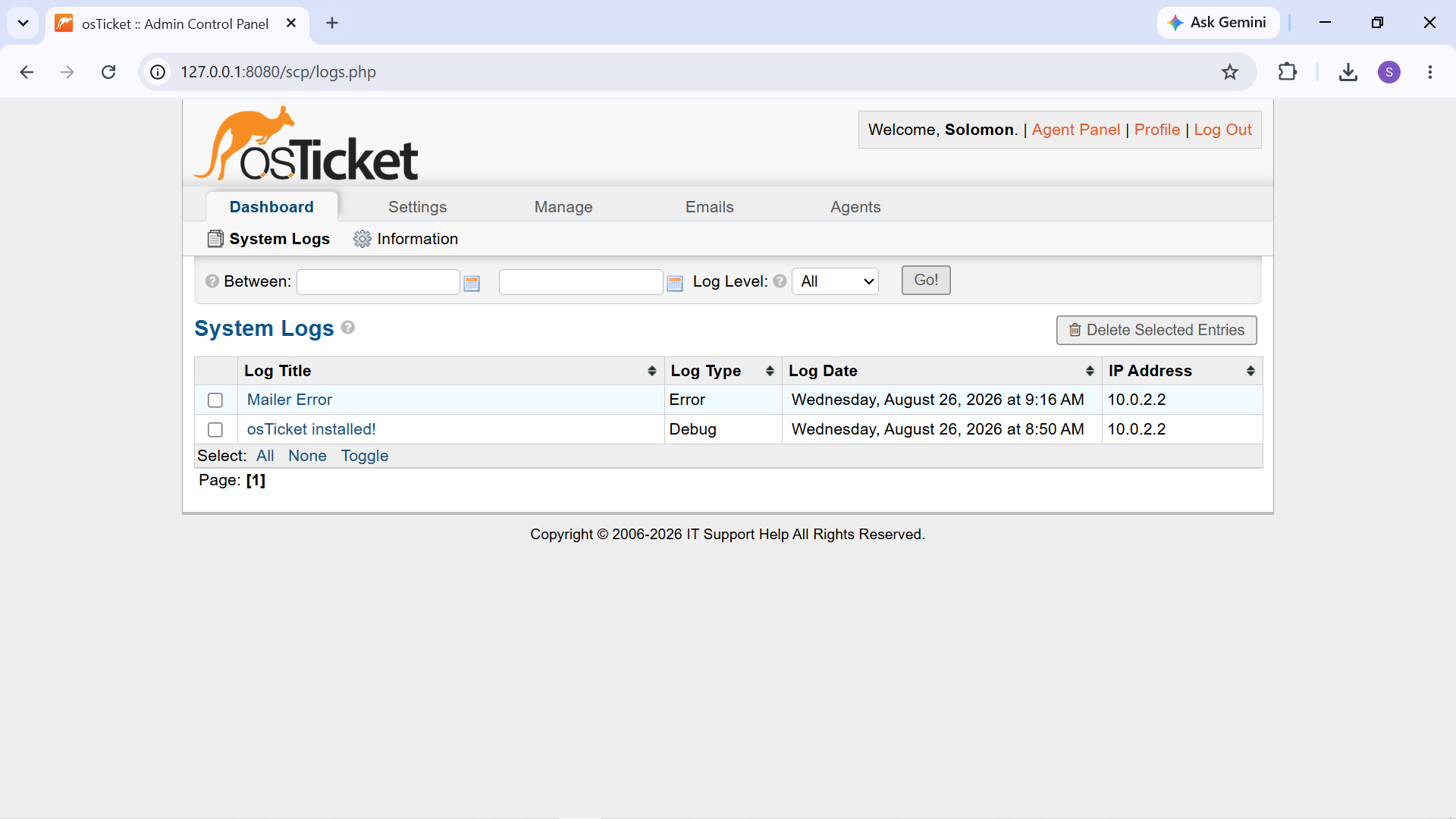
A hands on IT Support and Service Desk lab built around osTicket, an open source ticketing and help desk platform.
The project simulates a small organization's IT support environment and demonstrates the complete lifecycle of technical support requests — from ticket creation and triage through troubleshooting, resolution, documentation, customer communication, and closure.
The environment combines a Linux-based server with a Windows client workstation to create realistic, reproducible support scenarios.
Project Objectives
The project was designed to demonstrate practical skills in:
- IT Service Desk and ticket management
- Incident triage and prioritization
- Ticket assignment and ownership
- Windows desktop troubleshooting
- Network and DNS troubleshooting
- Software and application troubleshooting
- Windows privacy and permissions management
- Language and keyboard configuration
- Knowledge Base development
- SLA and Help Topic configuration
- Internal technical documentation
- Customer-facing communication
Lab Environment
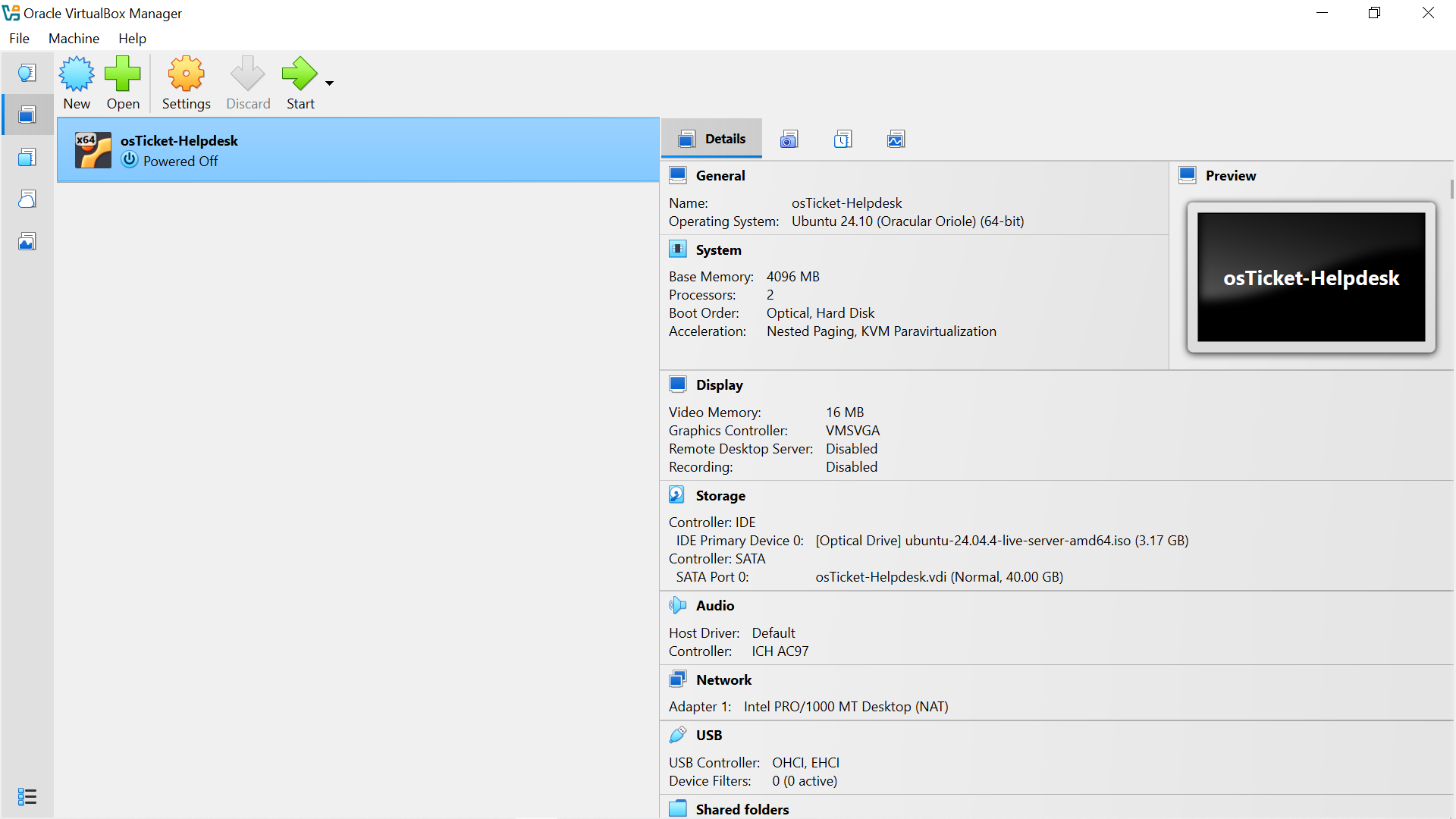
Component| Purpose VirtualBox| Virtualization platform Ubuntu Server| osTicket server operating system Apache| Web server MariaDB| Database backend osTicket| IT Service Desk / ticketing platform Windows workstation| End-user troubleshooting environment Git| Version control MkDocs + Material| Technical documentation platform GitHub Pages| Documentation hosting
Service Desk Workflow
The project simulated a Level 1 IT Support environment in which users submit technical issues through a web-based support portal.
Support agents then:
- Review incoming tickets.
- Assess the reported symptoms.
- Assign the ticket to the appropriate support agent. (if needed)
- Investigate the problem.
- Perform structured troubleshooting.
- Identify the likely cause.
- Apply an appropriate resolution.
- Verify the result.
- Document the technical work.
- Communicate the outcome to the user.
- Close the ticket.
This workflow was applied to multiple troubleshooting scenarios using issues that could be realistically reproduced and tested on a Windows workstation.
Practical Ticket Scenarios
Four support scenarios were completed:
Ticket| Scenario| Primary Skills
795308| Connected to Wi-Fi but No Internet Access| Network & DNS troubleshooting
354151| Black Screen After Login| Windows shell troubleshooting
582292| Zoom Microphone Access Issue| Application permissions
506980| Amharic Keyboard Layout Setup| Windows language configuration
Each scenario followed a structured troubleshooting process and included technical findings, resolution steps, verification, internal documentation, and customer communication.
Evidence Based Troubleshooting
A central principle of the project was:
Symptom → Investigation → Evidence → Diagnosis → Resolution → Verification
The project emphasizes using diagnostic evidence rather than immediately applying assumed fixes.
For example, during the Internet access investigation, the workstation's IP configuration, DNS resolution, and external connectivity were tested. The results showed that connectivity was functioning during the investigation, so no unsupported DNS or network configuration change was made.
Knowledge Base
The project also includes a Knowledge Base containing self-service troubleshooting resources for common Level 1 support issues.
The Knowledge Base demonstrates how recurring support problems can be converted into clear, user-friendly documentation that allows users to resolve simple issues themselves or identify when they should contact IT Support.
Project Outcome
The completed lab demonstrates the practical workflow expected from a junior IT Support, Help Desk, Service Desk, Desktop Support, or Technical Support technician in a controlled environment.
Rather than only configuring a ticketing system, the project focuses on using the system to manage, troubleshoot, document, communicate, verify, and close realistic technical support incidents.
Documentation
Use the navigation menu to explore the project:
- Project Overview — objectives and scope
- Lab Environment — server and workstation setup
- osTicket Configuration — Service Desk configuration
- Knowledge Base — self-service troubleshooting resources
- Ticket Scenarios — detailed incident investigations
- Service Desk Workflow — complete ticket lifecycle
- Skills Demonstrated — technical and Service Desk skills
- Lessons Learned — practical lessons from building the lab
- Conclusion — project summary and future improvements
Portfolio Focus
This project is intended to provide practical evidence of the following capabilities:
IT Support • Service Desk Operations • Windows Troubleshooting • Network Troubleshooting • DNS Diagnostics • Application Support • Ticket Management • User Support • Technical Documentation • Knowledge Base Management