Lab Environment
Overview
The IT Support Service Desk lab was built as a controlled virtual environment to simulate a small organization's internal technical support operation.
The environment separates the service desk server from the end user workstation, allowing support incidents to be investigated and reproduced without relying on a production system.
Environment Architecture
The lab consists of the following primary components:
┌──────────────────────────────┐
│       Windows Workstation    │
│                              │
│  End-user / Technician       │
│  Troubleshooting Environment │
└──────────────┬───────────────┘
               │
               │ Network
               │
┌──────────────▼───────────────┐
│       VirtualBox             │
│                              │
│  ┌────────────────────────┐  │
│  │ Ubuntu Server VM       │  │
│  │                        │  │
│  │ Apache                 │  │
│  │ PHP                    │  │
│  │ MariaDB                │  │
│  │ osTicket               │  │
│  └────────────────────────┘  │
└──────────────────────────────┘
Virtualization Platform
VirtualBox was used to create and manage the Ubuntu Server virtual machine.
Using a virtual machine provided an isolated environment for installing and configuring the service desk application without modifying the host operating system's core configuration.
The VM was configured specifically for the osTicket service desk project.
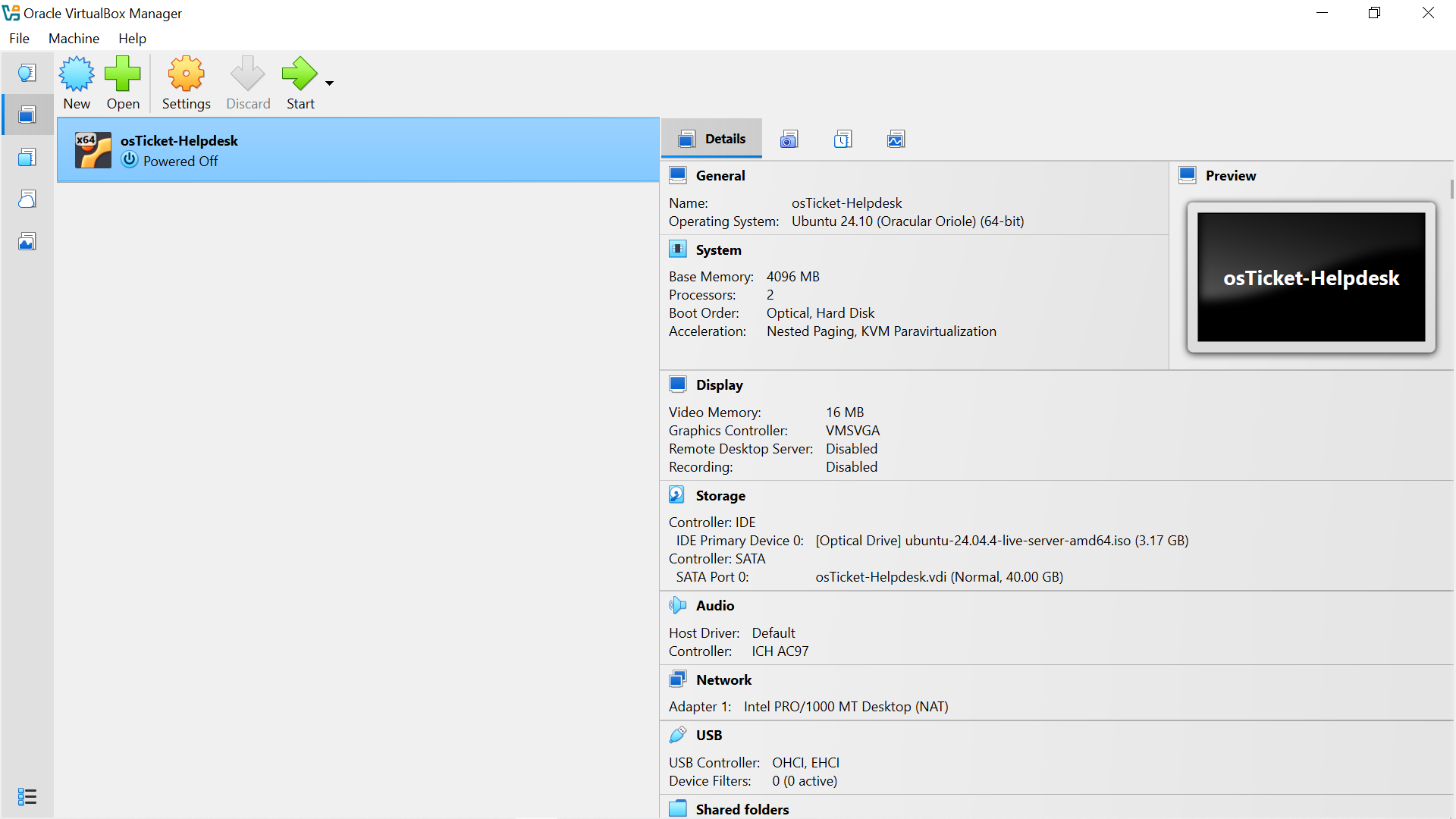
The osticket server virtual machine configured in VirtualBox.
Server Operating System
The service desk application was hosted on Ubuntu Server.
The Ubuntu Server installation included:
- Server installation without a graphical desktop environment
- Network configuration using DHCP
- OpenSSH Server
- System package updates
- Server hostname configuration
The server hostname was configured as:
"osticket-server"
The administrative Linux account used for the lab was:
"itadmin"
Web Server
Apache HTTP Server was configured to host the osTicket web application.
Apache provides the web server functionality required for users and support staff to access the osTicket interface through a browser.
The osTicket application was installed under:
"/var/www/html/osticket"
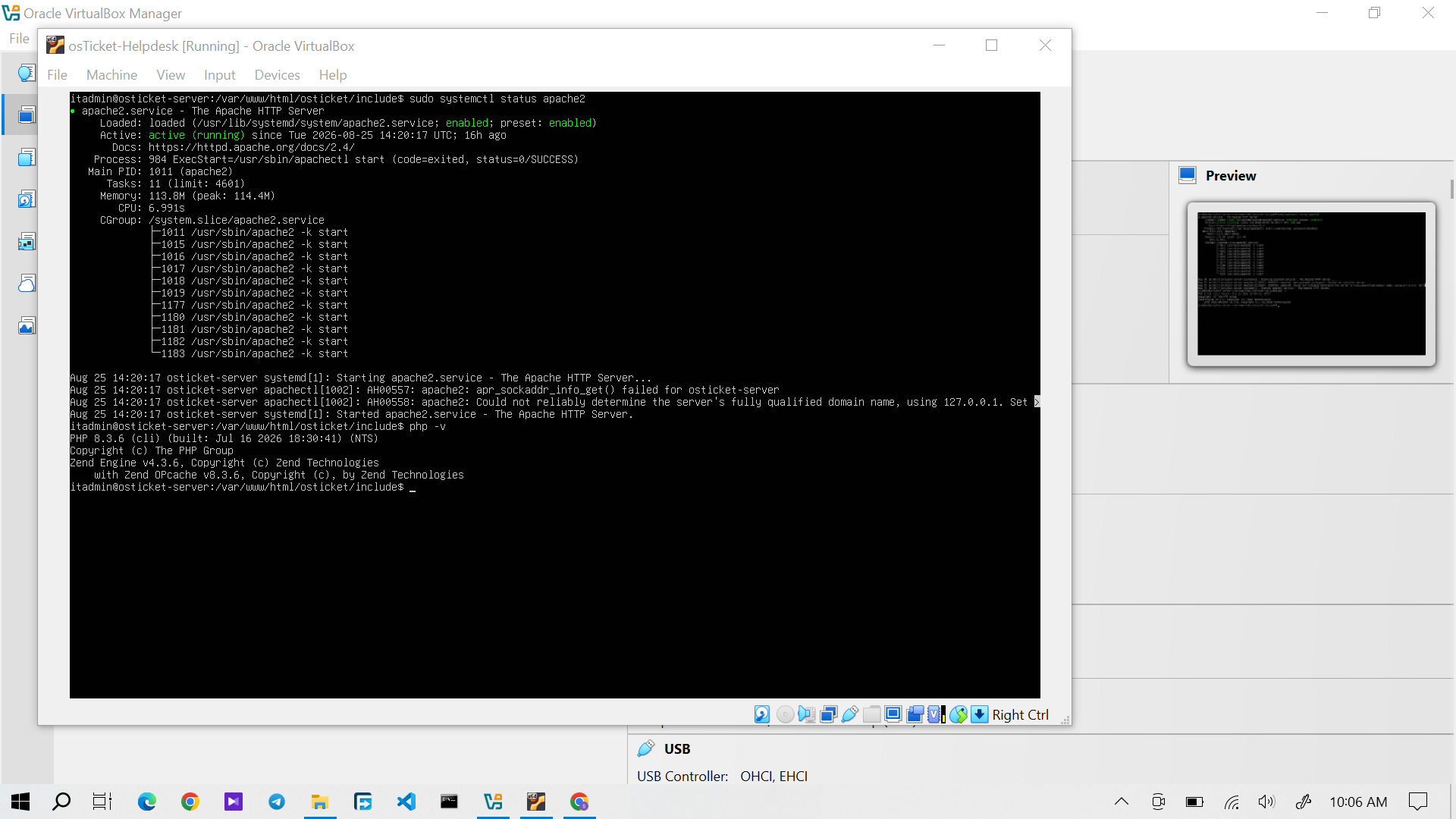
Apache and PHP verified as part of the osTicket server environment.
Database
A MariaDB database was configured as the database backend for osTicket.
The database stores application data such as:
- Tickets
- Users
- Departments
- Help Topics
- Knowledge Base content
- Ticket configuration
- Other osTicket records
Database credentials were intentionally excluded from this documentation.
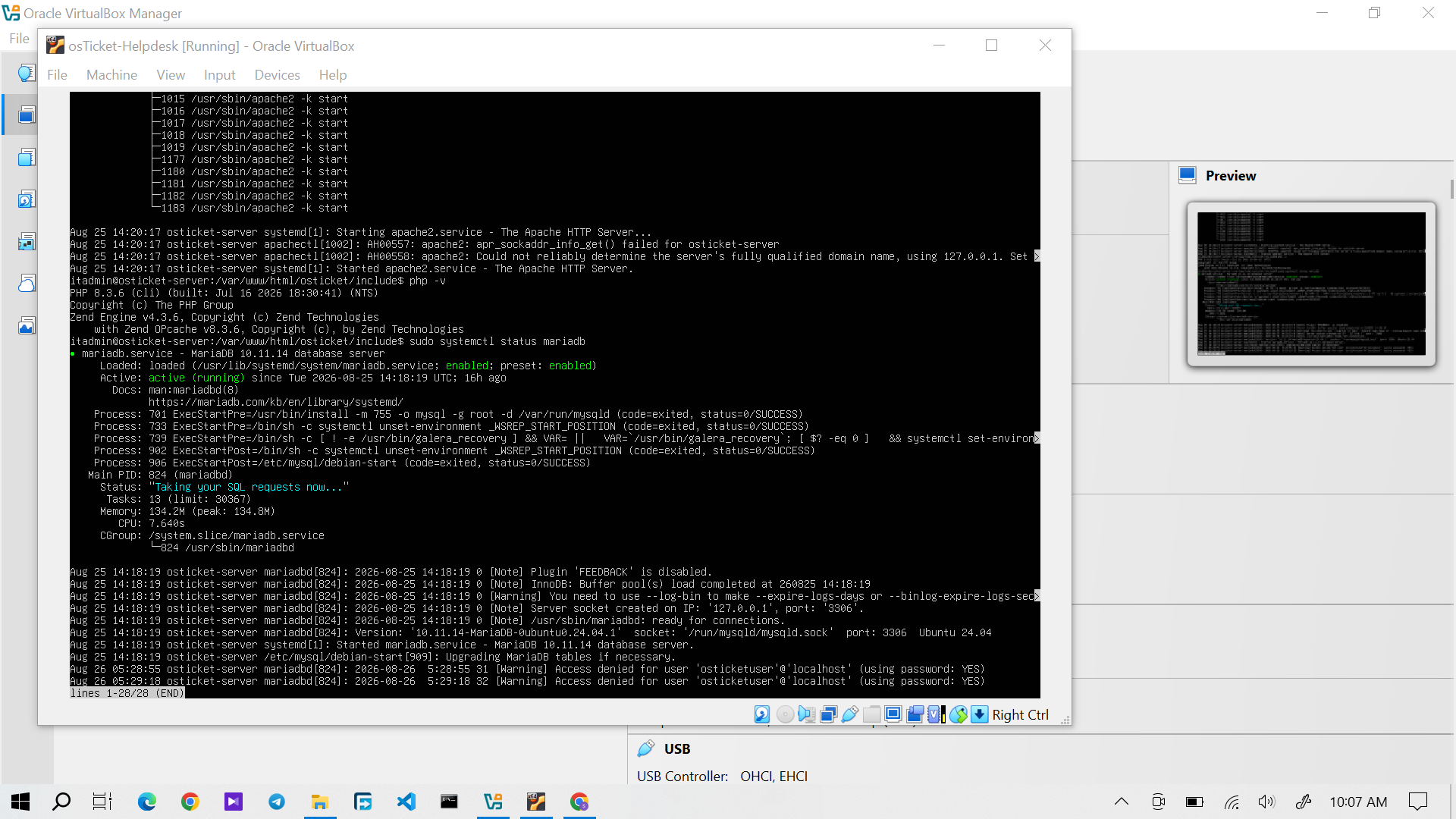
MariaDB service verified as running for the osTicket database backend.
osTicket
osTicket was used as the central Service Desk and ticket management platform.
The application provided the functionality required to simulate an internal IT Support environment, including:
- Customer ticket submission
- Staff ticket management
- Ticket assignment
- Departments
- Help Topics
- Priorities
- SLA management
- Internal notes
- Customer replies
- Knowledge Base
- FAQ management
- Ticket closure
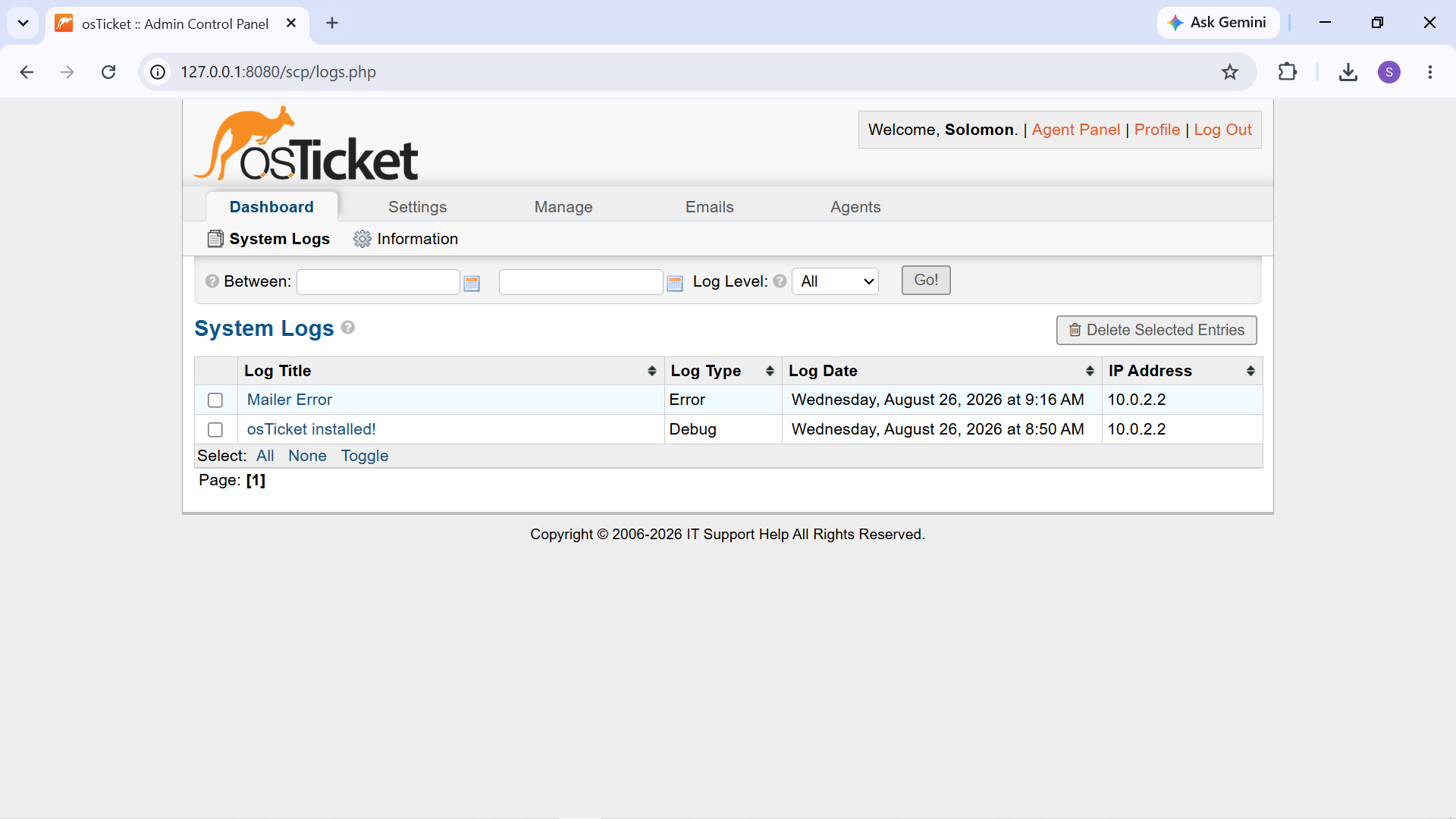
osTicket Admin Panel showing the configured Service Desk environment.
Windows End User Environment
A Windows workstation was used as the end-user environment for reproducing and troubleshooting support incidents.
This allowed the project to go beyond fictional ticket processing and demonstrate troubleshooting against actual Windows behavior.
The workstation was used to reproduce issues involving: - Windows applications - Network connectivity - DNS resolution - Windows Explorer - Application microphone permissions - Language and keyboard configuration
Network Configuration
The Windows workstation was connected to a wireless network and was used to perform practical network diagnostics.
For the DNS/Internet troubleshooting scenario, the workstation received:
- IPv4 address: "10.82.142.99"
- Default gateway: "10.82.142.120"
- DNS server: "10.82.142.120"
Diagnostic commands such as "ipconfig", "nslookup", and "ping" were used to investigate network and DNS behavior.
The observed results were used to distinguish between general network connectivity and hostname-resolution problems.
Security and Privacy Considerations
This project was performed in a controlled laboratory environment.
No production company systems, customer accounts, corporate credentials, or confidential business information were used.
The fictional organization and user accounts in osTicket were created specifically for the project.
Credentials, passwords, and other sensitive configuration information are intentionally excluded from the public documentation.
Environment Summary
Component| Role VirtualBox| Virtualization Ubuntu Server| Service desk server Apache| Web server MariaDB| Database backend osTicket| Service Desk / Ticketing Windows workstation| End-user troubleshooting Git| Documentation version control MkDocs| Documentation generation Material for MkDocs| Documentation theme GitHub Pages| Documentation hosting
Result
The completed environment provided a controlled platform for practicing the complete IT Support workflow.
The combination of a real ticketing application and reproducible Windows troubleshooting scenarios allowed technical issues to be investigated, resolved, documented, and verified in a way that closely models the workflow of a Level 1 Service Desk environment.