Active Directory Structure
With the "apextech.local" domain operational, the next stage was to organize the directory around the structure of the simulated organization.
Four departments were represented in the lab:
- IT
- Finance
- HR
- Sales
Organizational Units (OUs) were used to organize accounts, while security groups provided the basis for departmental access to shared resources.
Organizational Units
The domain was organized into separate OUs for the main administrative areas of the lab.
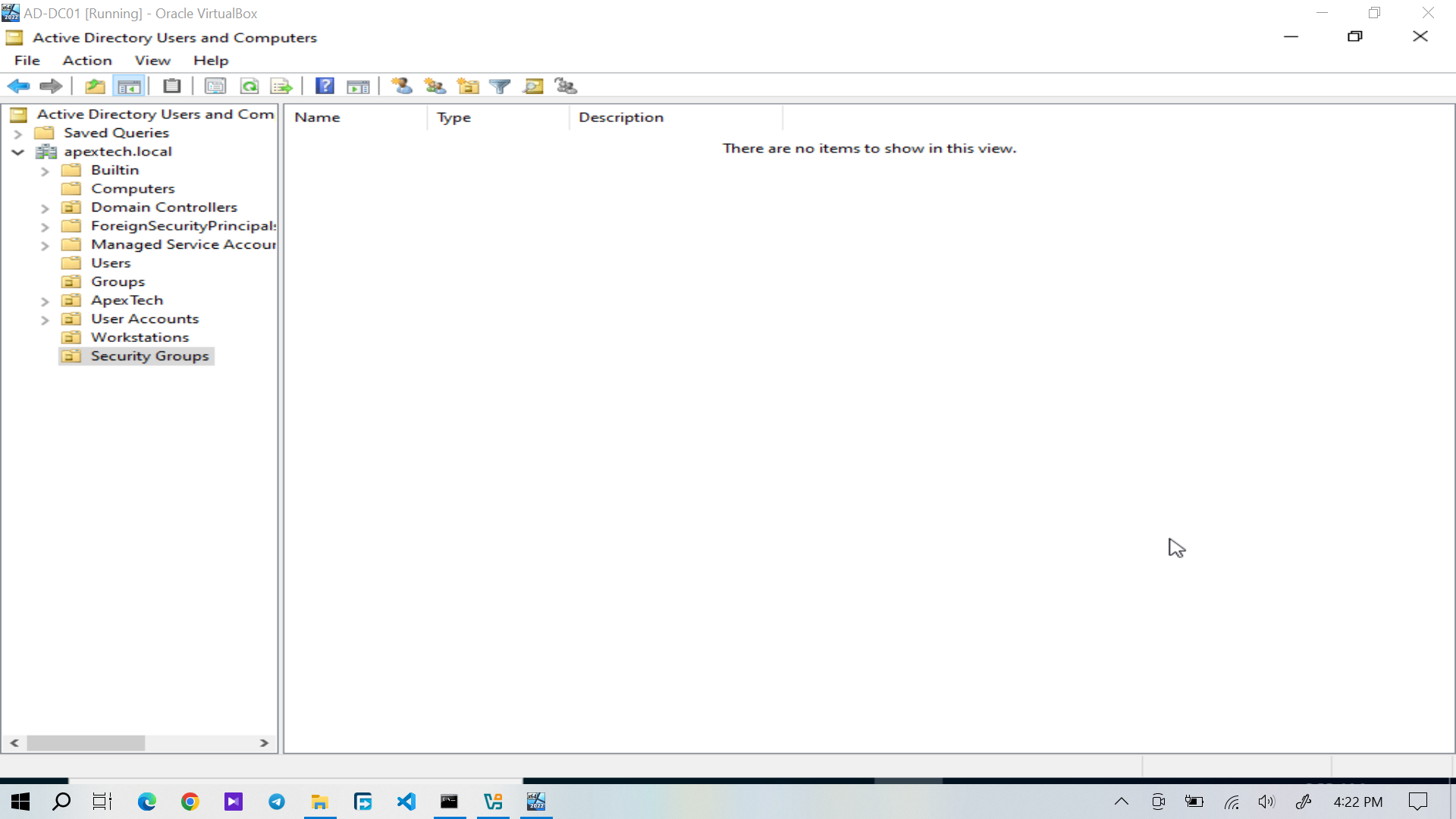
Figure 1: Active Directory organizational structure showing the departmental OUs.
Separating the departments into OUs provides a clear administrative structure and makes it easier to manage accounts according to their organizational role.
Security Groups
Departmental security groups were created to control access to organizational resources.
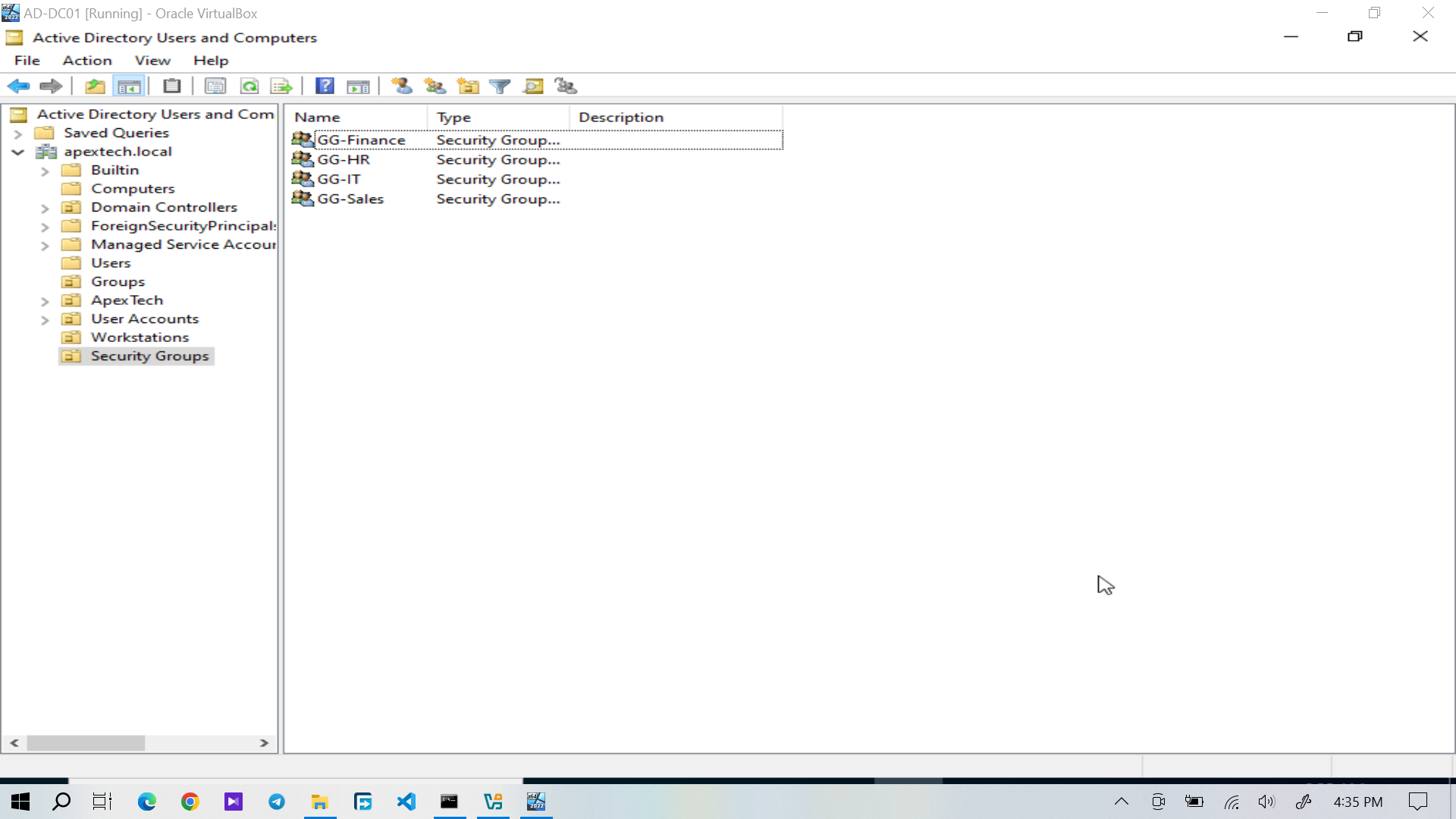
Figure 2: Security groups created for departmental access management.
The lab uses group membership rather than assigning resource permissions individually to each user. This provides a more manageable approach as users and resources change.
The basic relationship is:
The specific file share permissions are documented in Department Shares & Permissions.Domain Users
A total of 20 domain users were created and organized across the four departments.
IT
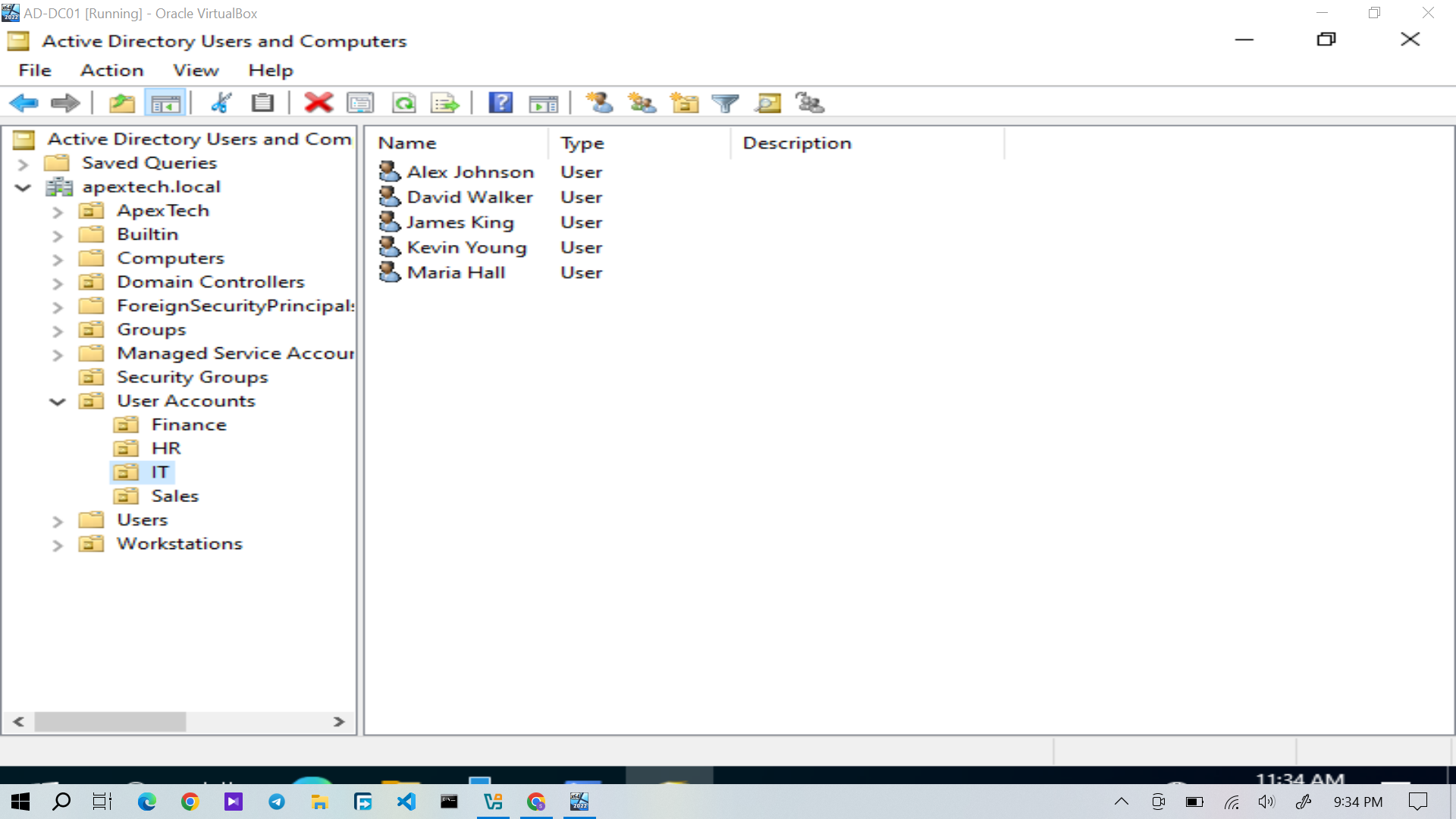
Figure 3: Domain users assigned to the IT department.
Finance
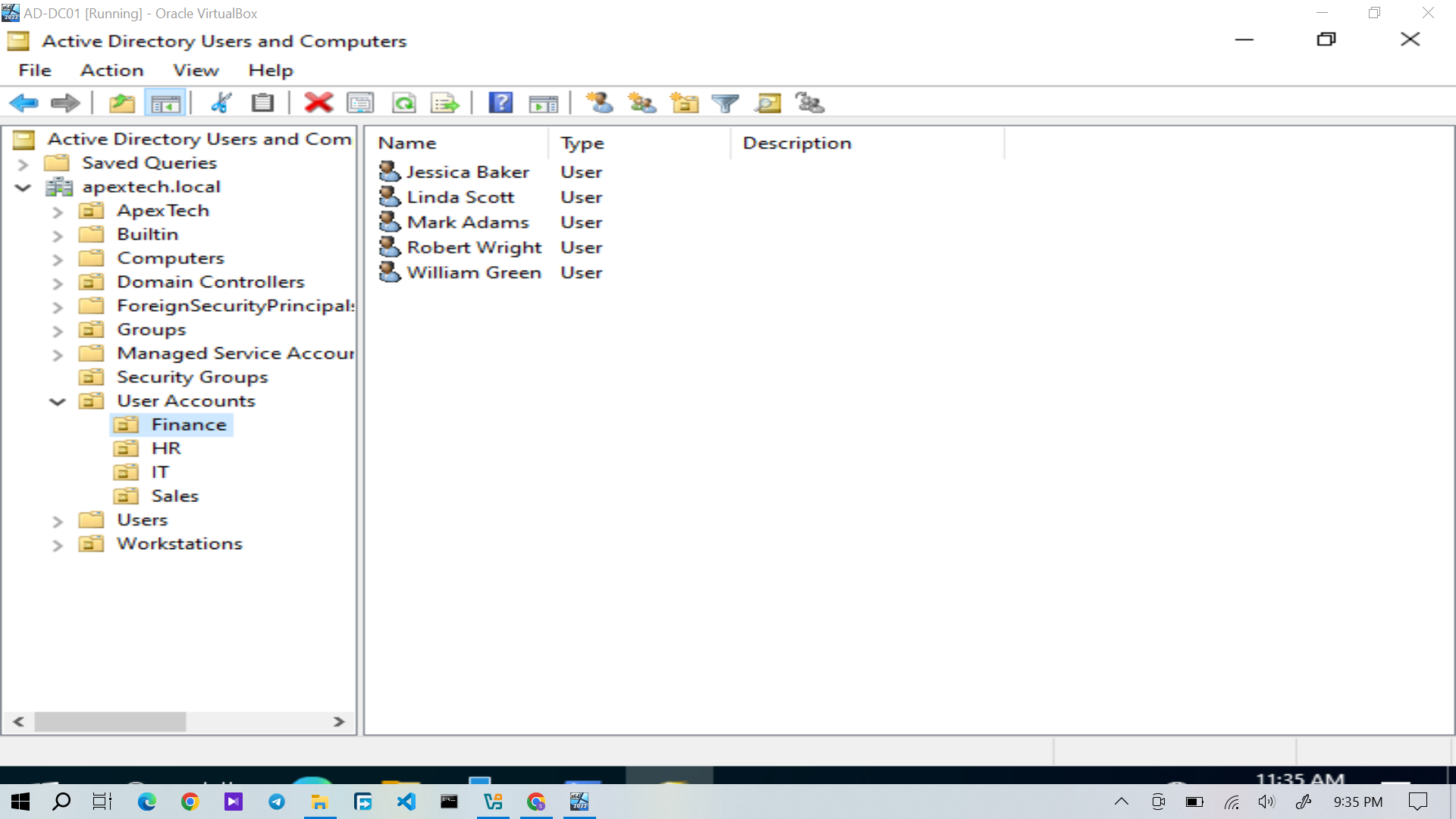
Figure 4: Domain users assigned to the Finance department.
HR
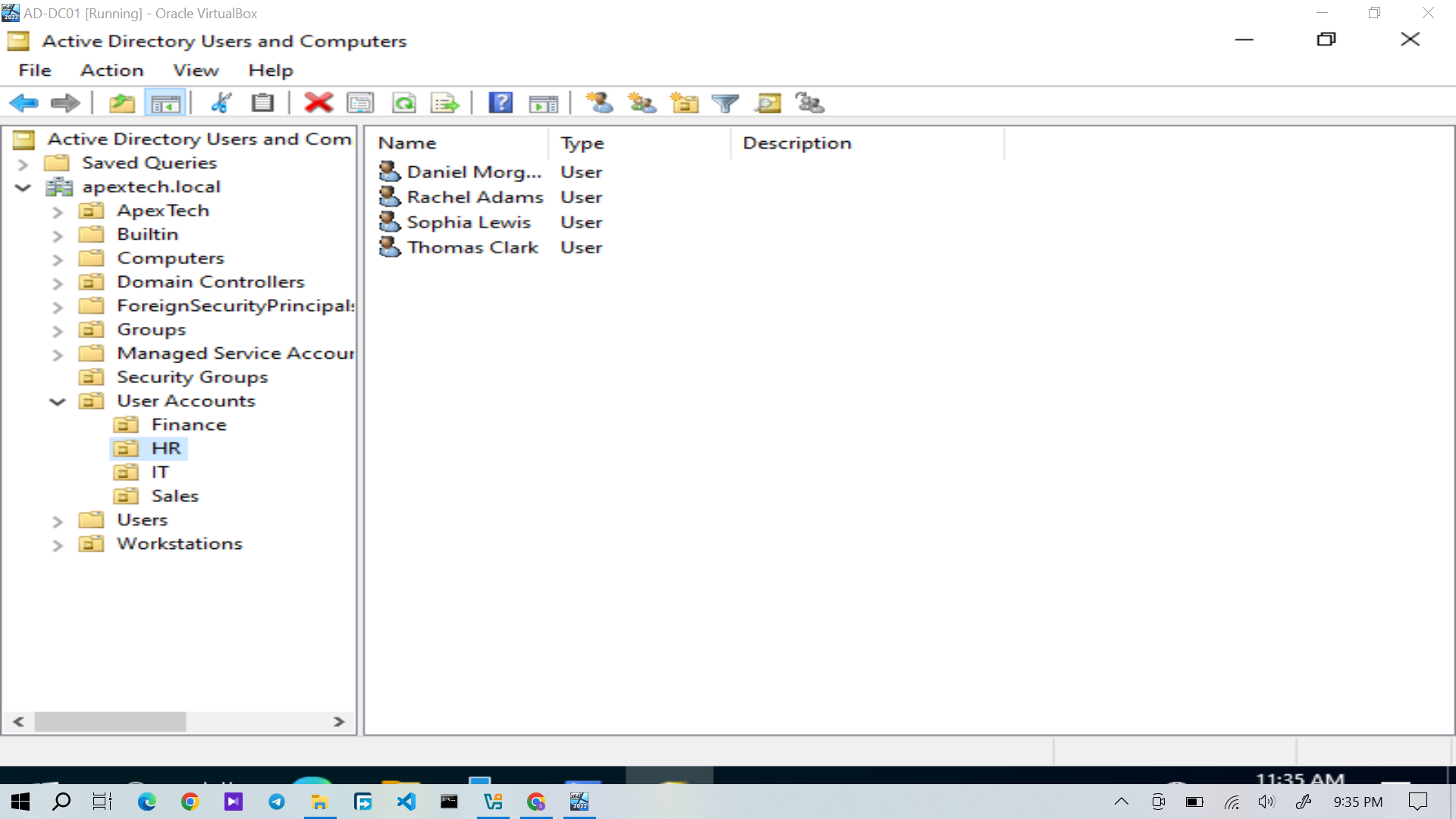
Figure 5: Domain users assigned to the HR department.
Sales
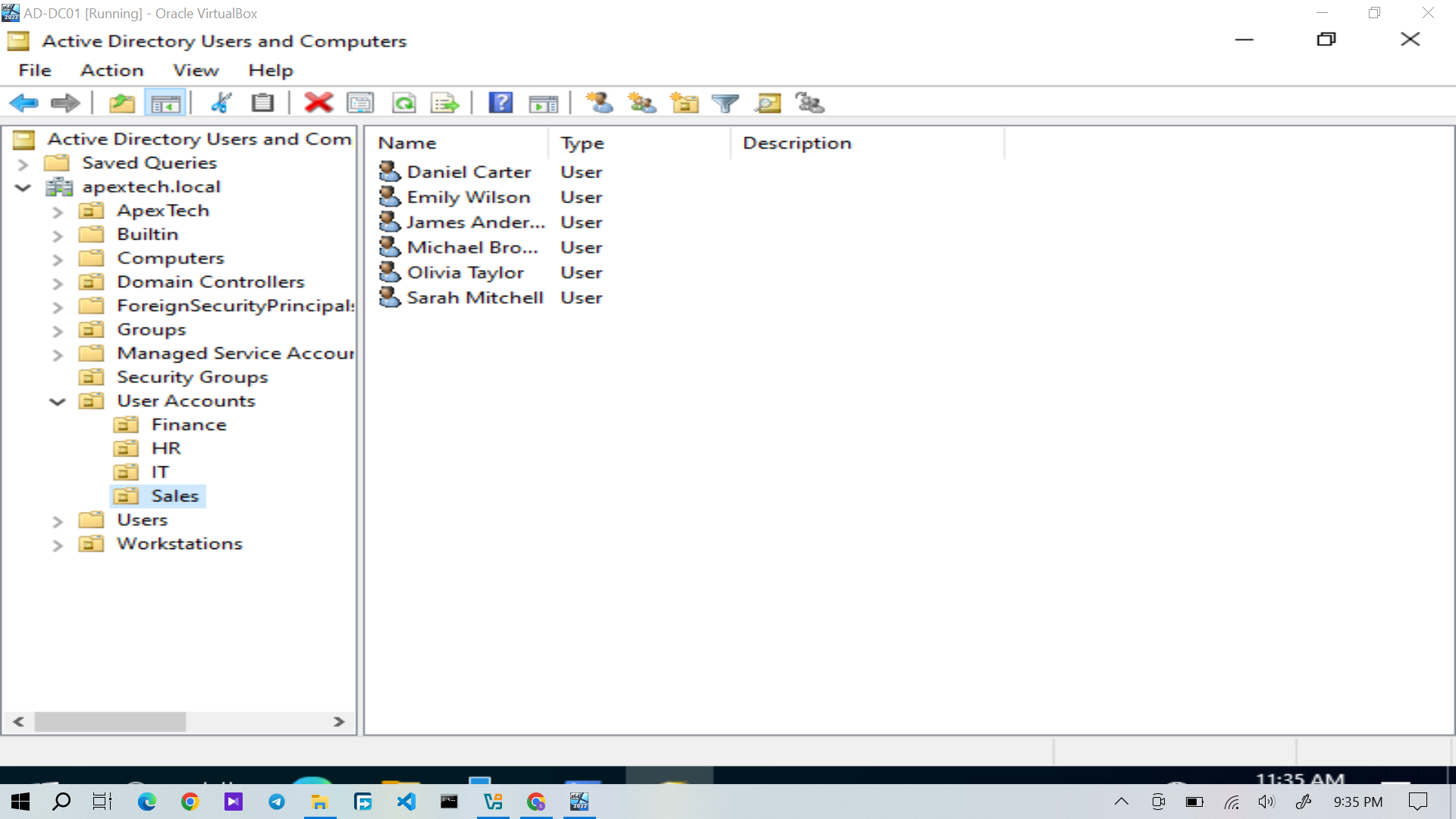
Figure 6: Domain users assigned to the Sales department.
The departmental accounts were then associated with their appropriate security groups.
Group Membership Verification
Individual group membership was checked to confirm that users had been assigned to the expected departmental groups.
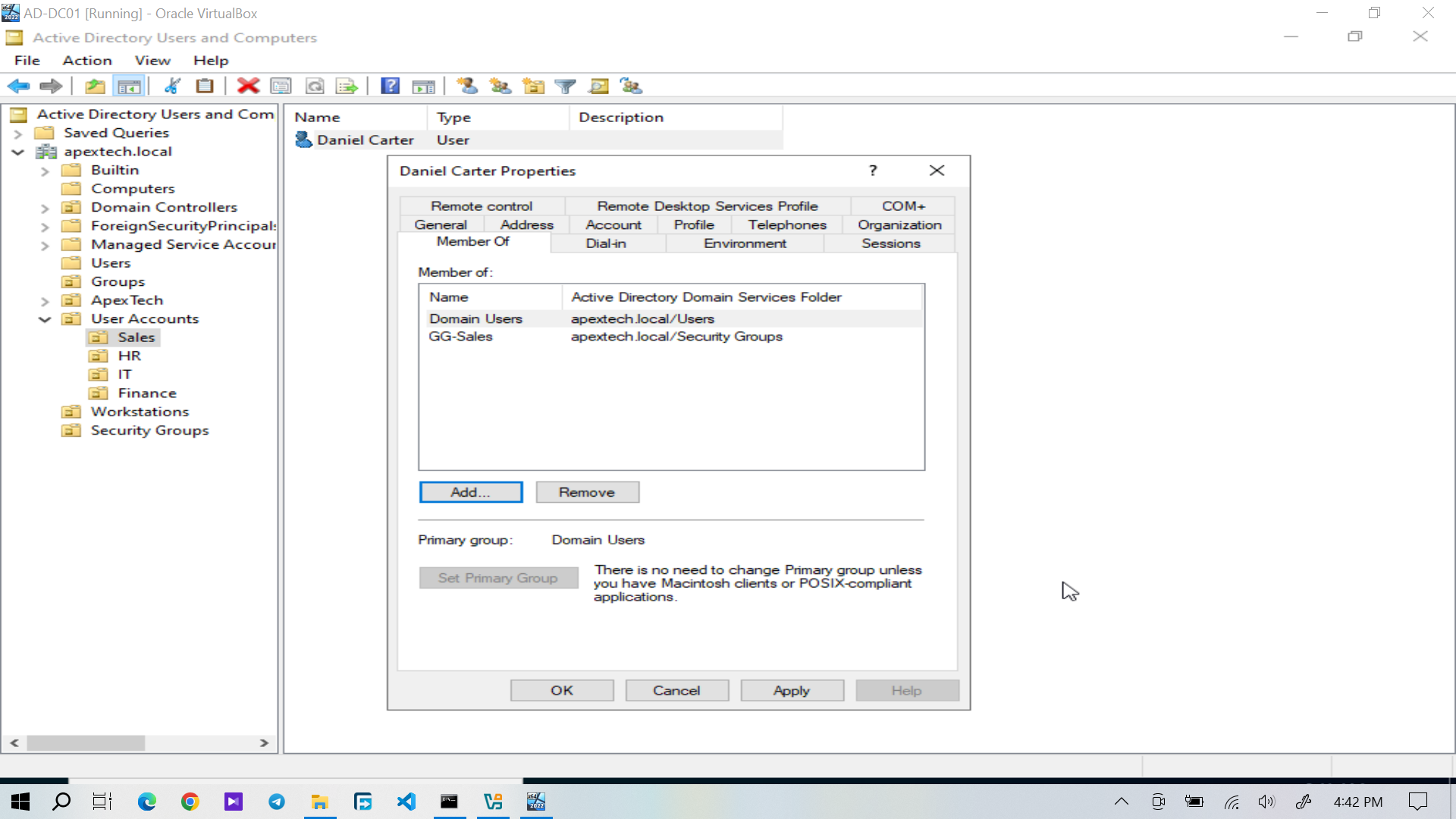
Figure 7: Daniel Carter's Active Directory group membership.
This verification is important because group membership determines the resources a user is authorized to access later in the lab.
Access Control Model
The lab follows a group based access control model.
Instead of managing resource permissions separately for individual users, departmental access is associated with security groups.
For example, a Sales user can receive access to the Sales shared folder through membership in the appropriate Sales security group.This approach simplifies administration and makes access changes easier to manage. When a user's organizational role changes, their group membership can be updated without having to redesign permissions on each resource.
The actual share and NTFS permissions implemented in the lab are documented in Department Shares & Permissions.
Verification
The completed directory structure was verified by checking:
- Departmental OUs
- Security groups
- Domain user accounts
- Individual group membership
The result was a structured Active Directory environment containing the users and groups required for the subsequent access control and support scenarios.
Result
The completed directory structure can be summarized as:
This structure provides the identity and access management foundation for the Windows client, departmental file shares, Group Policy, and the help desk tickets documented later in the project.