Windows Server & Domain Controller
The Windows Server stage established the central infrastructure for the lab. AD-DC01, running Windows Server 2022, was configured as the domain controller for the "apextech.local" Active Directory environment.
The server provides the core services used throughout the project, including:
- Active Directory Domain Services (AD DS)
- DNS
- Domain authentication
- User and group administration
- Group Policy
- Access-control management
The network configuration and VirtualBox architecture are documented separately in Lab Architecture.
Server Configuration
The Windows Server virtual machine was configured with the hostname:
"AD-DC01"
The internal laboratory interface uses:
- IPv4: "192.168.56.10"
- Subnet mask: "255.255.255.0"
A separate NAT interface provides external network connectivity.
The Host-Only address is the important interface for communication between the domain controller and the Windows 10 client.
Installing Active Directory Domain Services
Active Directory Domain Services was installed on AD-DC01 to provide centralized identity and authentication for the laboratory environment.
The AD DS role provides the directory infrastructure used to manage:
- Domain users
- Security groups
- Organizational Units
- Computer accounts
- Authentication
- Access control
Once the role was installed, AD-DC01 was ready to be promoted to a domain controller.
Creating the Active Directory Forest
A new Active Directory forest was created using:
"apextech.local"
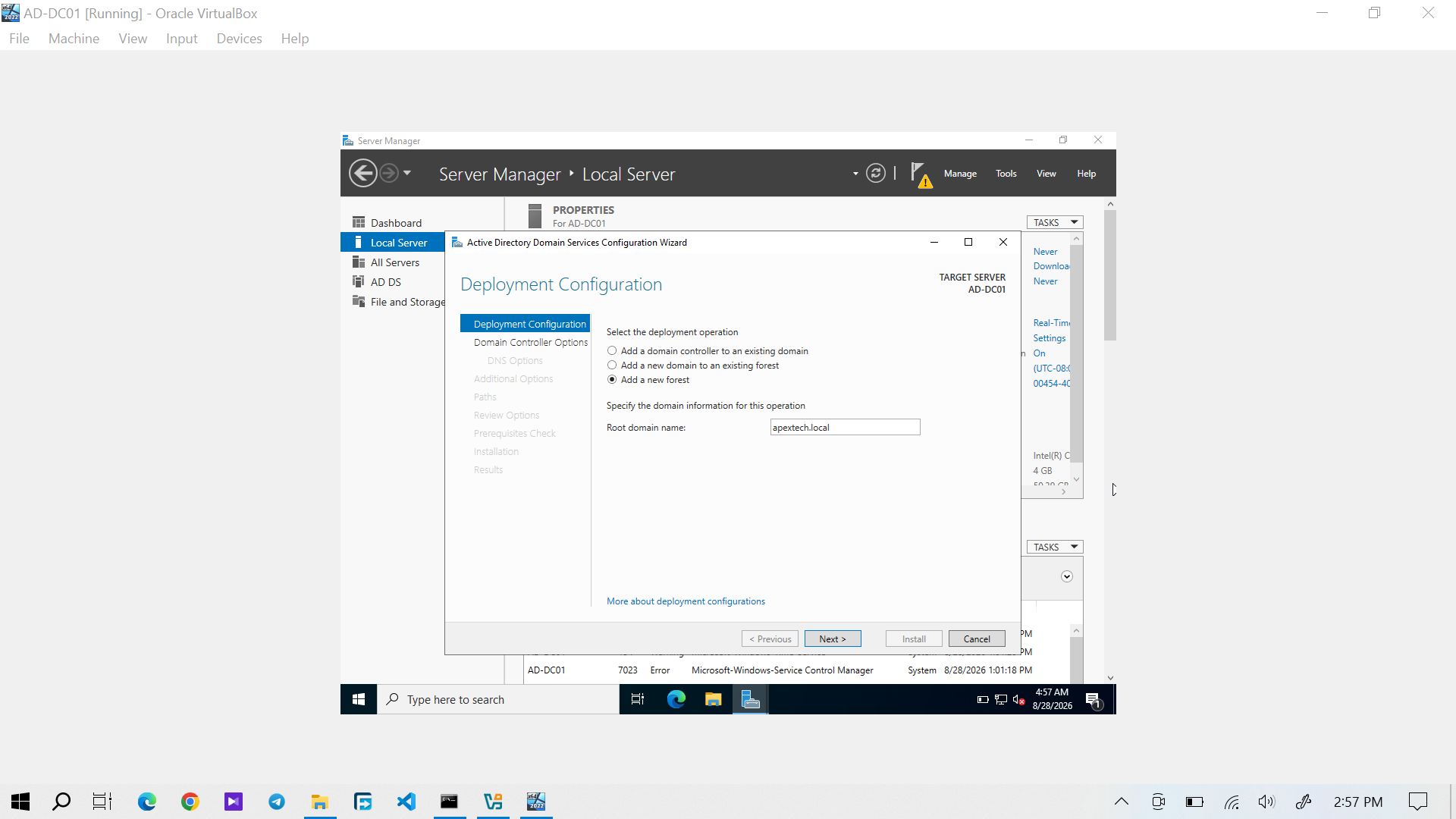
Figure 1: Active Directory configuration showing the creation of the "apextech.local" forest.
Creating the forest established the root domain used by the laboratory. This domain became the identity boundary for the Windows client and the user accounts created later in the project.
Domain Controller Promotion
After the forest configuration was completed, AD-DC01 was promoted to a domain controller.
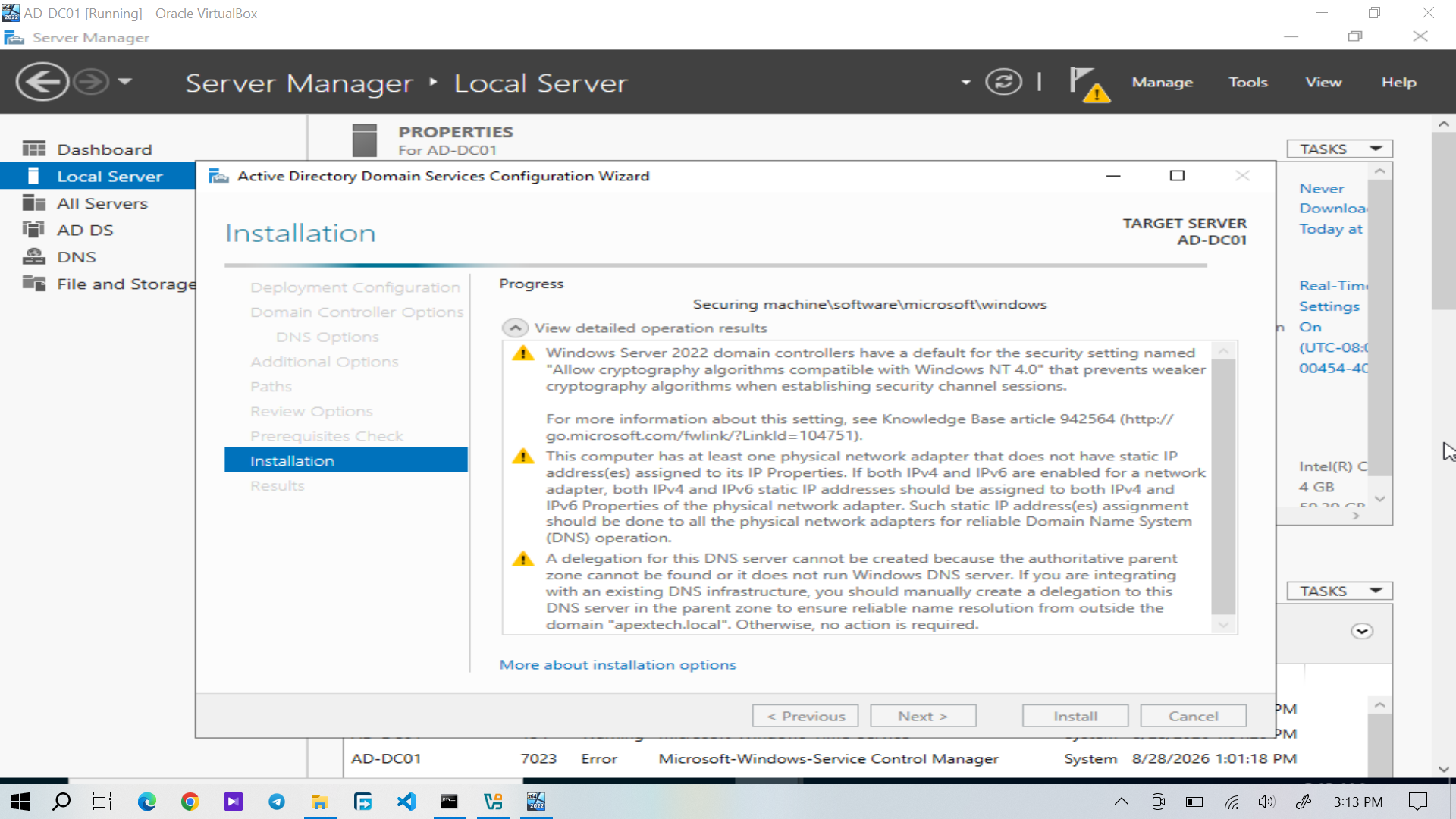
Figure 2: AD-DC01 being configured and promoted as a domain controller for "apextech.local".
The promotion process configured the server to host the Active Directory domain. After the process completed and the server restarted, AD-DC01 became the domain controller for the laboratory environment.
Server Manager Verification
Server Manager was used to verify the Windows Server configuration after the domain controller promotion.
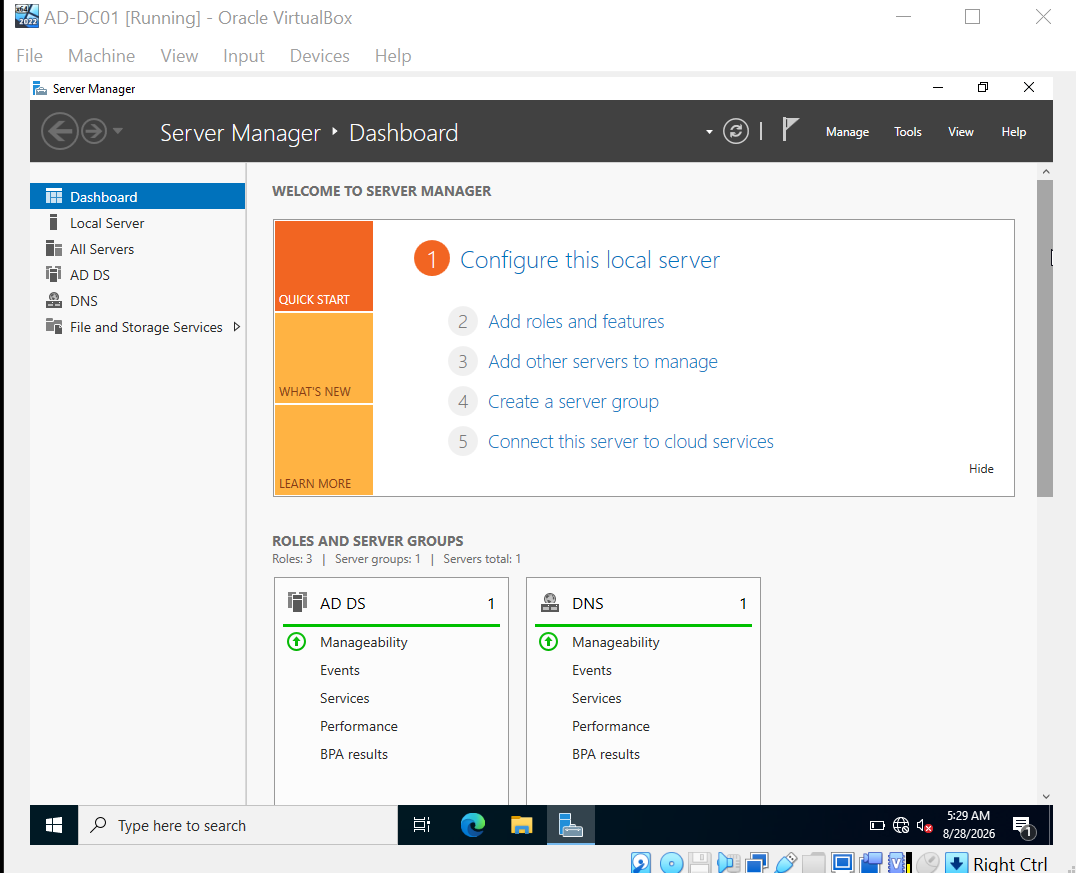
Figure 3: Server Manager showing the configured Windows Server environment.
This confirmed that the server was operating as the central Windows infrastructure server for the lab.
Active Directory Users and Computers
After the promotion was completed, Active Directory Users and Computers (ADUC) was available for administration of the "apextech.local" domain.
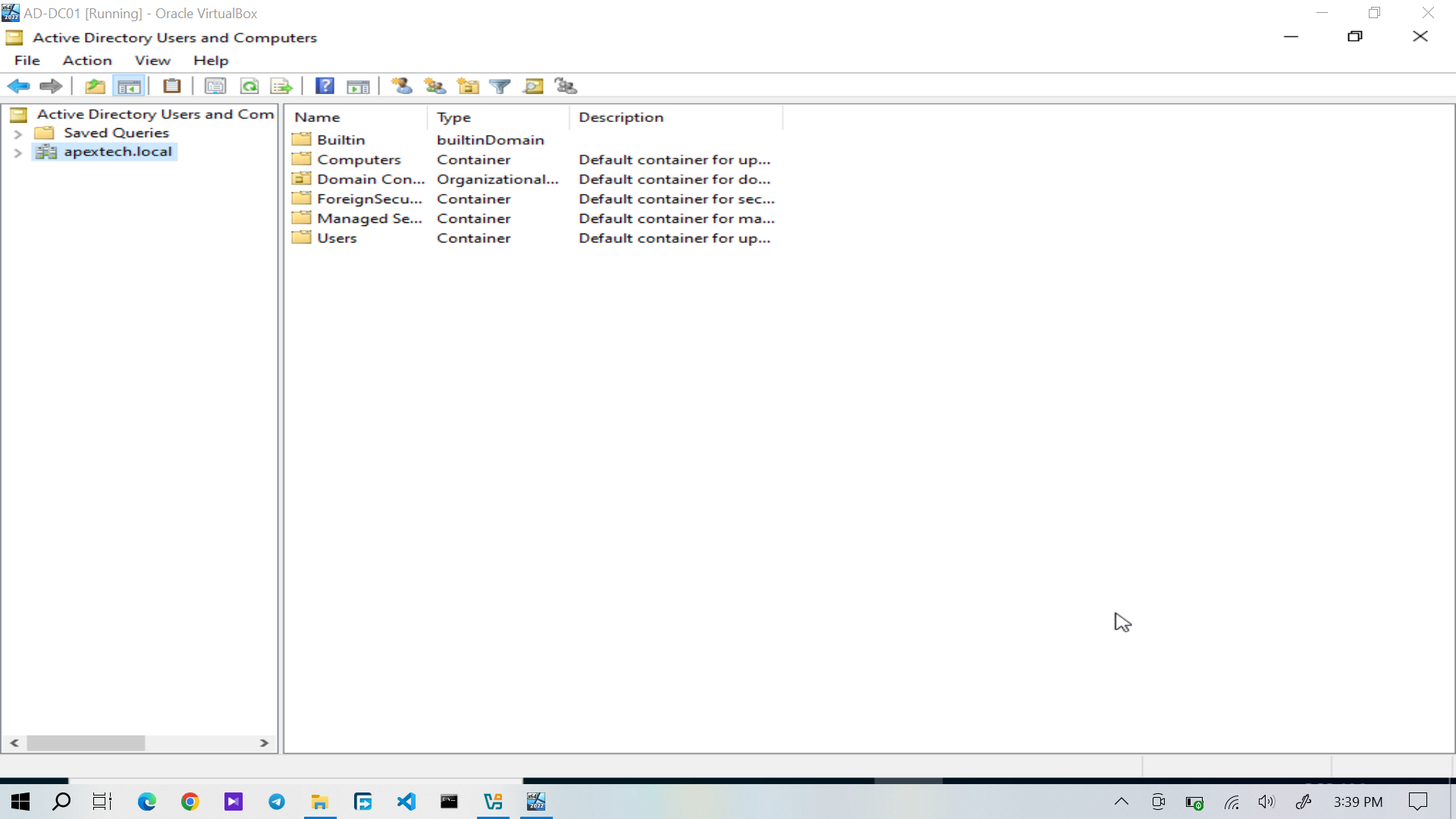
Figure 4: Active Directory Users and Computers showing the "apextech.local" domain.
ADUC was subsequently used throughout the project to manage users, security groups, Organizational Units, computer accounts, and account status.
The departmental structure and user organization are documented in Active Directory Structure and Users & Security Groups.
DNS Configuration
DNS was configured on AD-DC01 as part of the domain controller deployment.
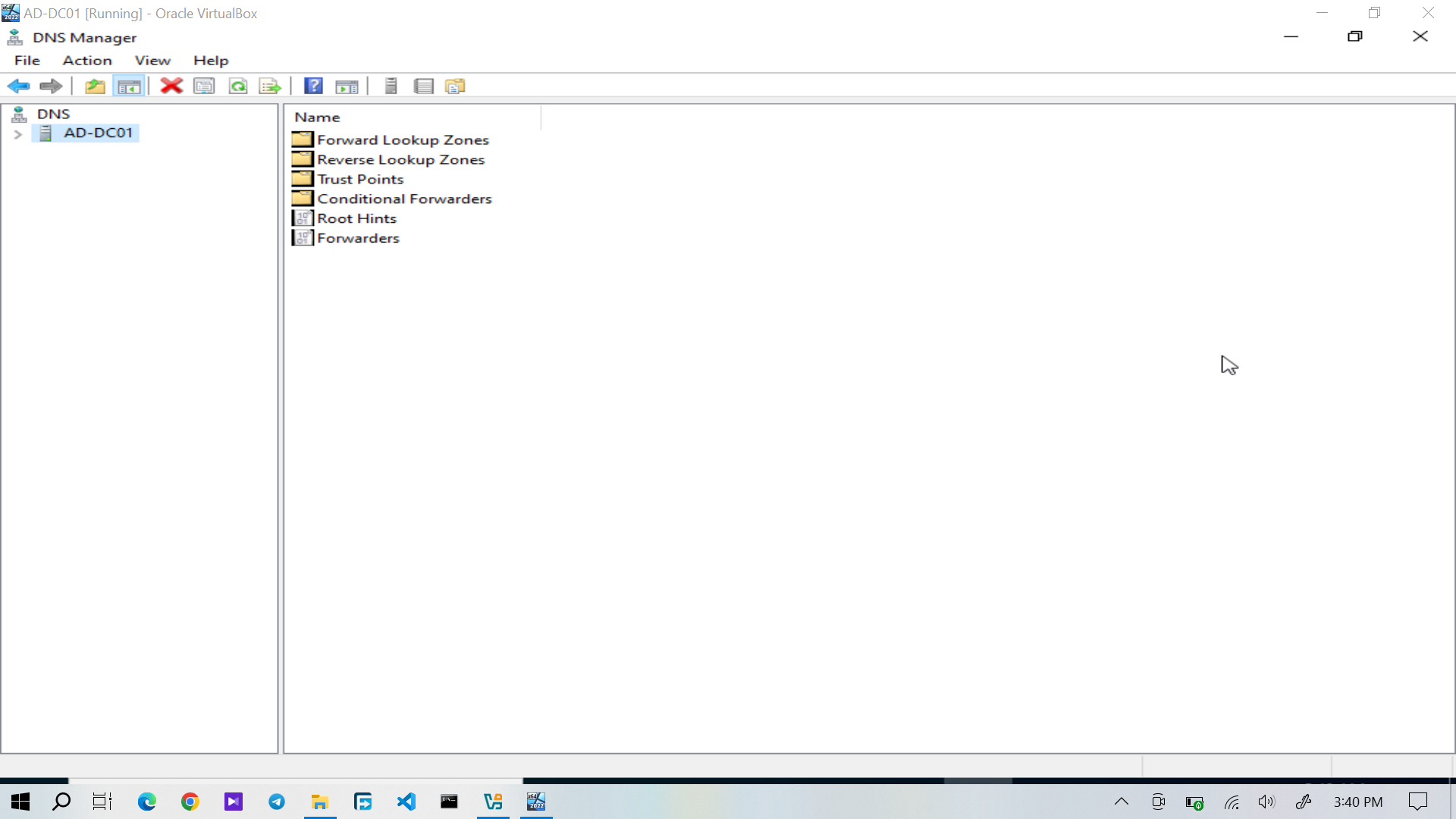
Figure 5: DNS Manager showing the DNS configuration supporting the Active Directory domain.
The Windows 10 client was configured to use AD-DC01 as its DNS server:
"192.168.56.10"
This allowed the client to resolve "apextech.local" and locate the services required for domain communication.
DNS Verification
DNS resolution was verified using "nslookup".
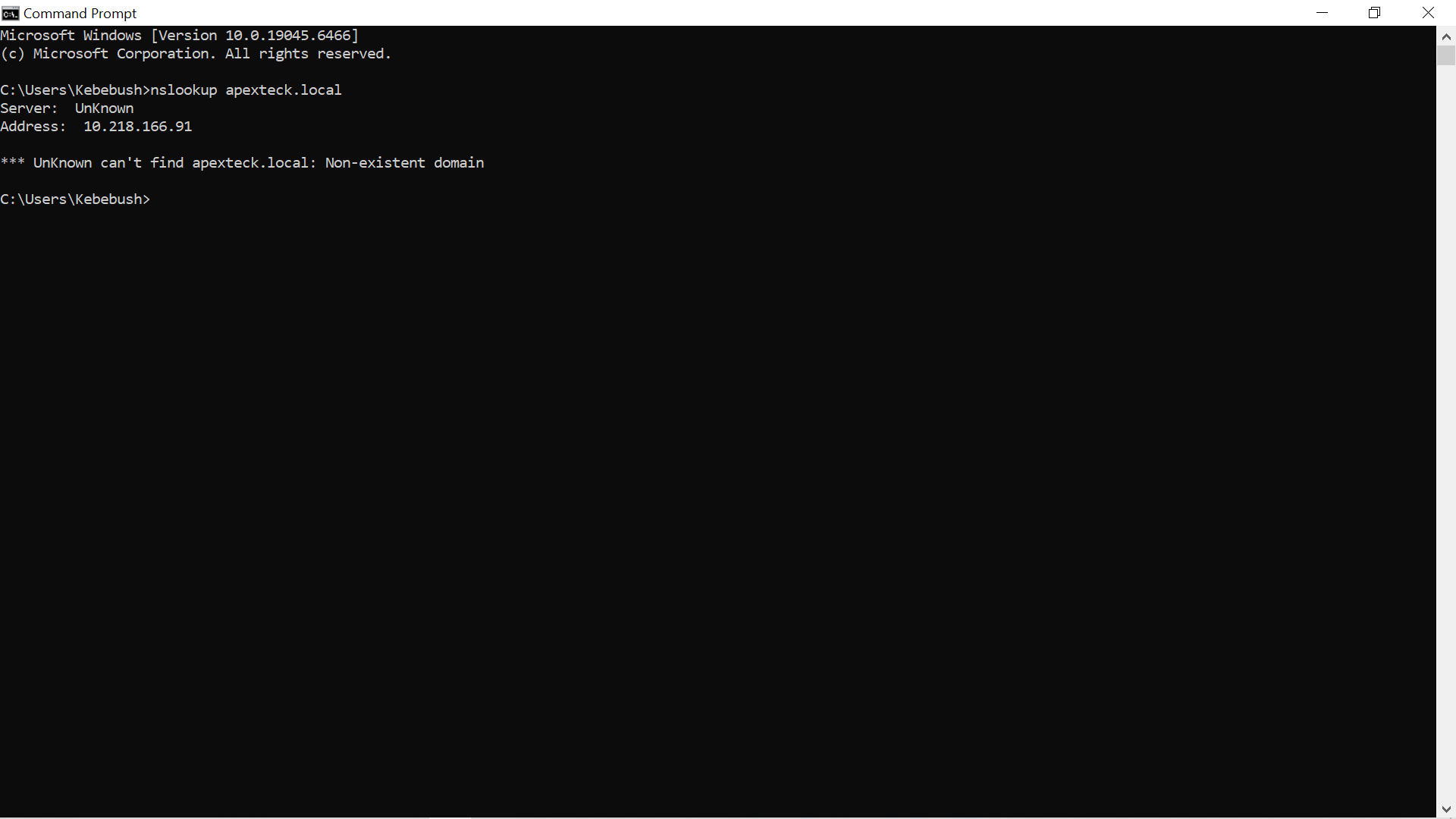
Figure 6: "nslookup" used to verify DNS resolution within the Active Directory environment.
Successful DNS resolution established an important prerequisite for joining the Windows 10 workstation to the domain.
Domain Controller Verification
Before moving on to client and user administration, the core domain controller services were verified.
The final configuration was:
Setting| Result
Server hostname| "AD-DC01"
Active Directory domain| "apextech.local"
Host-Only IPv4| "192.168.56.10"
DNS| Operational
Active Directory| Operational
DNS diagnostic| Passed
DNS diagnostics were performed with:
dcdiag /test:DNS
The test completed successfully with:
passed test DNS
This confirmed that the domain controller's DNS functionality was operating correctly before the Windows client and user management stages of the project.
Result
AD-DC01 was successfully established as the domain controller for "apextech.local".
At this point, the core Windows Server infrastructure was operational and ready to support the rest of the lab:
AD-DC01
   │
   ├── Active Directory Domain Services
   │       │
   │       ├── Users
   │       ├── Security Groups
   │       ├── Organizational Units
   │       └── Computer Accounts
   │
   ├── DNS
   │
   └── Group Policy
With the domain controller operational, the project moved on to building the organizational structure and creating the users and security groups required for the simulated organization.