Ticket 02 — Password Reset
Ticket Summary
Sarah Mitchell reported that she was unable to authenticate to her domain account and requested a password reset.
This ticket represents a common Tier 1 IT Support request involving user authentication and Active Directory account administration.
User Request
Sarah submitted a password-reset request through the service desk.
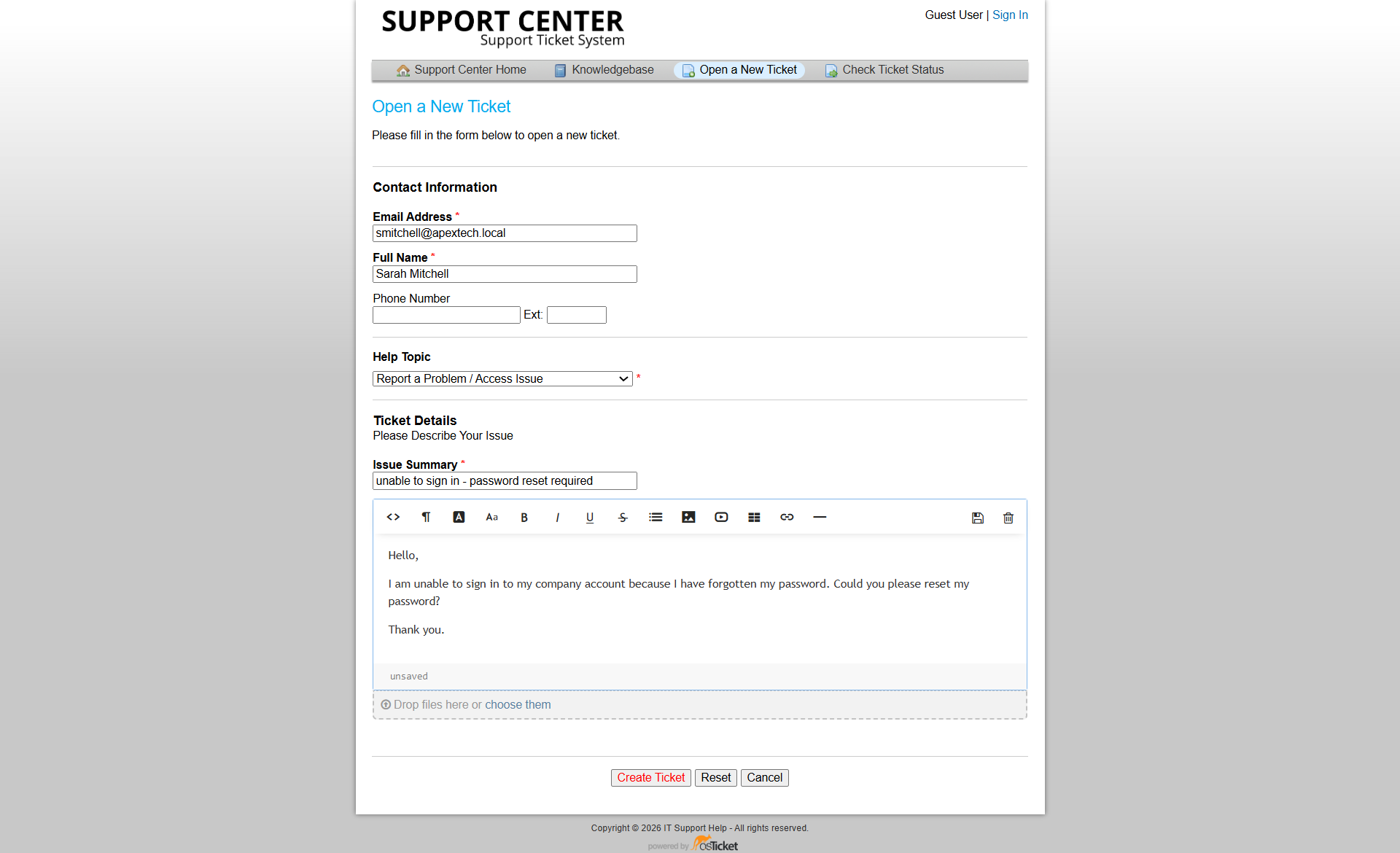
Figure 1: Sarah Mitchell's password-reset request submitted through osTicket.
Initial Assessment
I reviewed the authentication problem and identified that Sarah's password needed to be reset.
The objective was to restore access and verify that the account could successfully authenticate afterward.
The technical work therefore required:
- Identifying the affected domain account
- Resetting the password in Active Directory
- Ensuring the account remained usable
- Testing authentication with the updated credentials
Technical Resolution
I reset the password for Sarah Mitchell's domain account through Active Directory.
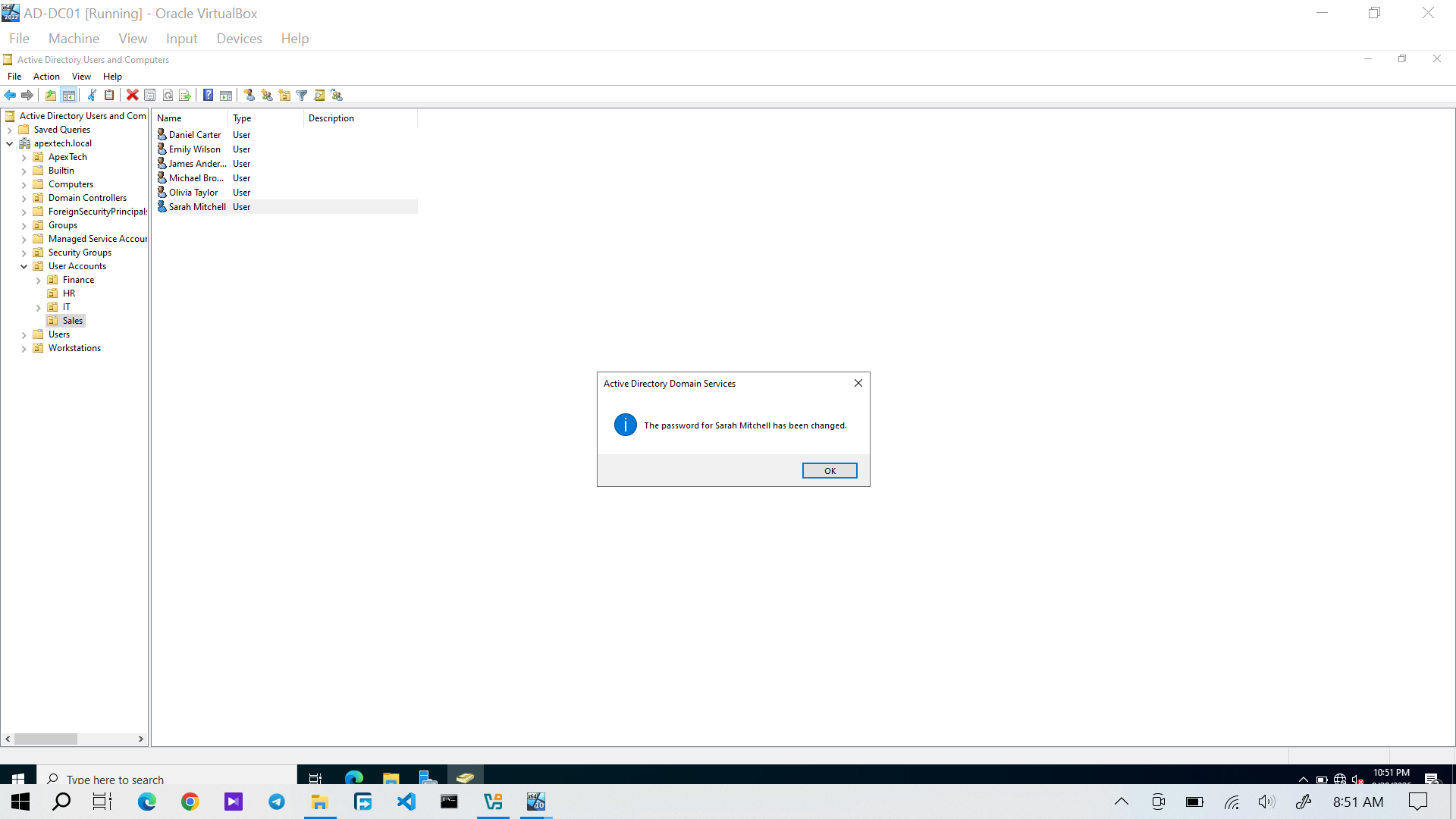
Figure 2: Active Directory evidence showing the password-reset operation completed for Sarah Mitchell.
Resetting the password restored the credentials required for Sarah to authenticate to the domain.
Authentication Verification
I used Sarah's updated credentials to verify domain authentication from the Windows workstation.
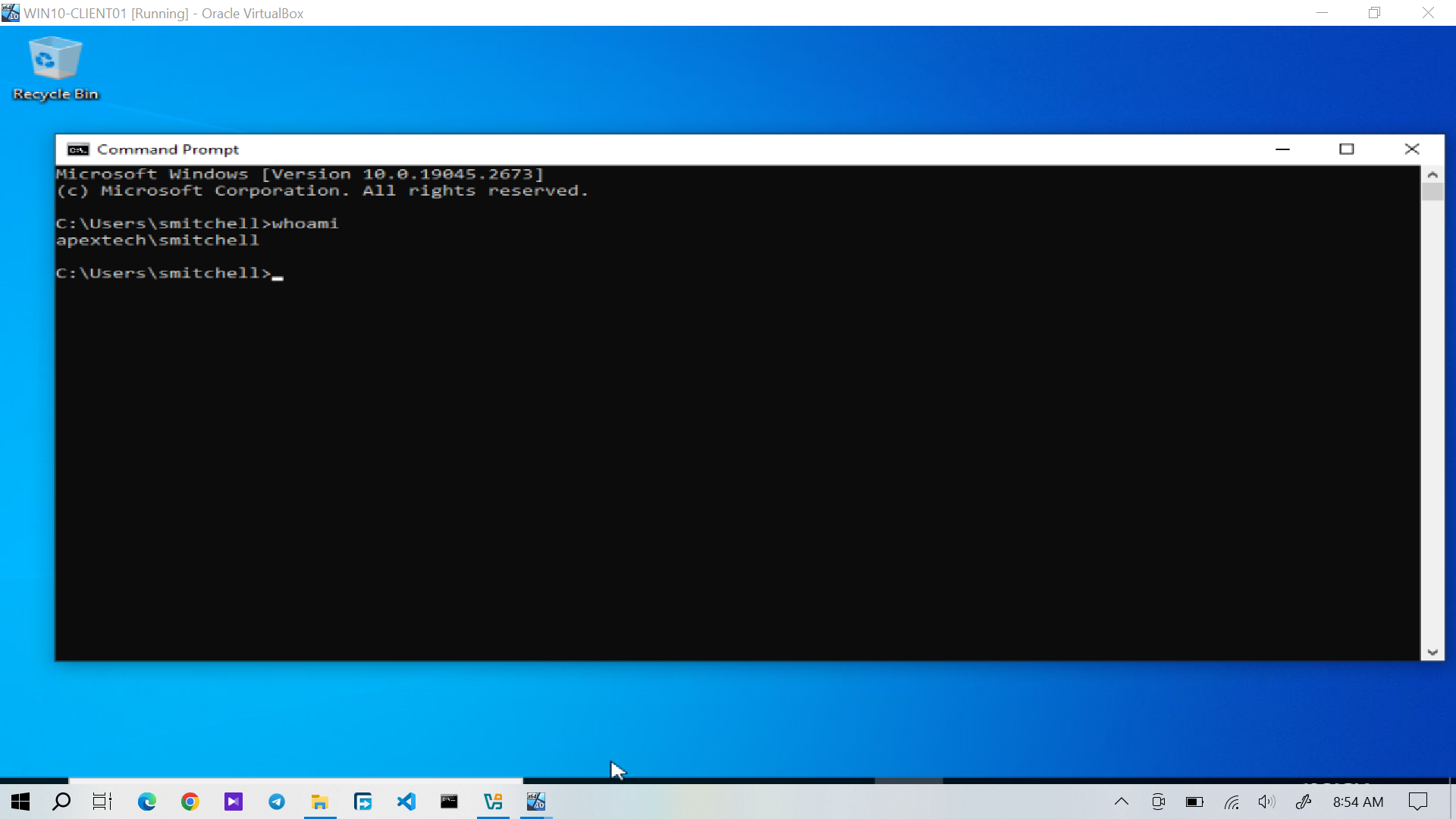
Figure 3: Successful domain authentication after the password reset.
This provided a stronger verification than simply confirming that the password had been changed.
Service Desk Resolution and Closure
After the technical resolution and authentication verification were completed, I recorded the resolution in osTicket and closed the request.
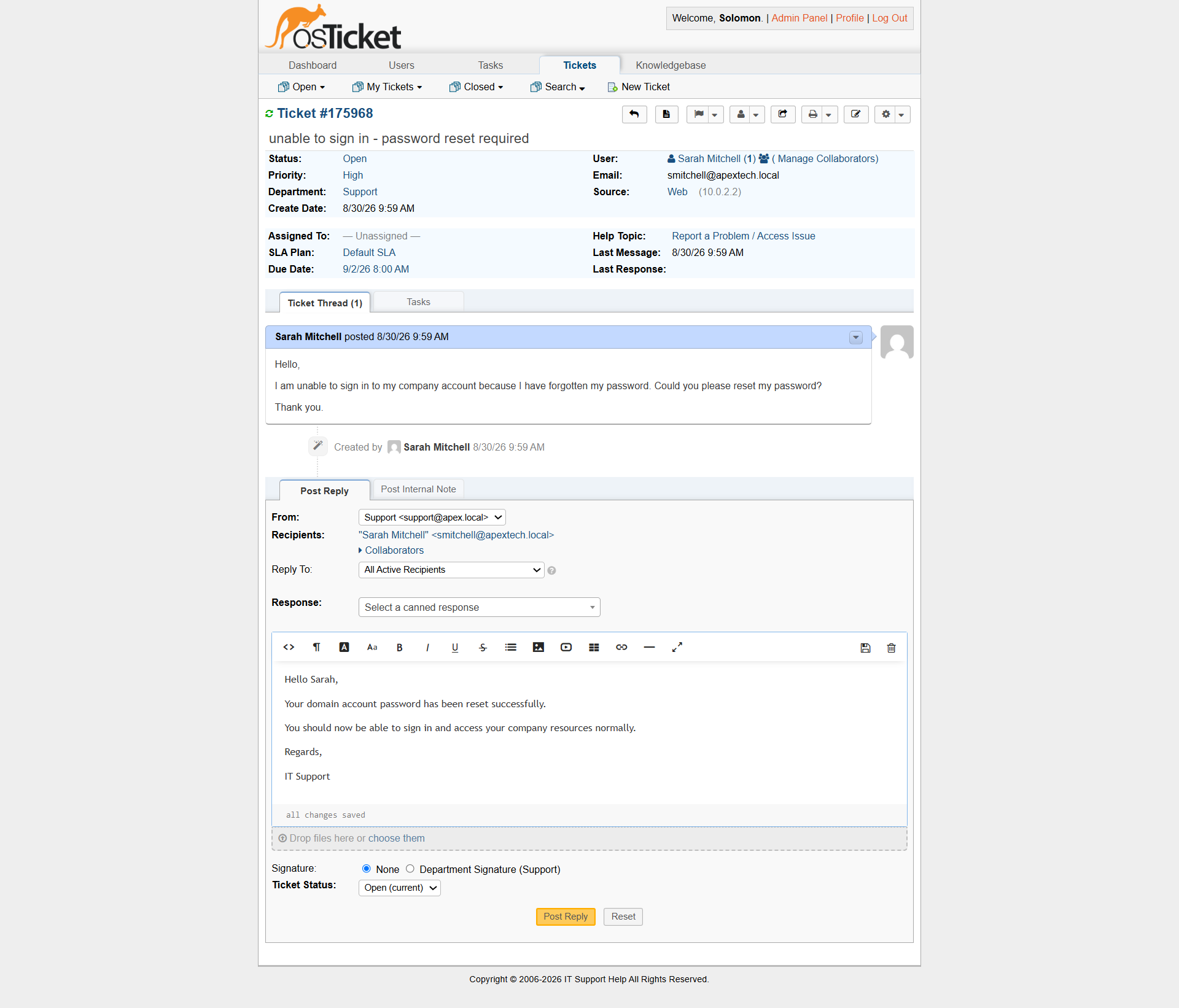
Figure 4: Sarah Mitchell's password-reset ticket showing the completed resolution and closure.
The ticket was closed only after successful authentication had been confirmed.
The completed workflow was:
Sarah Mitchell
      │
      ▼
Password Reset Request
      │
      ▼
osTicket Ticket Submitted
      │
      ▼
Active Directory Password Reset
      │
      ▼
Domain Login Verification
      │
      ▼
Technician Resolution
      │
      ▼
Ticket Closed