Ticket 07 — Password Expiration
Ticket Summary
Sophia reported that she was required to change her domain password when attempting to sign in.
This ticket involved a password that had reached its configured expiration condition. The appropriate resolution was therefore to allow Sophia to establish a new password through the normal domain authentication process.
User Request
Sophia submitted a service-desk ticket reporting that she was being prompted to change her password when attempting to access her domain account.
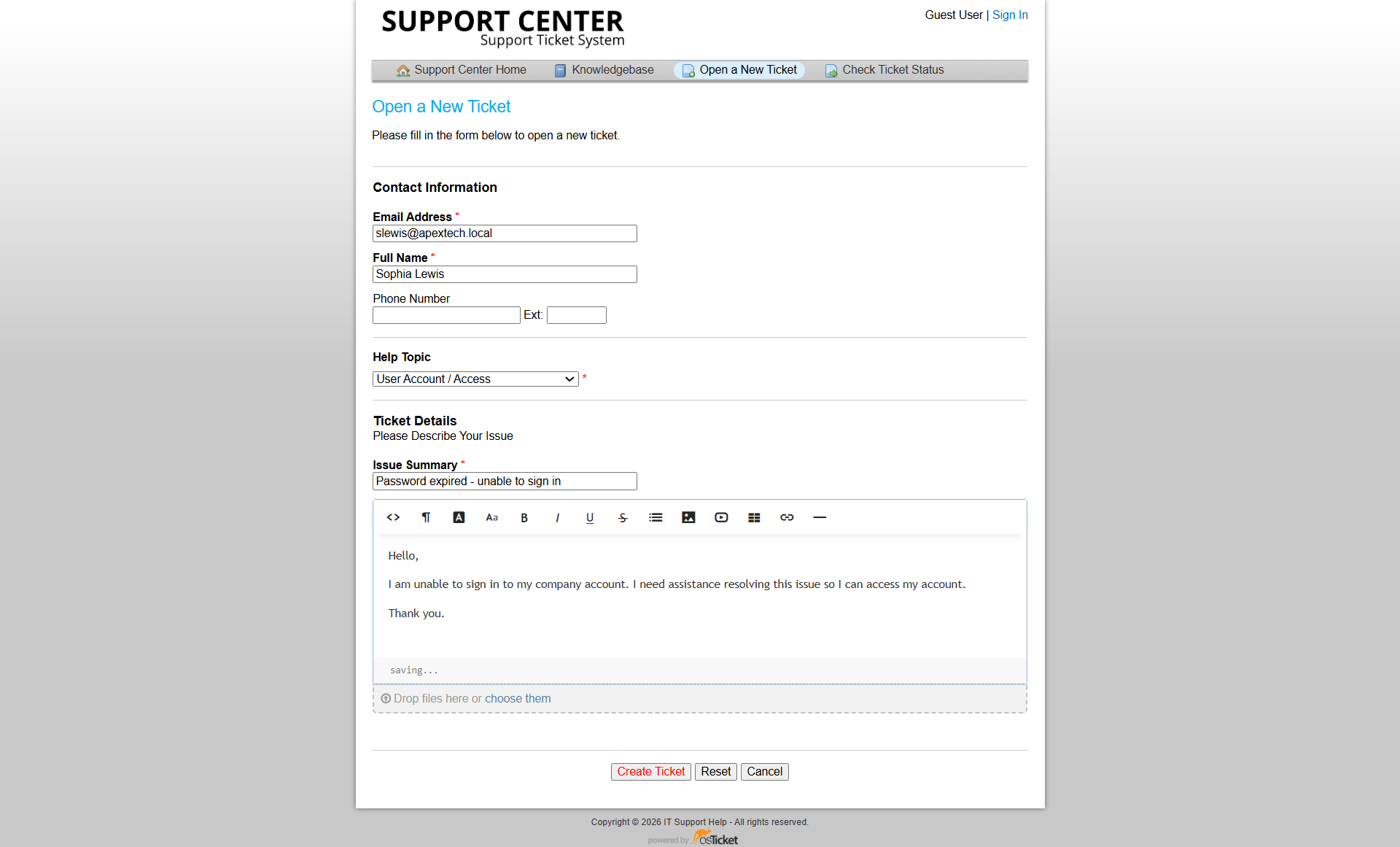
Sophia's password-expiration request submitted through osTicket.
Initial Assessment
I reviewed the authentication behavior to determine whether the problem was related to an incorrect password, account lockout, disabled account, or password expiration.
Because Sophia was specifically being prompted to change her password, the investigation focused on the password-expiration condition.
The objective was to confirm the account state, allow the password to be updated through the intended domain workflow, and verify that normal authentication was restored.
Confirming the Password Expiration Condition
Sophia's account was examined to confirm that a password change was required.
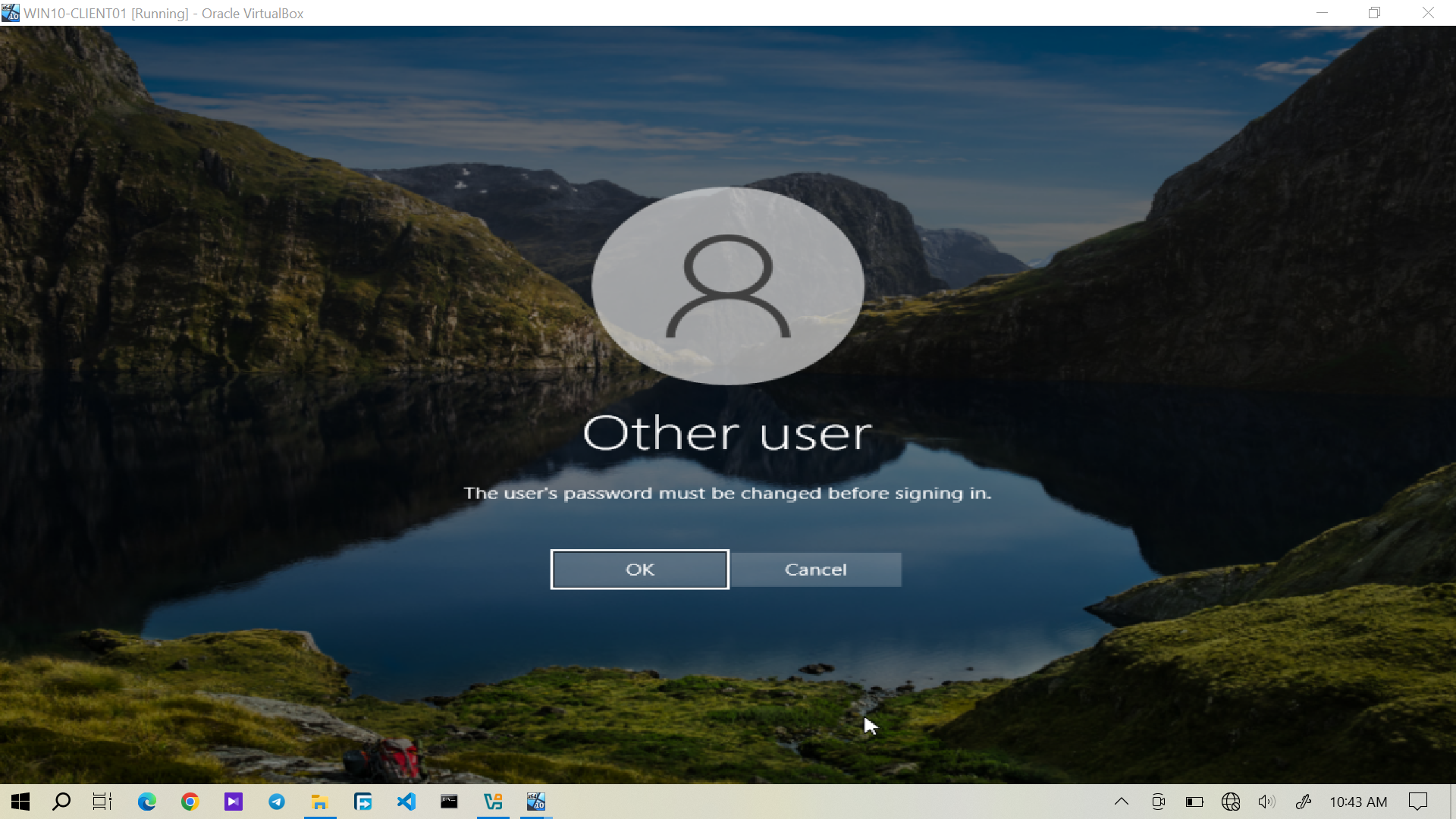
Sophia's domain account showing the password change requirement.
This confirmed that the authentication problem was related to password expiration rather than an account lockout or disabled account.
No account unlock or other unrelated account changes were required.
Technical Resolution
Sophia changed her password through the normal domain authentication process.
The new password was established according to the configured password requirements rather than bypassing the password policy or disabling the expiration requirement.
Domain Login Verification
After changing her password, Sophia attempted to sign in to the Windows domain again.
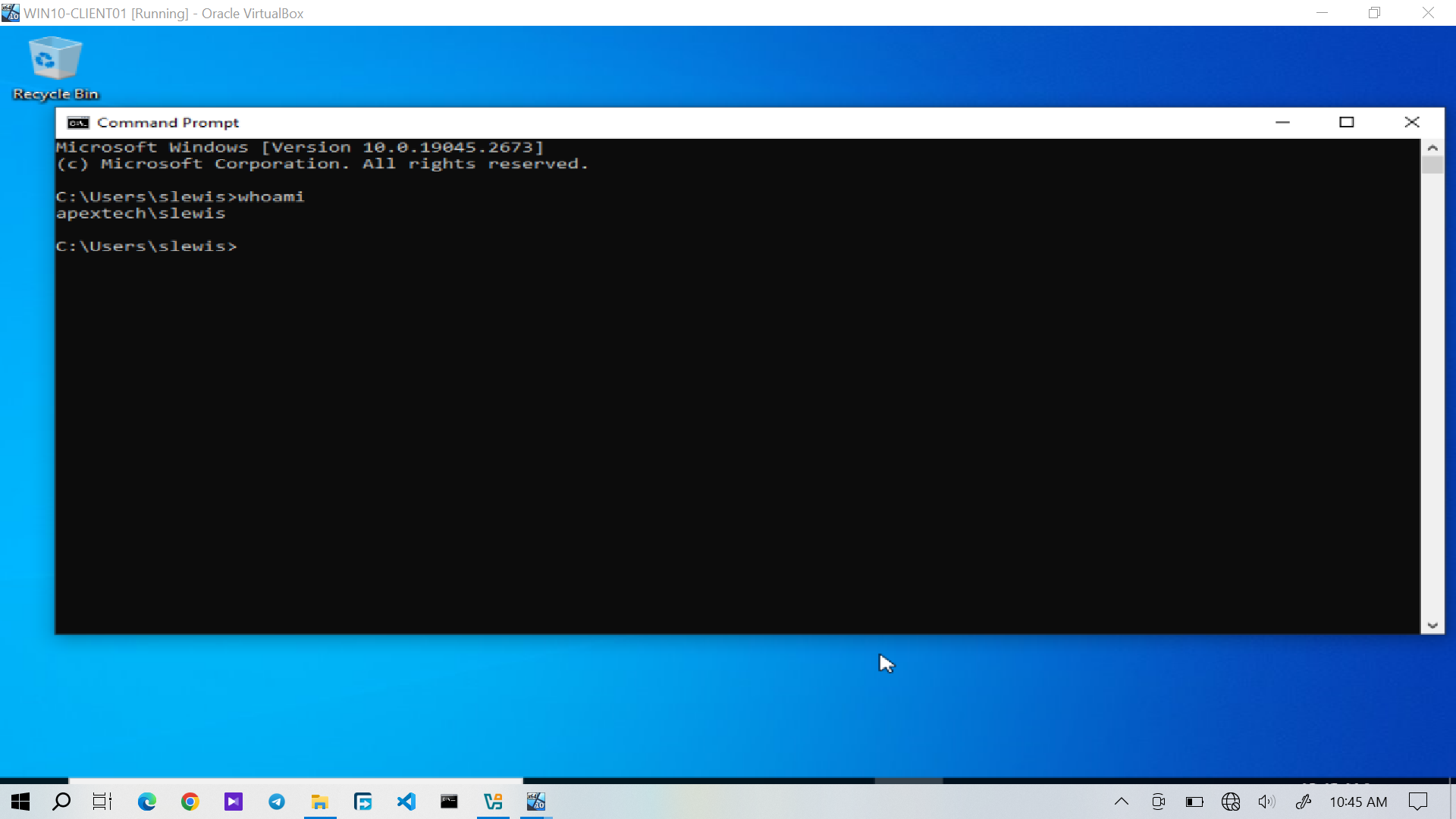
Successful domain login after Sophia changed her password.
The successful login confirmed that the new credentials were accepted and that the original authentication problem had been resolved.
Password Status Verification
The account status was checked again to confirm that the password change requirement had been cleared.
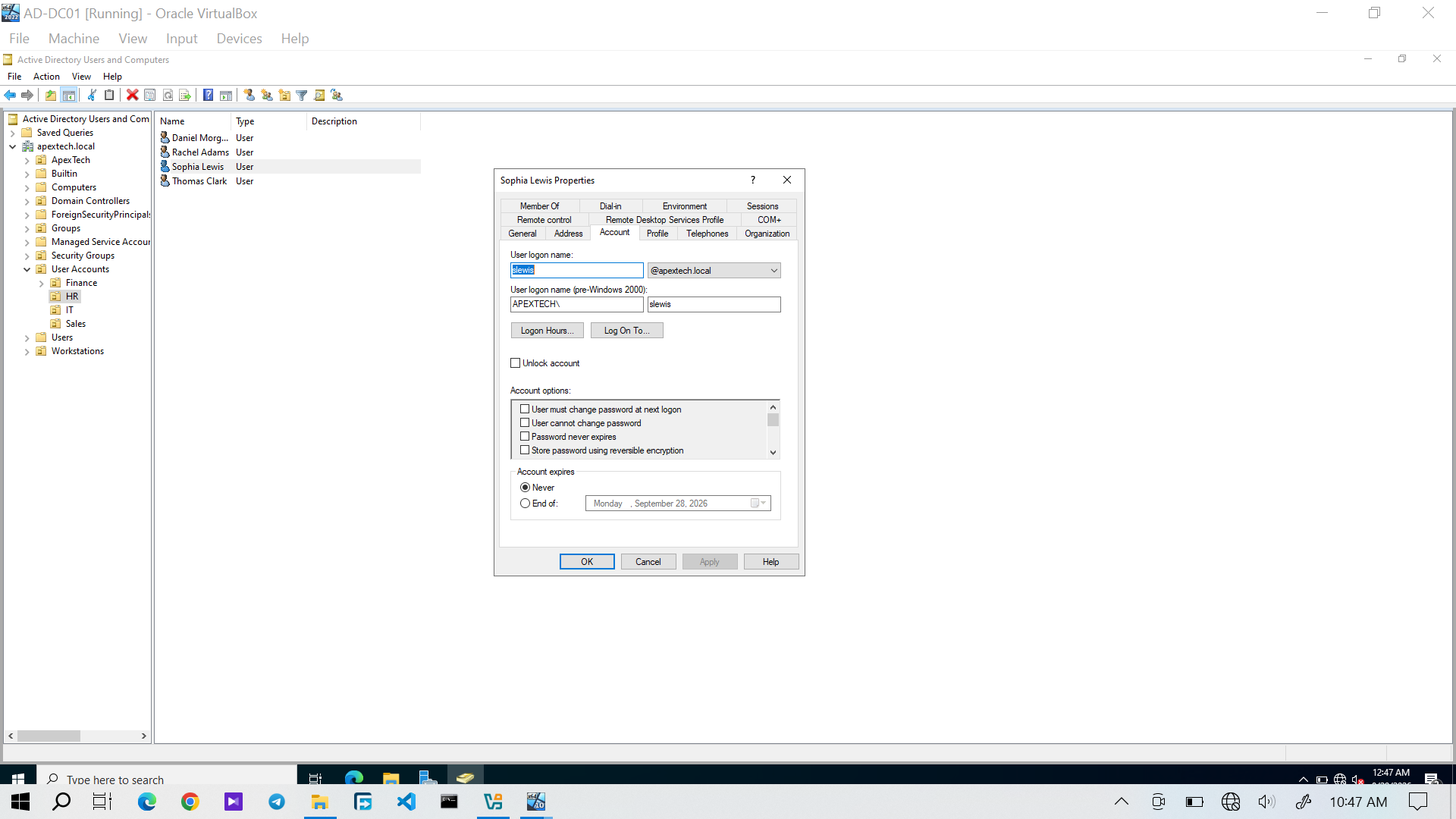
Sophia's password status after the password change.
The final verification covered both the account state and the user-facing result:
Password Expiration Condition
          │
          ▼
     Password Changed
          │
          ▼
    Domain Login Successful
          │
          ▼
   Password Status Verified
Service Desk Resolution
After the password was changed and successful domain authentication was verified, I documented the outcome in osTicket.
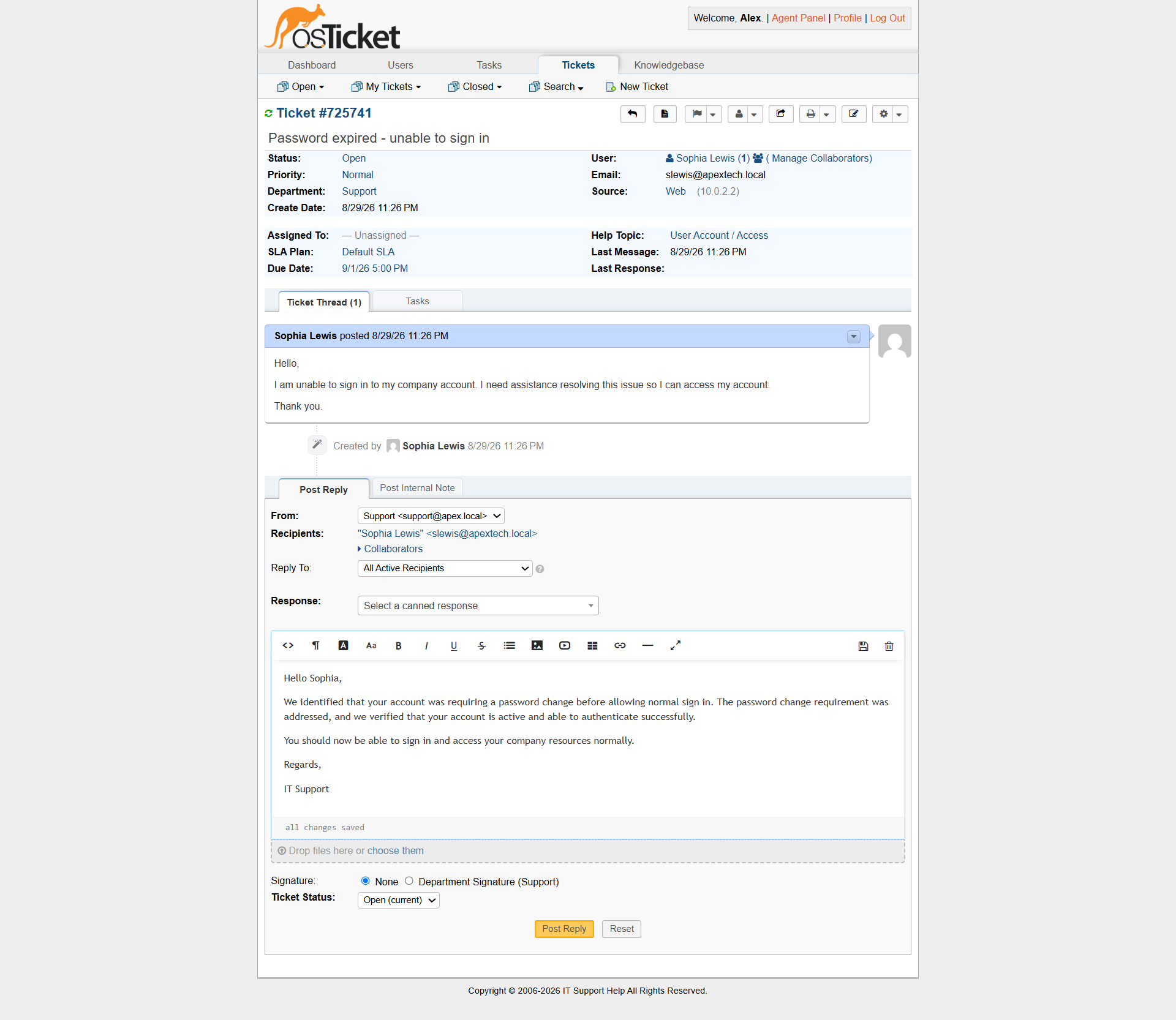 Sophia's password-expiration ticket showing the completed resolution and closure.
The user was informed that the password-expiration issue had been resolved, and the ticket was closed after the technical resolution had been verified.
Ticket Workflow
Sophia
   │
   ▼
Password Expiration Reported
   │
   ▼
osTicket Ticket Submitted
   │
   ▼
Password Status Investigated
   │
   ▼
Expiration Condition Confirmed
   │
   ▼
Password Changed
   │
   ▼
Domain Login Verified
   │
   ▼
Password Status Verified
   │
   ▼
Technician Response
   │
   ▼
Ticket Closed