Ticket 10 — Missing S: Drive
Ticket Summary
Daniel Carter reported that the Sales S: network drive was missing from File Explorer.
User Report
Daniel submitted a service-desk ticket reporting that his Sales S: drive was missing from File Explorer.
He had already restarted the workstation, but the drive was still unavailable.
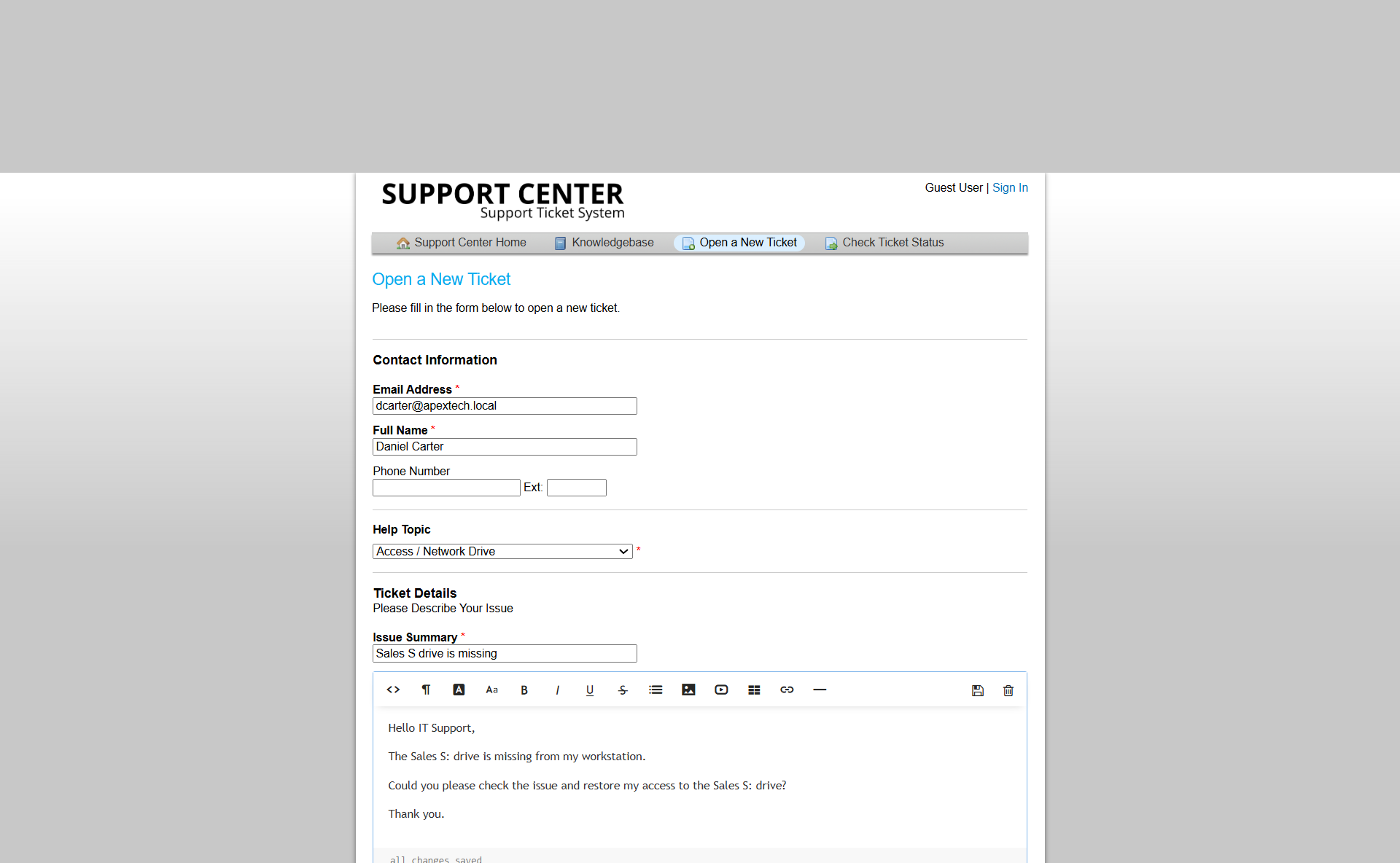
Figure 1: Daniel Carter's missing Sales S: Drive request submitted through osTicket.
Investigation
Before changing the drive configuration, I checked whether Daniel was still authorized to access the Sales resource.
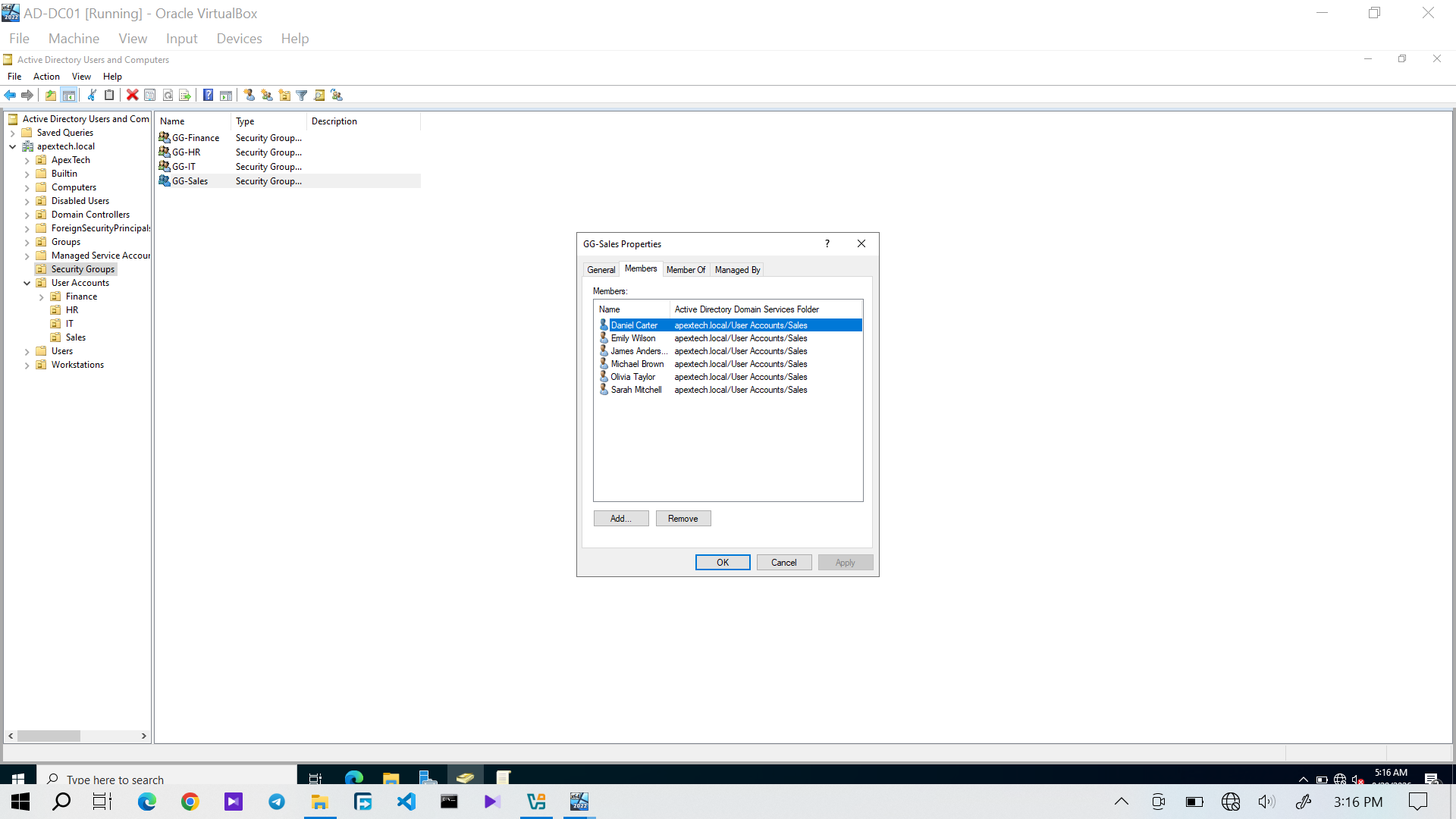
Figure 2: Daniel Carter's GG-Sales membership verified before troubleshooting the missing drive.
Daniel remained a member of GG-Sales, confirming that his Sales authorization was still present.
This ruled out the type of group-membership problem demonstrated in Ticket 04 and prevented unnecessary changes to Daniel's Active Directory permissions.
The Windows client was then checked to confirm the reported problem.
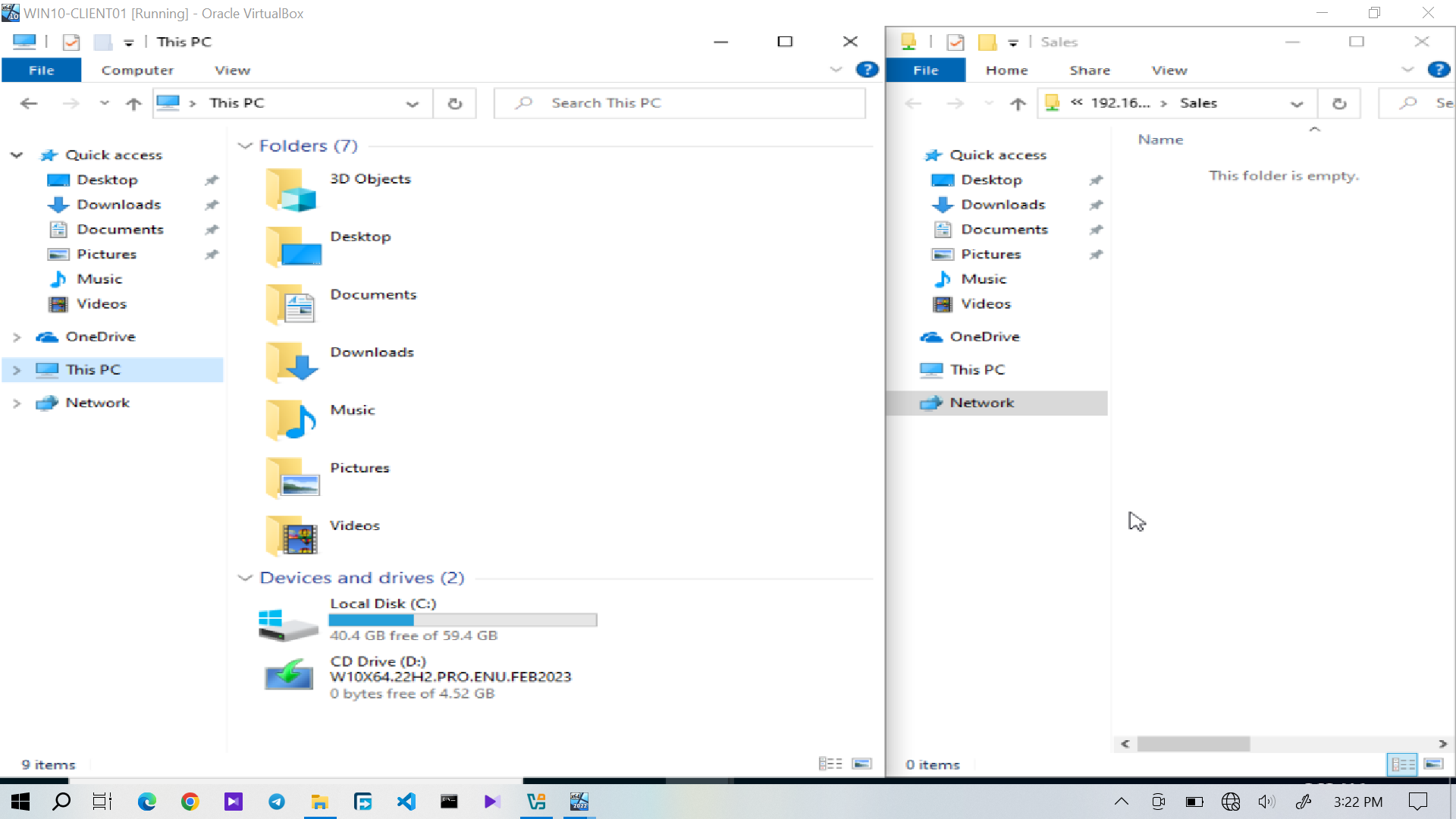
Figure 3: The expected Sales S: drive was missing from the Windows client.
At this point, Daniel was authorized for Sales, but the expected mapped drive was not available.
Drive Mapping Investigation
I checked the Windows client's network-drive configuration to determine whether the S: mapping was present.
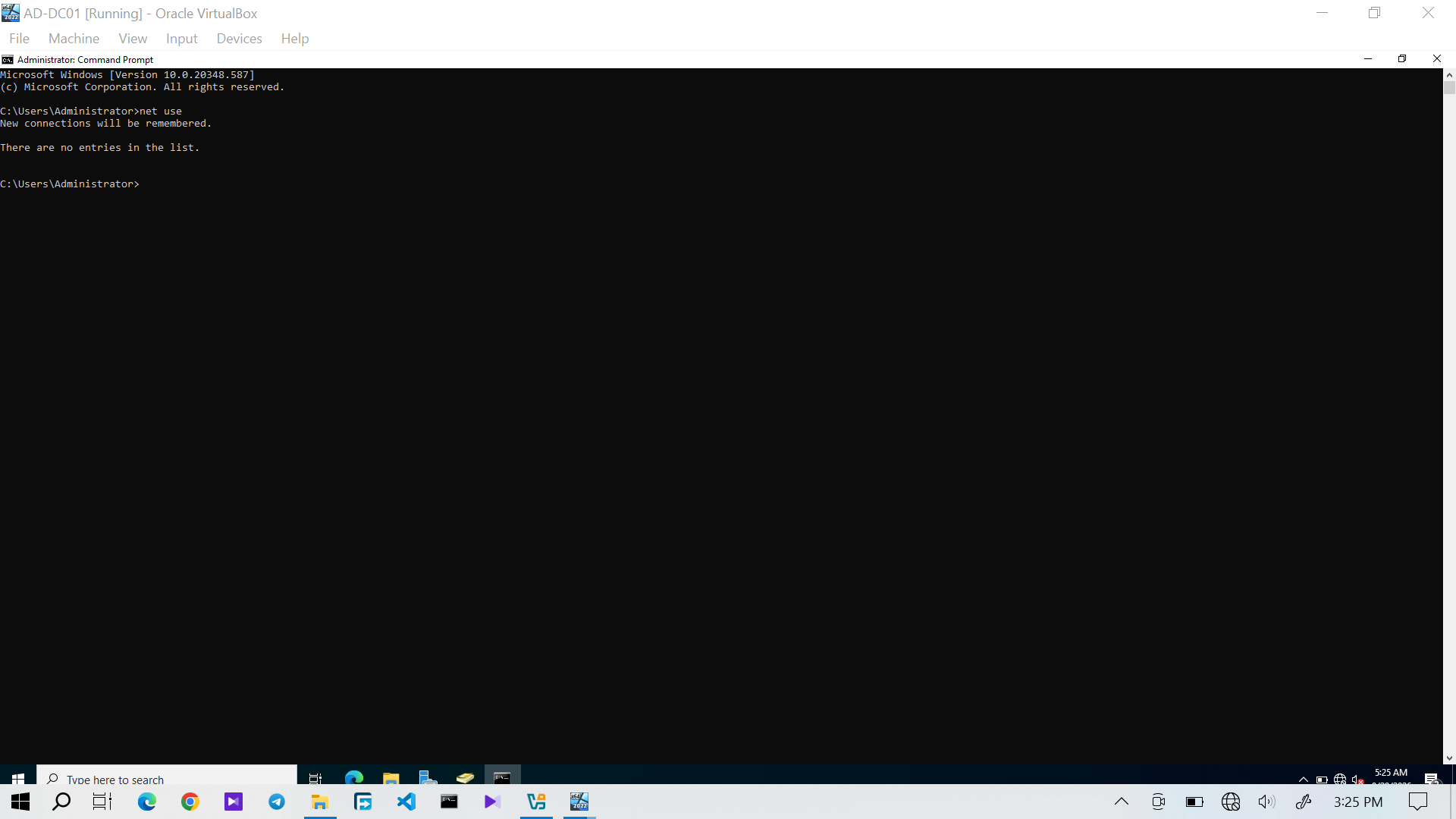
Figure 4: The Windows client showing that the expected S: network-drive mapping was not present.
The investigation narrowed the problem to the drive-mapping layer:
Daniel's Active Directory authorization was intact, so there was no need to modify the Sales share permissions or his group membership.Technical Resolution
The Sales S: network drive was mapped back to the appropriate Sales shared resource.
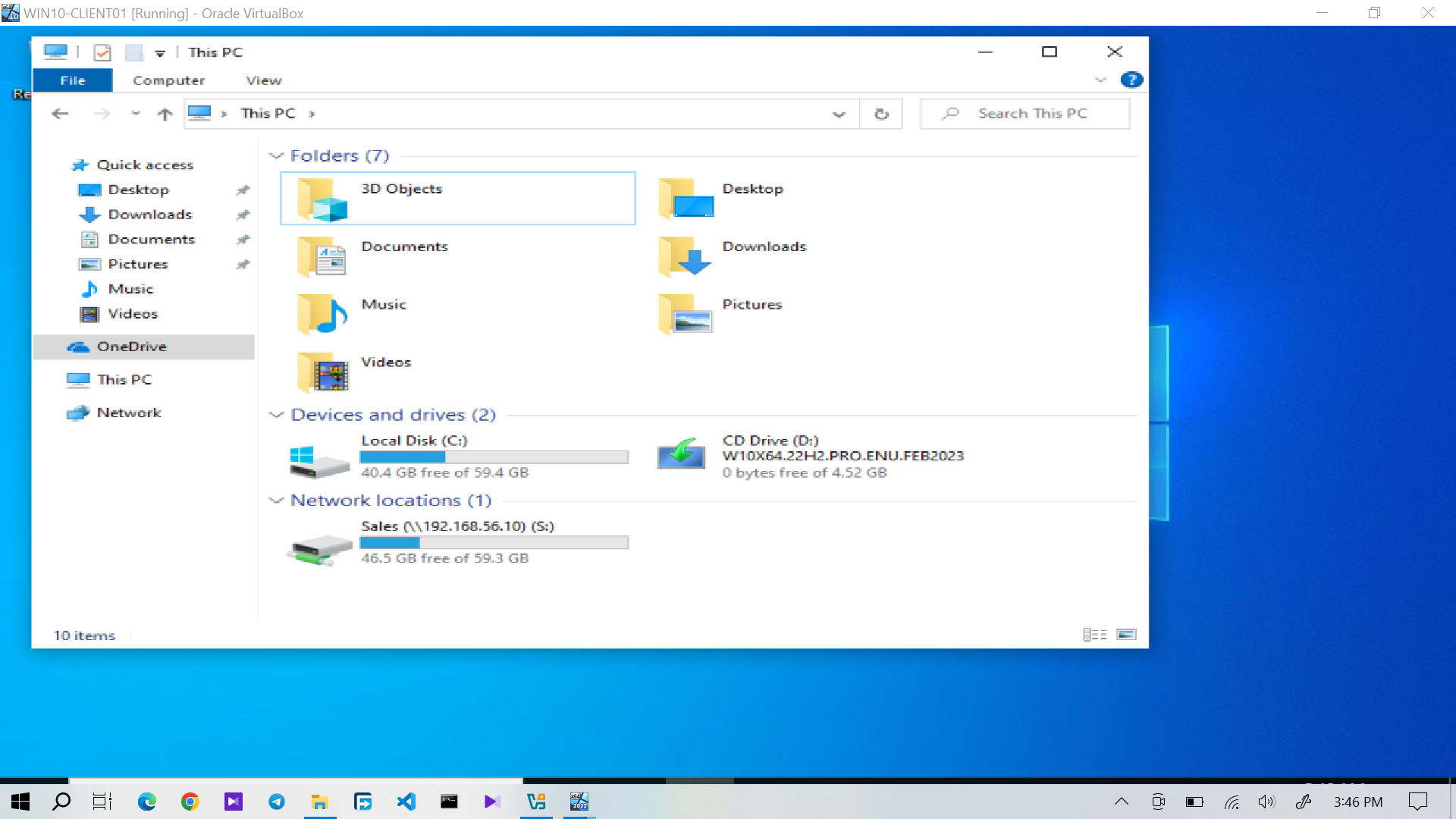
Figure 5: The Sales S: network drive successfully mapped on Daniel's Windows client.
The mapping restored the expected connection to the Sales shared resource.
Verification
The restored mapping was then checked from the Windows client to confirm that it was active.
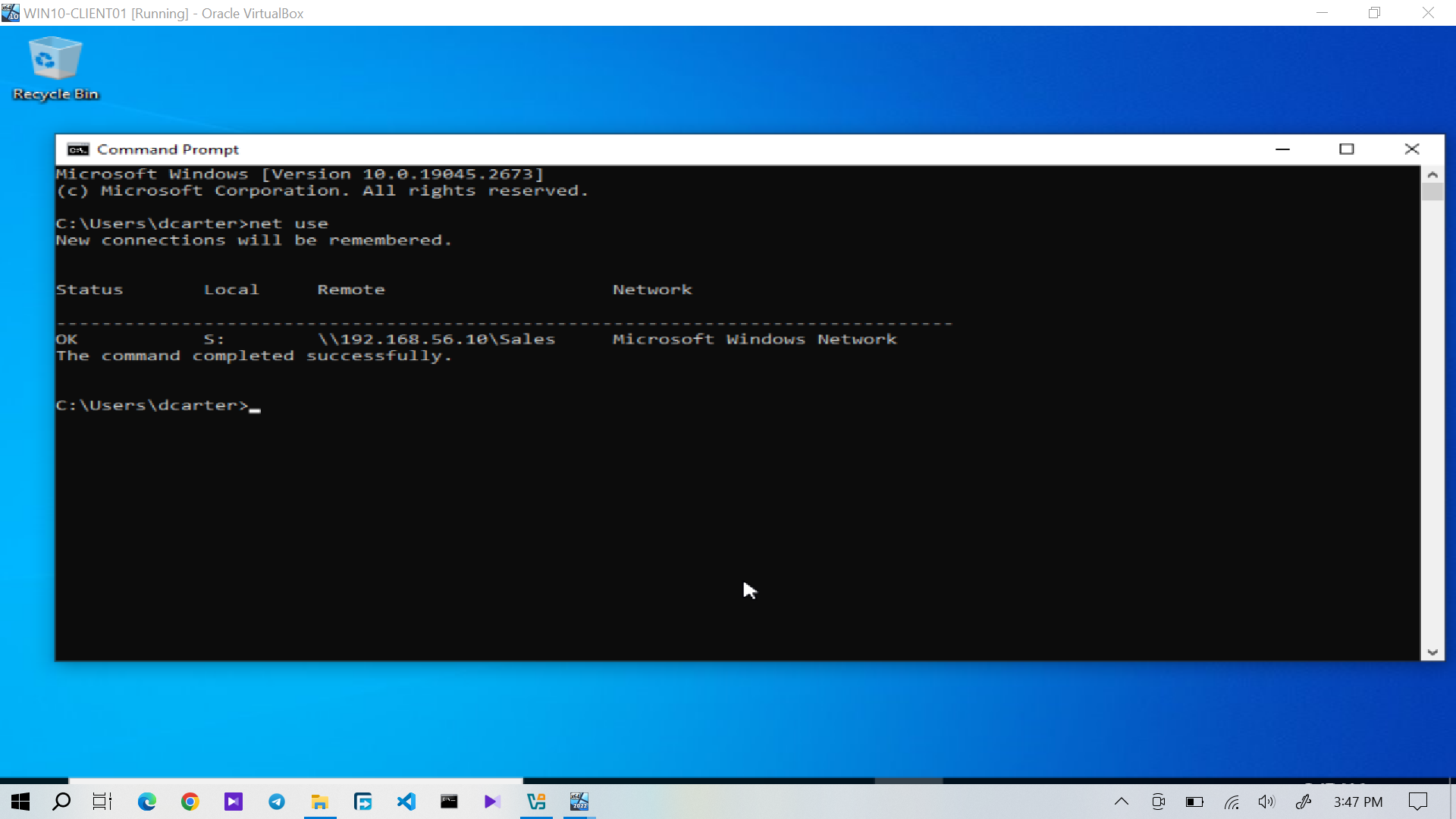
Figure 6: The S: network-drive mapping verified from the Windows client.
The active mapping confirmed that the S: drive was available again.
The completed technical resolution was also documented.
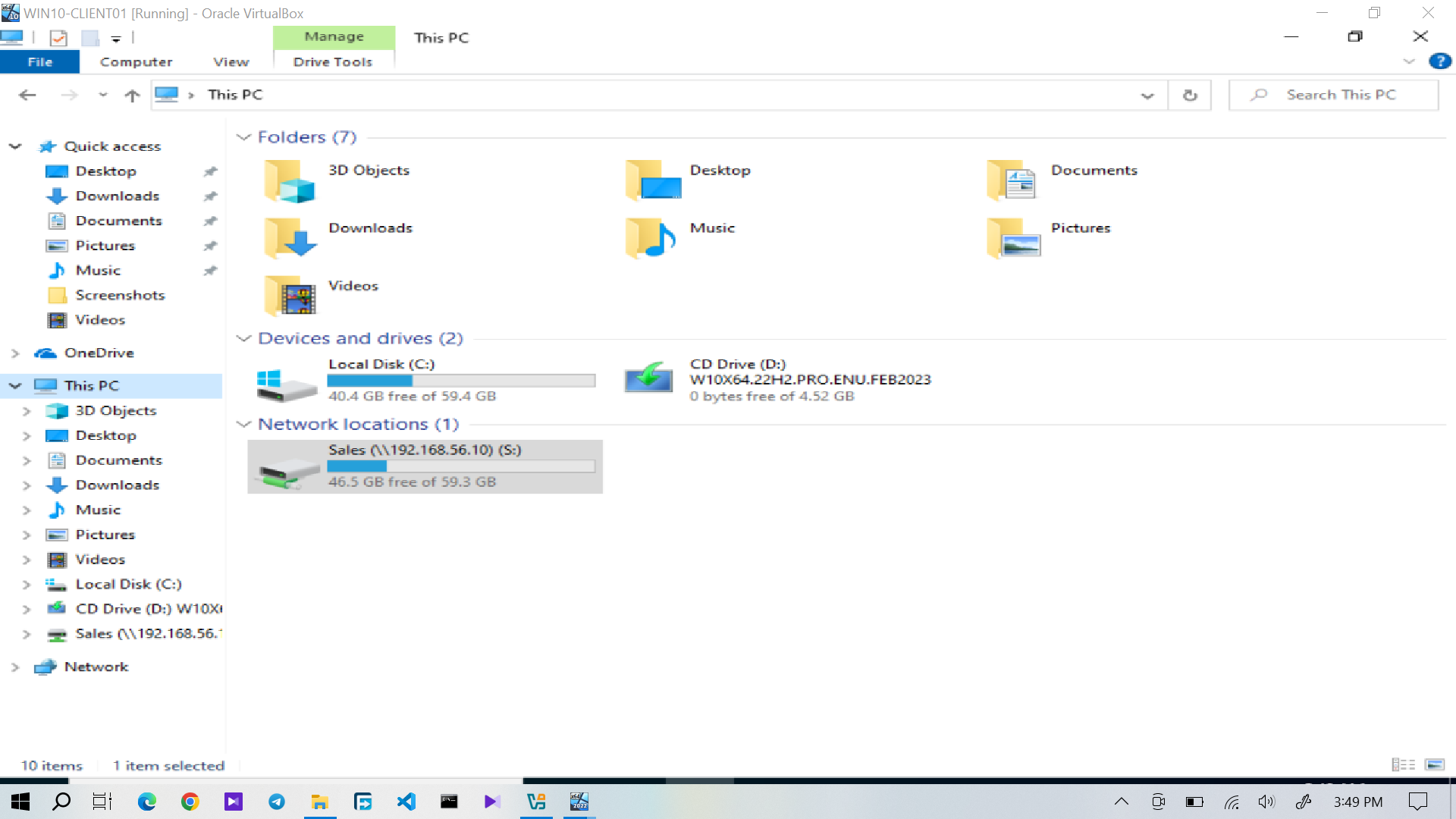
Figure 7: Evidence of the completed Sales S: Drive mapping resolution. The troubleshooting result was therefore:
Sales Authorization
        │
        ▼
GG-Sales Membership Present
        │
        ▼
S: Drive Mapping Missing
        │
        ▼
Mapping Restored
        │
        ▼
S: Drive Verified
Service Desk Resolution
After the drive mapping was restored and verified, I documented the resolution through osTicket.
The user was informed that the Sales S: drive had been restored.
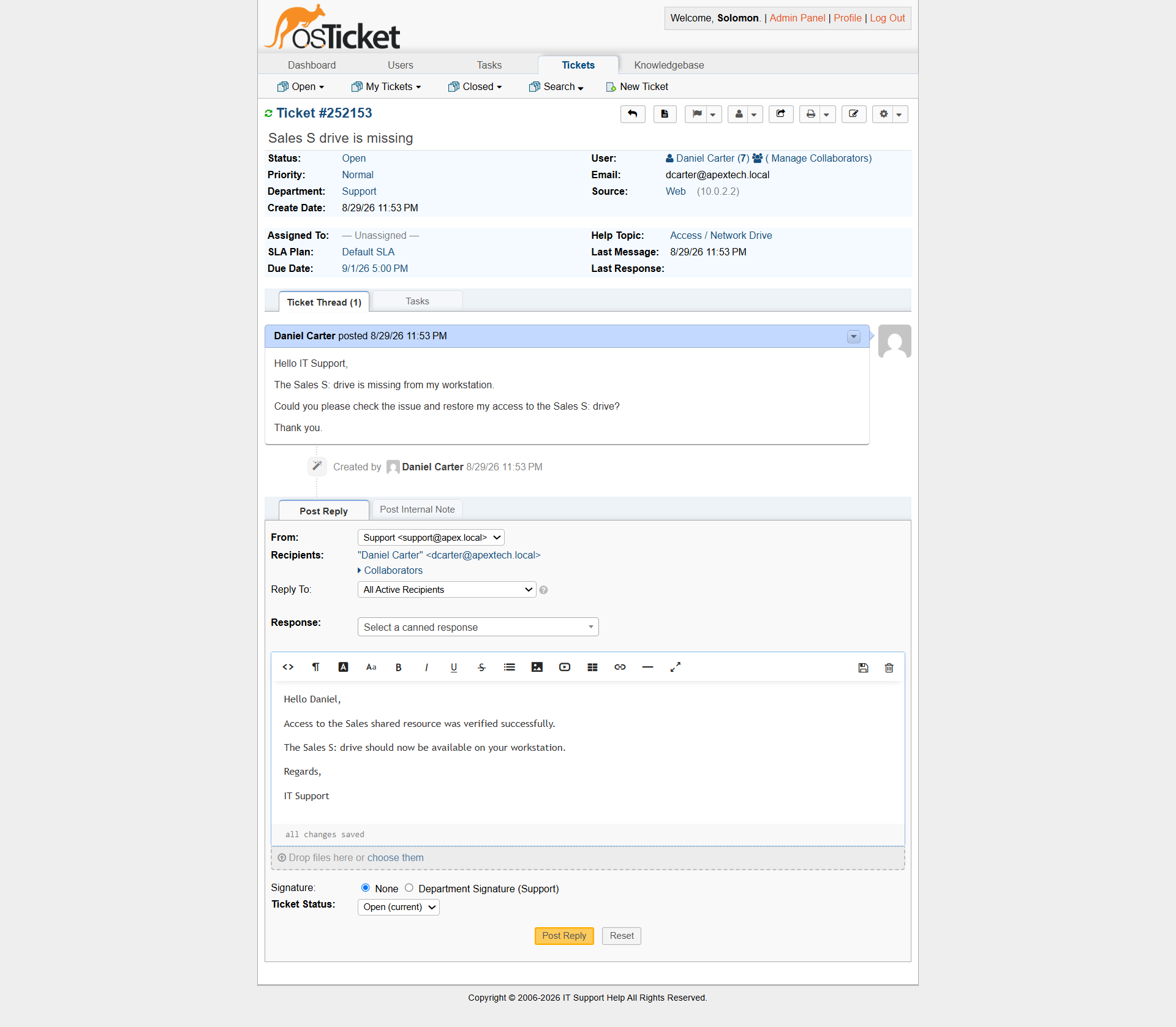
Figure 8: Daniel Carter's Sales S: Drive ticket showing the completed resolution and closure.
The ticket was then closed immediately after the resolution was documented.
Ticket Workflow
Daniel Carter
      │
      ▼
S: Drive Missing
      │
      ▼
osTicket Ticket Submitted
      │
      ▼
GG-Sales Membership Checked
      │
      ▼
Sales Authorization Confirmed
      │
      ▼
Drive Mapping Investigated
      │
      ▼
S: Drive Mapping Found Missing
      │
      ▼
S: Drive Mapping Restored
      │
      ▼
Network Drive Verified
      │
      ▼
My Response
      │
      ▼
Ticket Closed