Application Deployment
Microsoft Intune was used to demonstrate application deployment to managed Windows devices.
The lab used Microsoft Company Portal as the application for the deployment exercise.
Application Assignment
Company Portal was configured as a Required application assignment for the Intune Lab Users security group.
The assignment targeted the users included in the lab's Intune management scope.
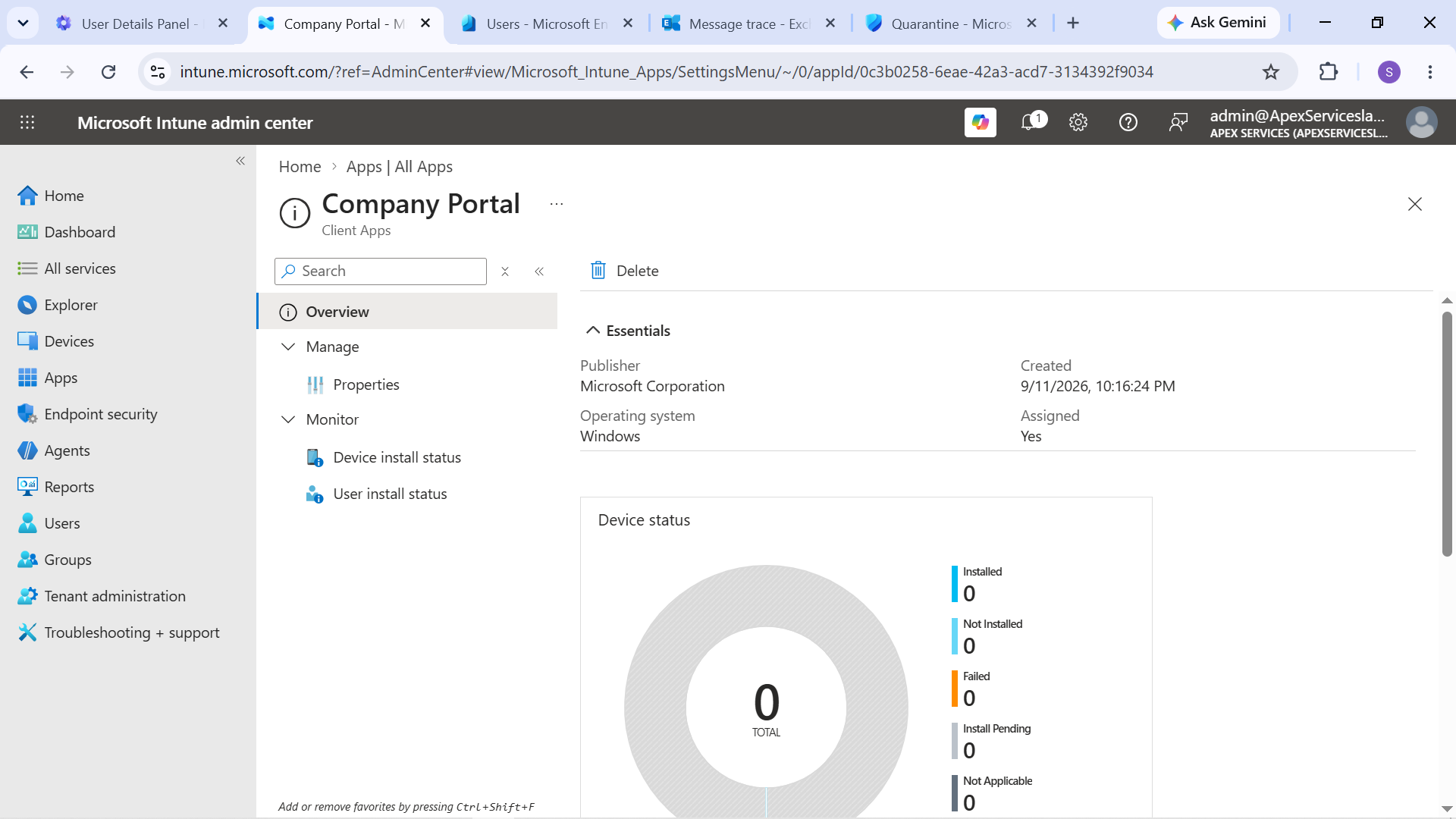
Evidence: Company Portal application deployment configuration in Intune.
Emily Carter's Device
After the application assignment was configured, Company Portal was installed on Emily Carter's managed Windows 10 device.
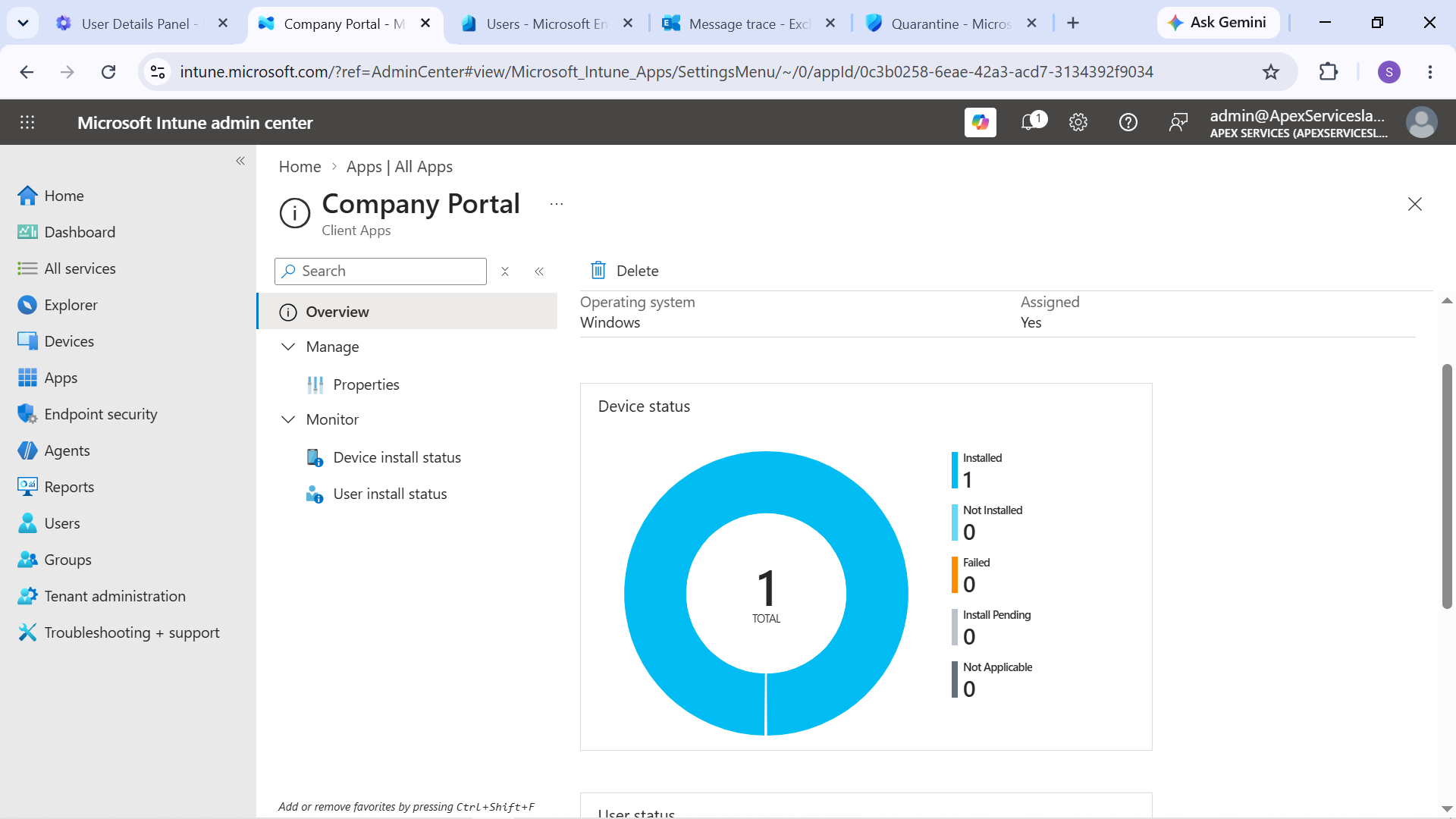
Evidence: Company Portal installed on Emily Carter's managed Windows device.
Sarah Johnson's Device
Company Portal was also installed and verified on Sarah Johnson's managed Windows 10 device.
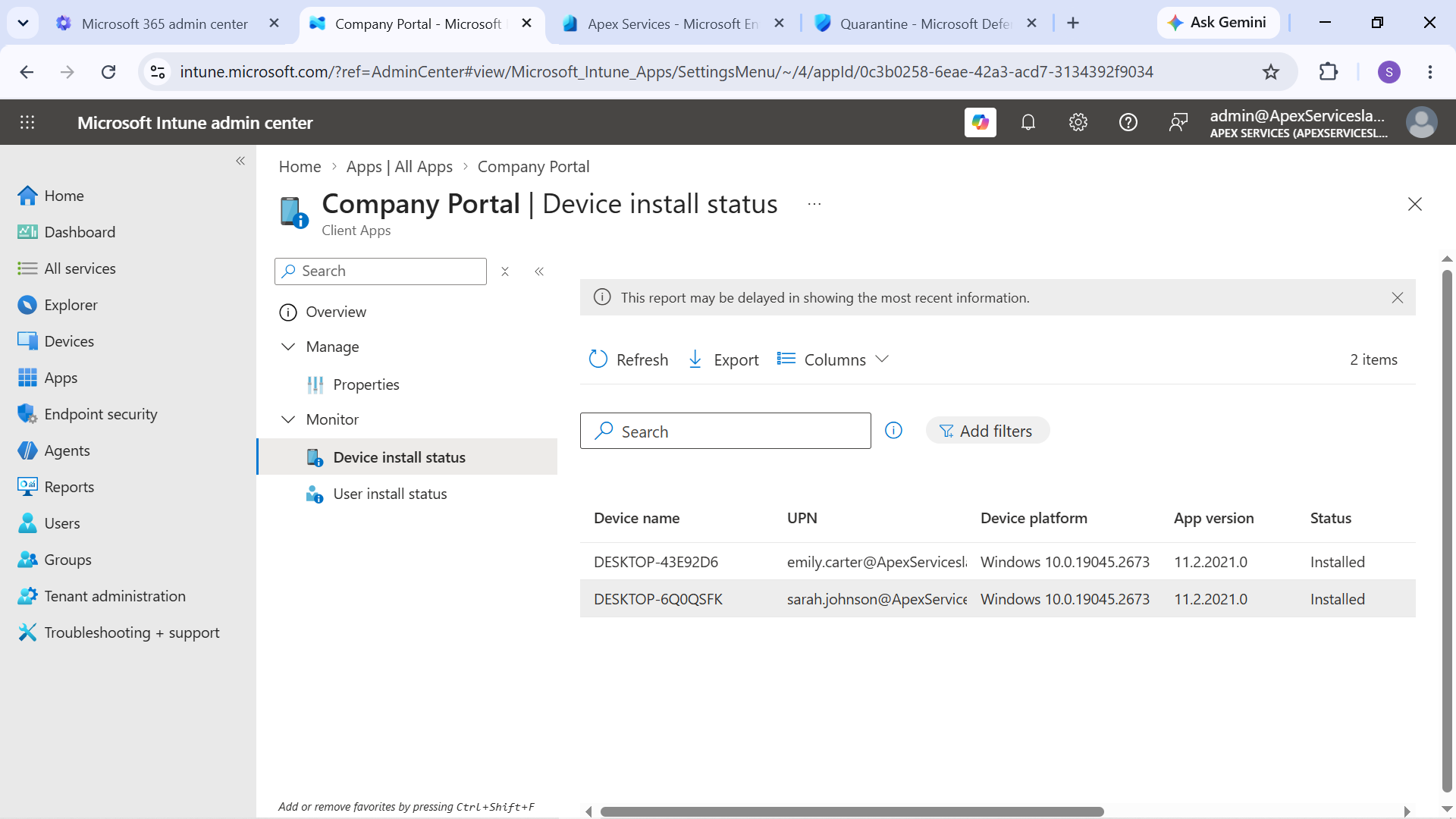
Evidence: Company Portal installed on Sarah Johnson's managed Windows device.
Deployment Workflow
The application deployment process followed:
Select Application → Configure Assignment → Target Users → Device Sync → Verify Installation
This demonstrated the basic Intune application-management workflow from administrator configuration through end-user verification.
Support Perspective
From an IT Support perspective, application deployment through Intune provides a way to centrally manage software installation on organizational devices.
The lab provided hands-on experience with:
- Reviewing application deployment assignments
- Targeting users through a security group
- Monitoring the resulting device installation
- Verifying application availability on the Windows endpoint
The installation was verified directly on the managed Windows devices rather than relying only on the Intune assignment configuration.
Endpoint Management Workflow
The application deployment exercise formed part of the broader endpoint-management workflow:
Entra ID Identity → Intune Enrollment → Policy Assignment → Application Deployment → Device Verification
Together with the compliance and configuration exercises, this demonstrated practical use of Intune for managing Windows endpoints in a support environment.