Outlook & Calendar
Outlook was used as the primary end-user interface for testing Microsoft 365 email and calendar functionality.
The lab used Outlook to verify administrative changes from the user's perspective rather than relying only on Microsoft 365 Admin Center configuration.
Email Testing
Emily Carter's Outlook account was used for basic email testing within the lab.
Testing included sending and receiving messages between Microsoft 365 users and verifying shared mailbox functionality.
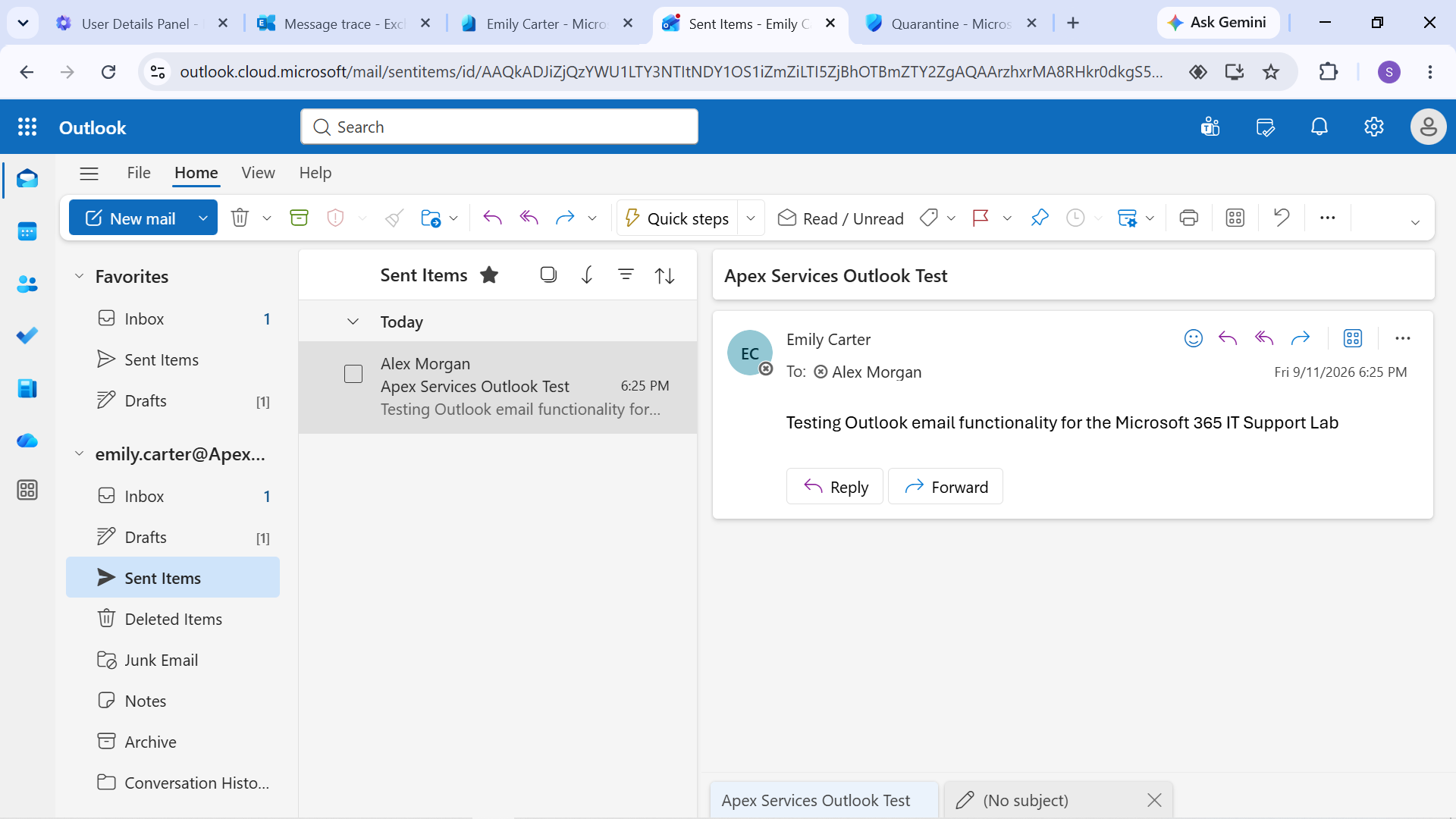
Evidence: Outlook email test using Emily Carter's account.
The IT Support shared mailbox was also tested to verify that its configured access and Send As functionality worked from the user side.
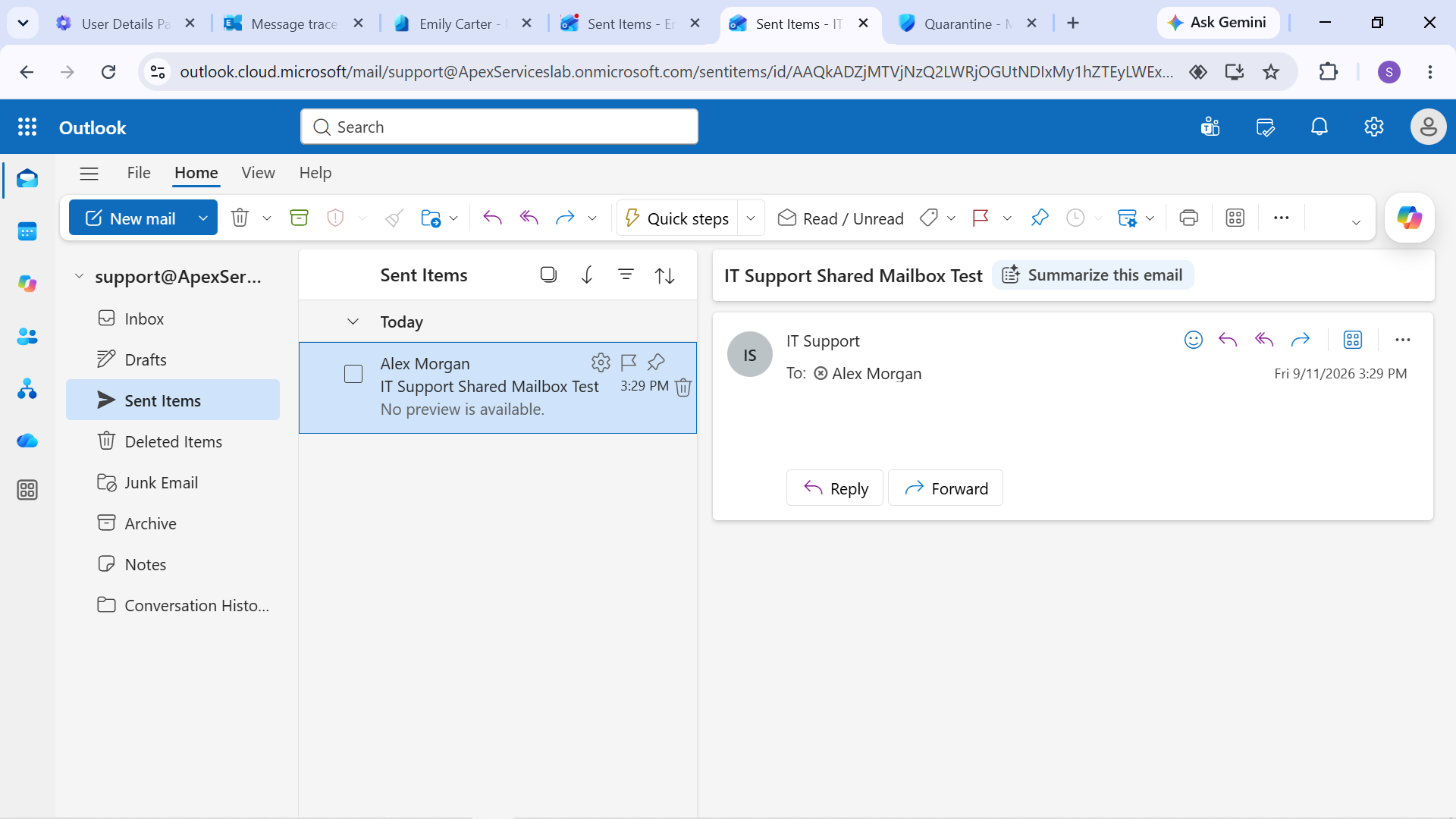
Evidence: IT Support shared mailbox test.
Calendar Delegation
Calendar delegation was configured between:
- David Wilson — General Manager
- Jennifer Thomas — Operations Manager
Jennifer was configured as a delegate with calendar-management access.
The delegation was then tested through Outlook by creating and managing a calendar item.
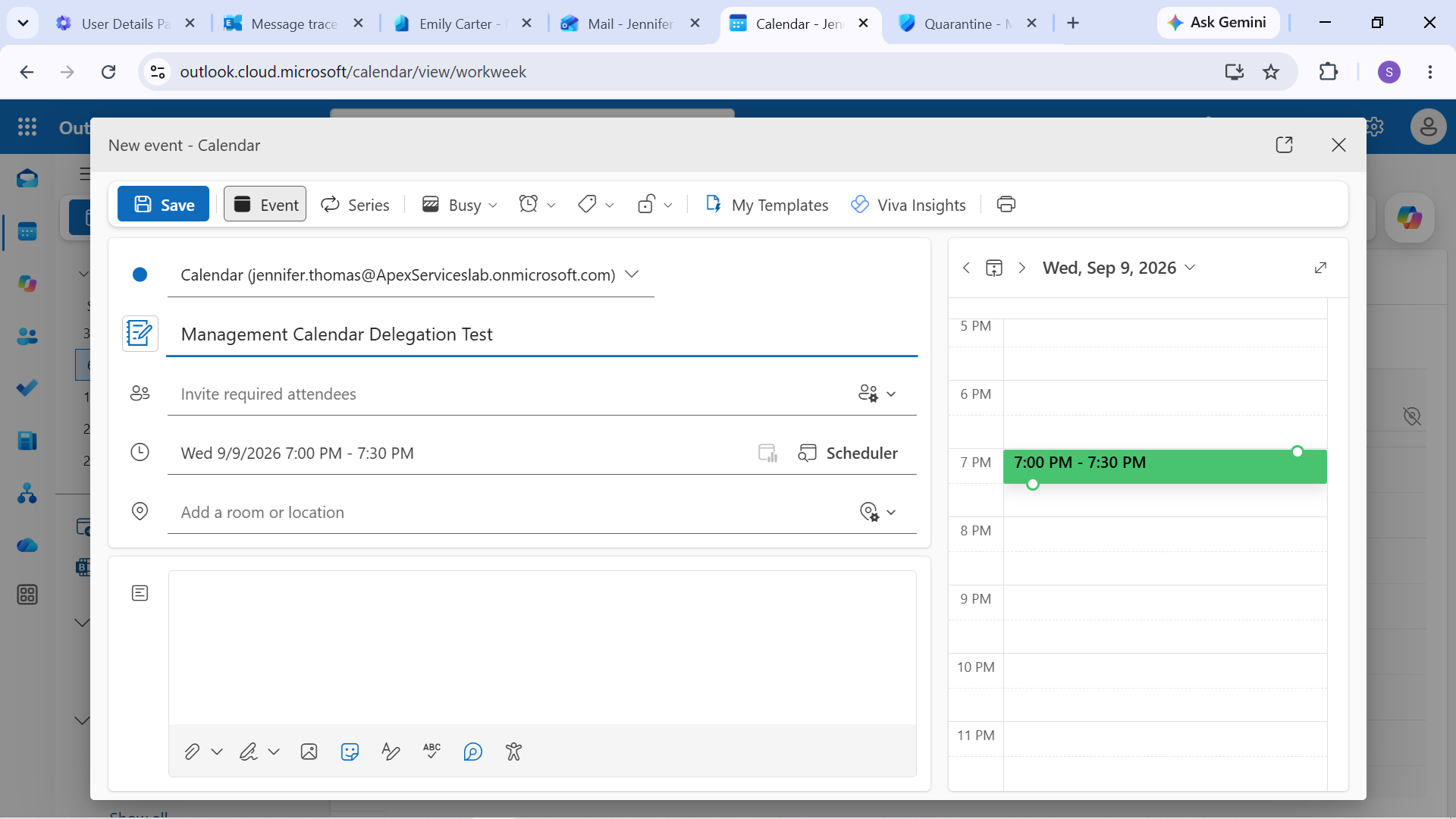
Evidence: Actual calendar delegation test using Jennifer Thomas's account.
This demonstrated the complete workflow:
Configure Delegation → Access Calendar → Perform Calendar Action → Verify
Resource Calendar
Conference Room 1 was configured as a room resource with a capacity of 10.
The resource was used in an actual meeting-room booking test to verify that the room could be selected and booked through the calendar system.
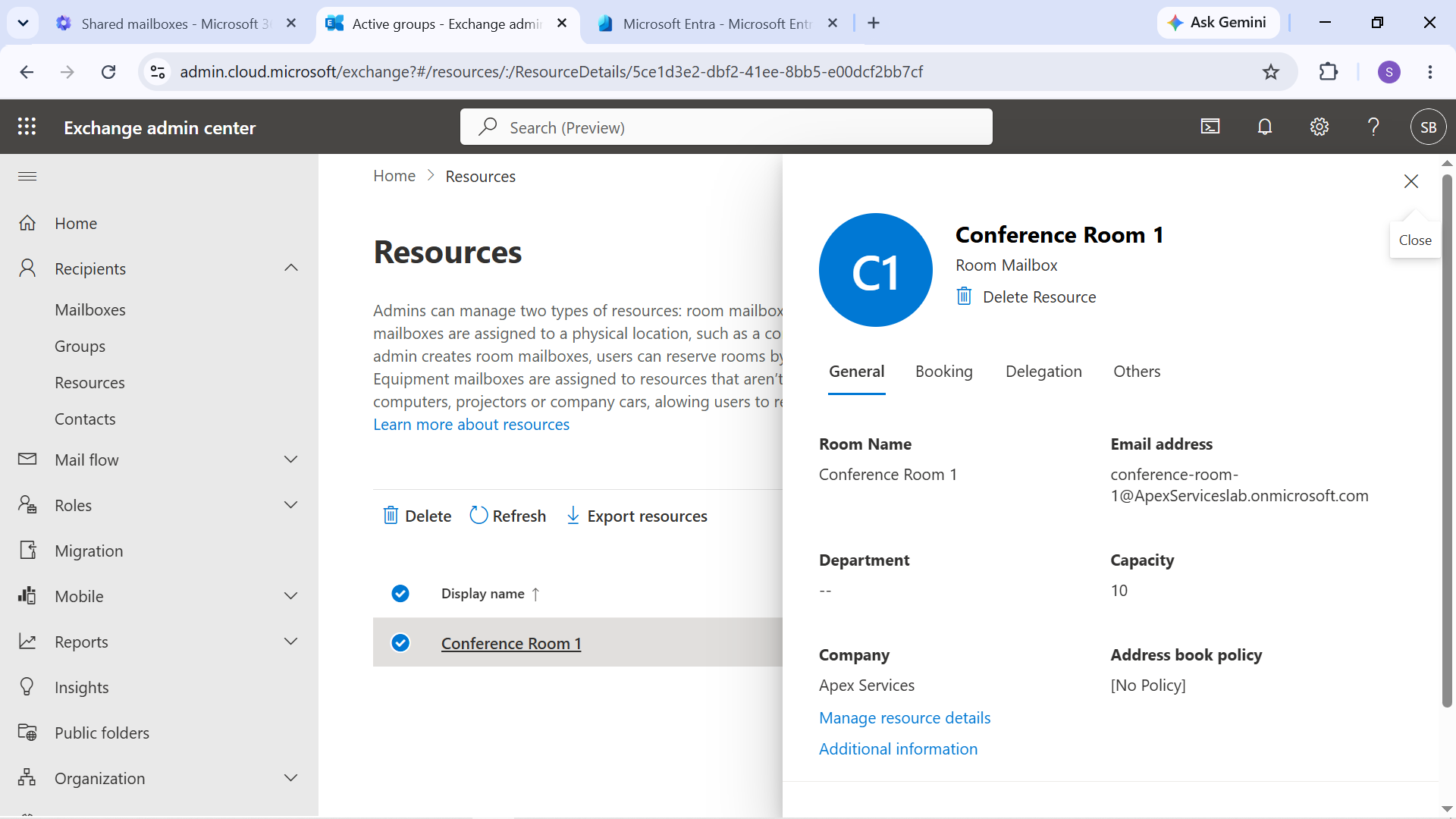
Evidence: Conference Room 1 resource mailbox configuration.
The booking itself is documented in the Conference Room Booking support ticket.
Outlook Mobile
Outlook Mobile functionality was tested using Emily Carter's account.
The tests covered:
- Email access
- Calendar access
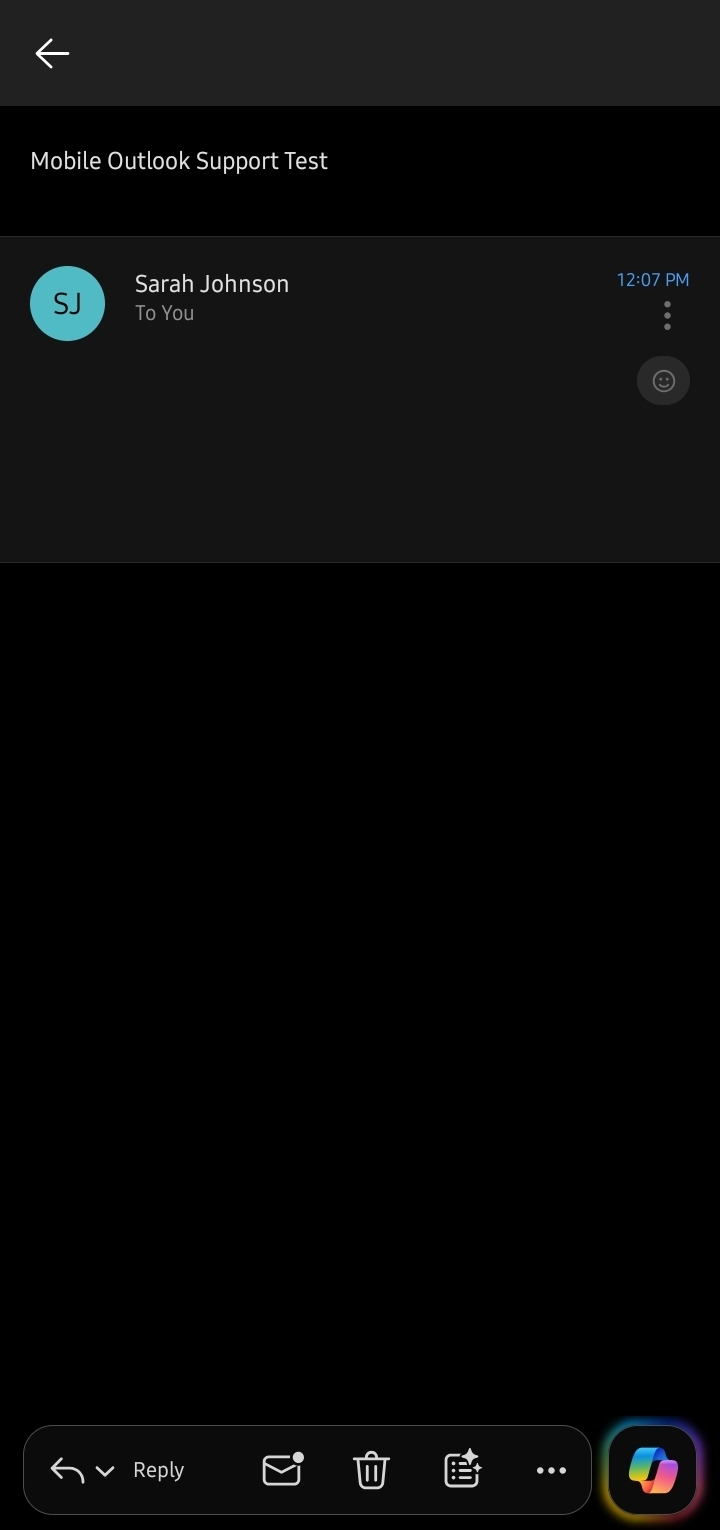
Evidence: Emily Carter's Outlook Mobile email test.
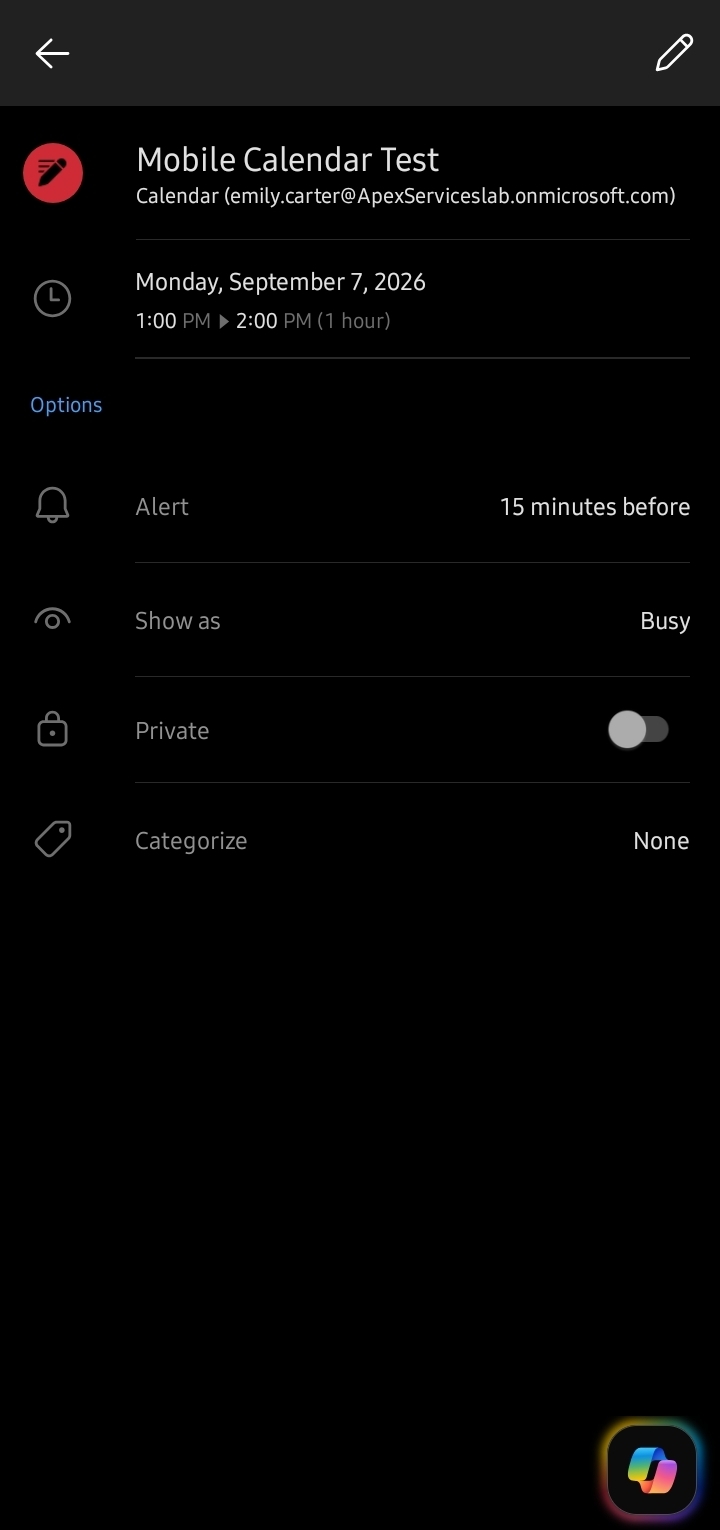
Evidence: Emily Carter's Outlook Mobile calendar test.
These tests demonstrated basic mobile access to Microsoft 365 email and calendar services.
User-Facing Verification
Outlook testing was used throughout the project as a verification layer after administrative changes.
Examples included:
- Sending test email after permission changes
- Testing shared mailbox access
- Verifying Send As
- Testing calendar delegation
- Testing room booking
- Testing Outlook Mobile access
This helped distinguish between a configuration that was merely present in the admin center and a service that was actually functioning from the user's perspective.
Support Approach
The Outlook and calendar workflow followed:
Configure → Test from User Perspective → Identify Failure → Correct Configuration → Retest
This approach was particularly useful for permission, mailbox, alias, delegation, and access-related support scenarios.