Microsoft Teams
Microsoft Teams was used to demonstrate team-based collaboration and membership management within the Apex Services Lab.
The Teams environments were associated with the Microsoft 365 Groups configured earlier in the project.
Teams Environments
The lab included three Teams environments:
- IT Operations
- Sales Collaboration
- Apex Services General
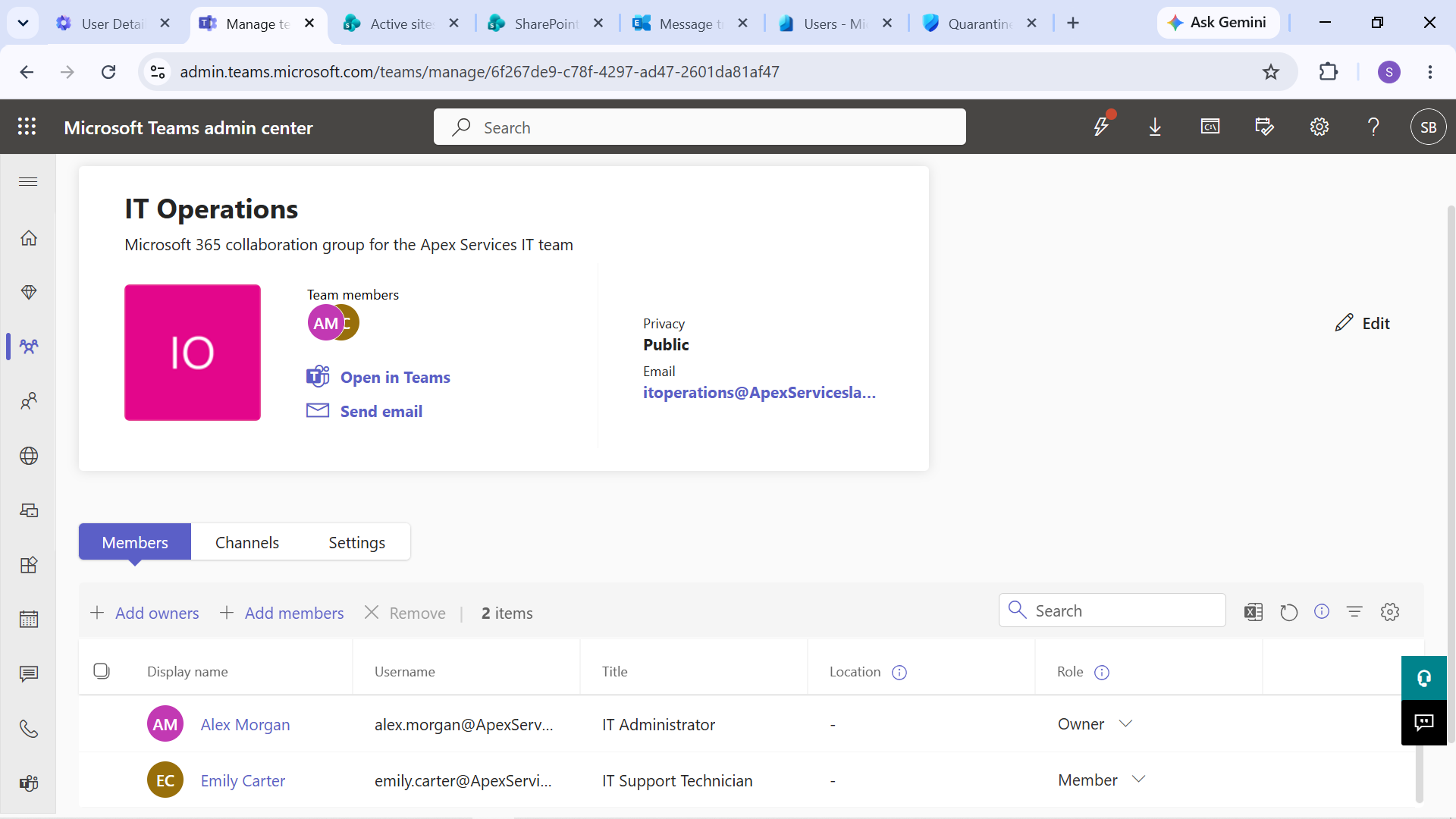
Evidence: IT Operations Team environment.
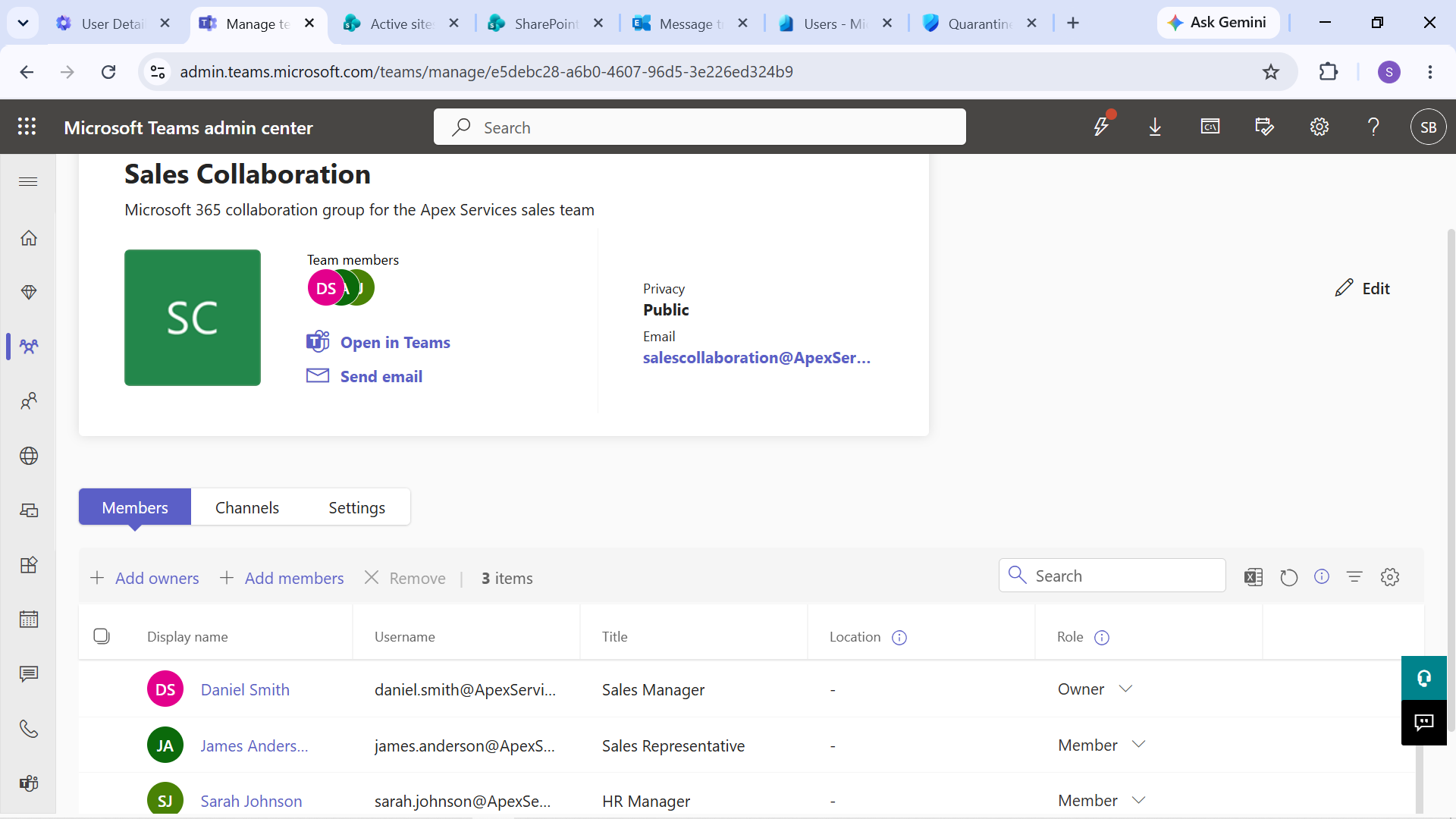
Evidence: Sales Collaboration Team environment.
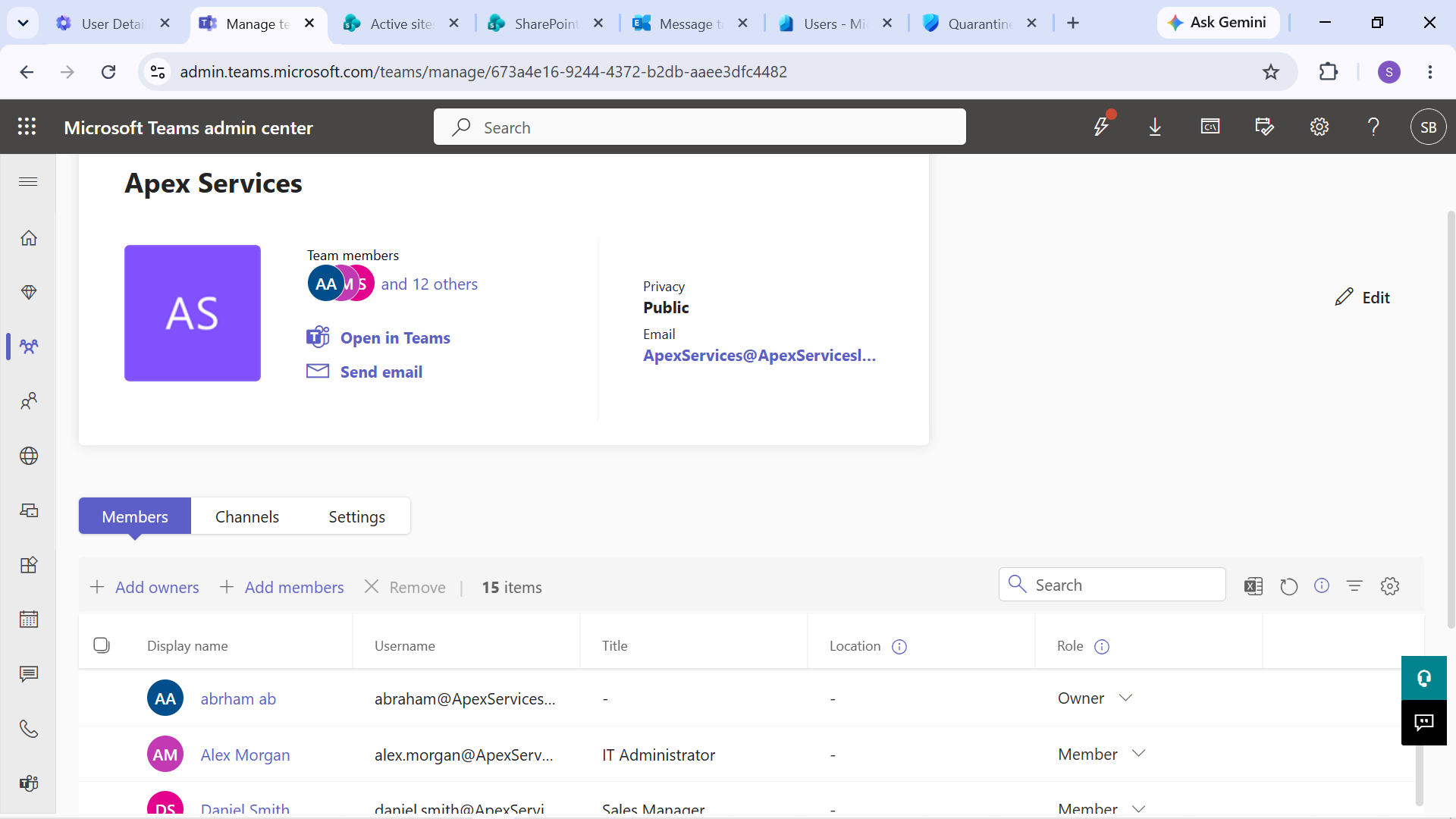
Evidence: Apex Services General Team environment.
Microsoft 365 Group Integration
The IT Operations and Sales Collaboration Teams environments were associated with their corresponding Microsoft 365 Groups.
This allowed group membership to provide the underlying membership structure for the associated collaboration environment.
The lab therefore demonstrated the relationship between:
Microsoft 365 Group → Membership → Teams Access
Teams Membership Troubleshooting
Teams membership was used in a controlled support scenario involving James Anderson, a Sales Representative.
James was initially a member of the Sales Collaboration group.
His membership was temporarily removed to reproduce an access problem.
The resulting impact was then verified from the user's Teams environment.
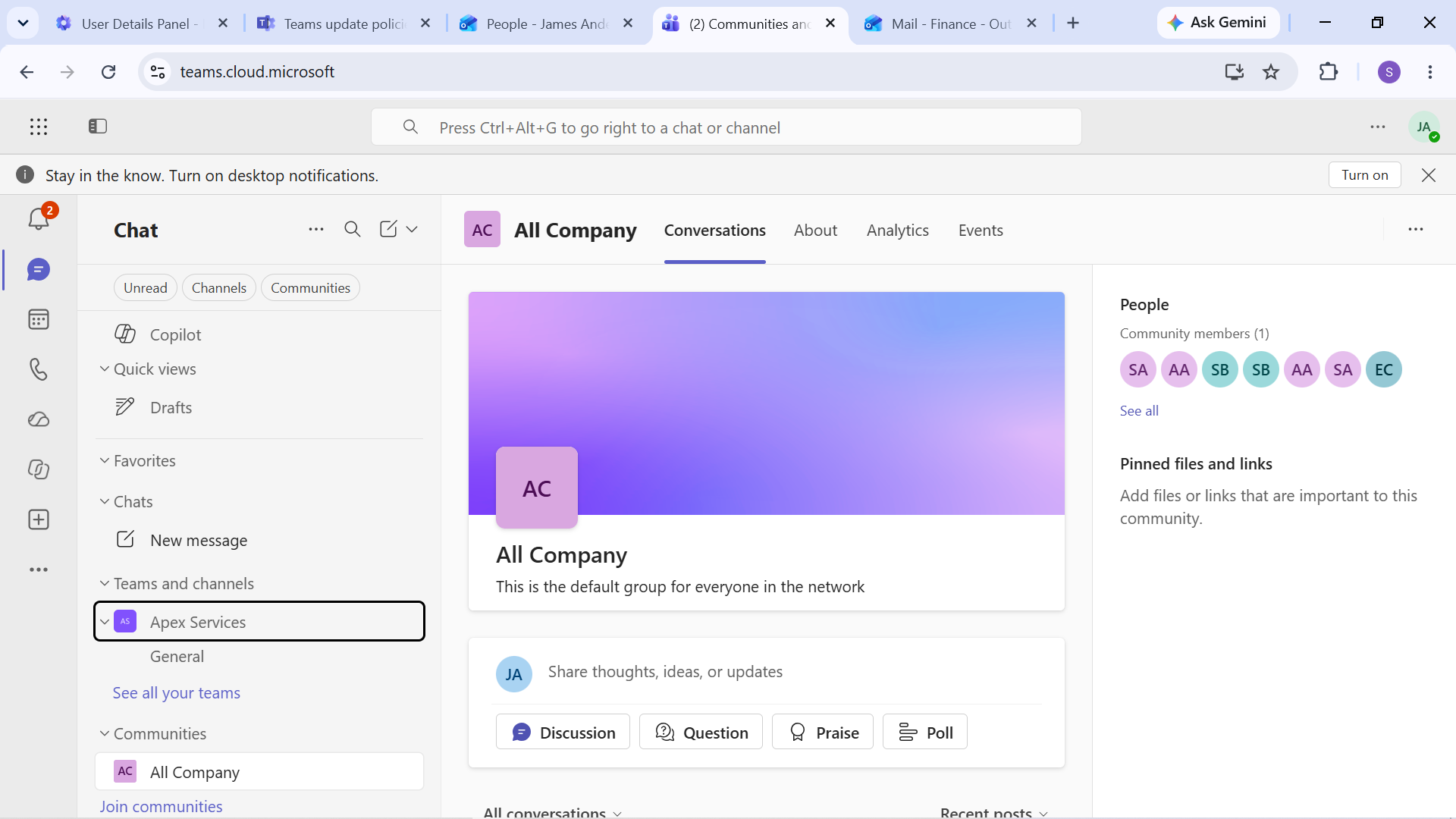
Evidence: Impact of removing James Anderson from the Sales Collaboration membership.
The membership configuration was then investigated to identify the cause of the missing Team access.
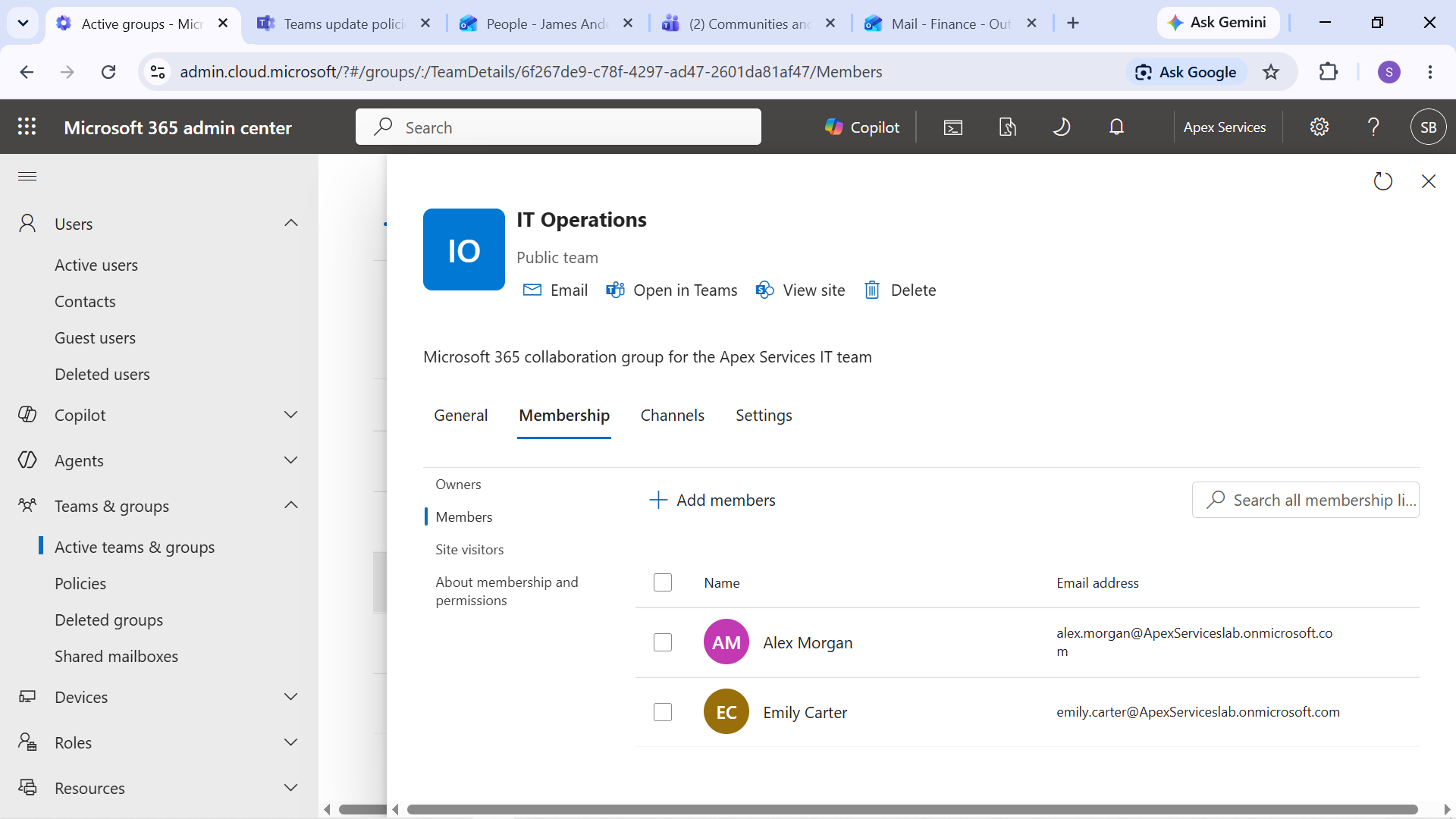
Evidence: Investigation of Sales Collaboration membership.
James's membership was restored and his access to the Sales Collaboration environment was verified.
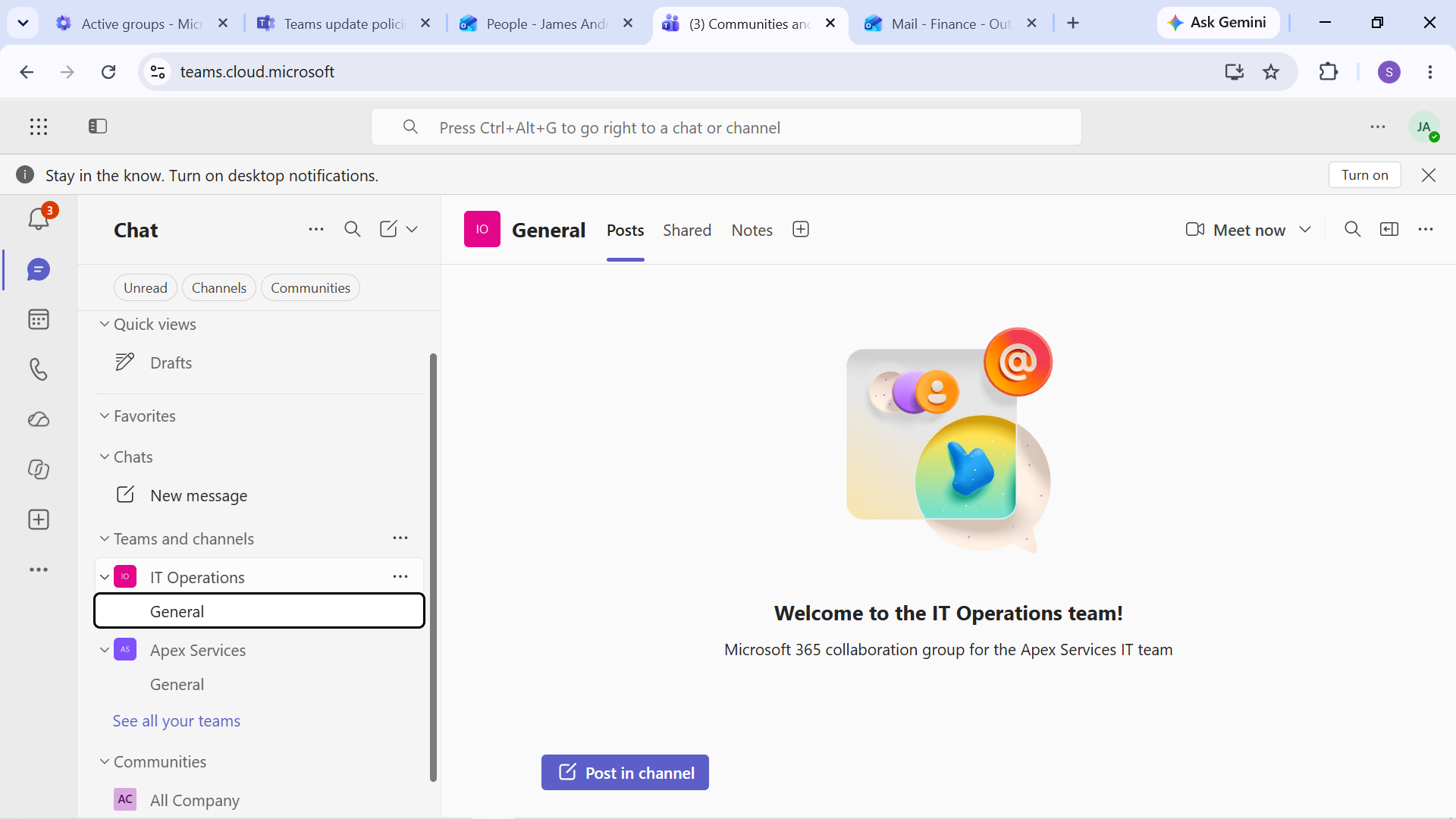
Evidence: James Anderson's Sales Collaboration membership restored and the support issue resolved.
Support Perspective
The Teams exercise demonstrated practical support tasks involving:
- Identifying a user's Team access problem
- Reviewing Microsoft 365 Group membership
- Understanding the relationship between group membership and Teams access
- Restoring required membership
- Verifying access after the corrective action
The scenario emphasized investigating the underlying membership configuration rather than treating Teams access as an isolated problem.
Verification Workflow
The Teams support workflow was:
User Reports Missing Team → Review Membership → Identify Missing Membership → Restore Membership → Verify Access
This provided a practical example of troubleshooting a collaboration-access issue through Microsoft 365 identity and group administration.