Mailboxes & Resources
Exchange Online was configured with user mailboxes, shared mailboxes, and room resource mailboxes to simulate common organizational email and resource-management requirements.
These resources were also used in later support and troubleshooting scenarios.
Shared Mailboxes
Three shared mailboxes were created for common departmental and support functions:
| Shared Mailbox | Purpose | Users with Access |
|---|---|---|
| support@apexserviceslab.onmicrosoft.com | IT Support | Alex Morgan, Emily Carter |
| hr@apexserviceslab.onmicrosoft.com | HR | Sarah Johnson, Jessica Davis |
| finance@apexserviceslab.onmicrosoft.com | Finance | Michael Brown, Laura Wilson |
The appropriate users were configured with:
- Full Access
- Send As
These permissions were tested from the end-user perspective.
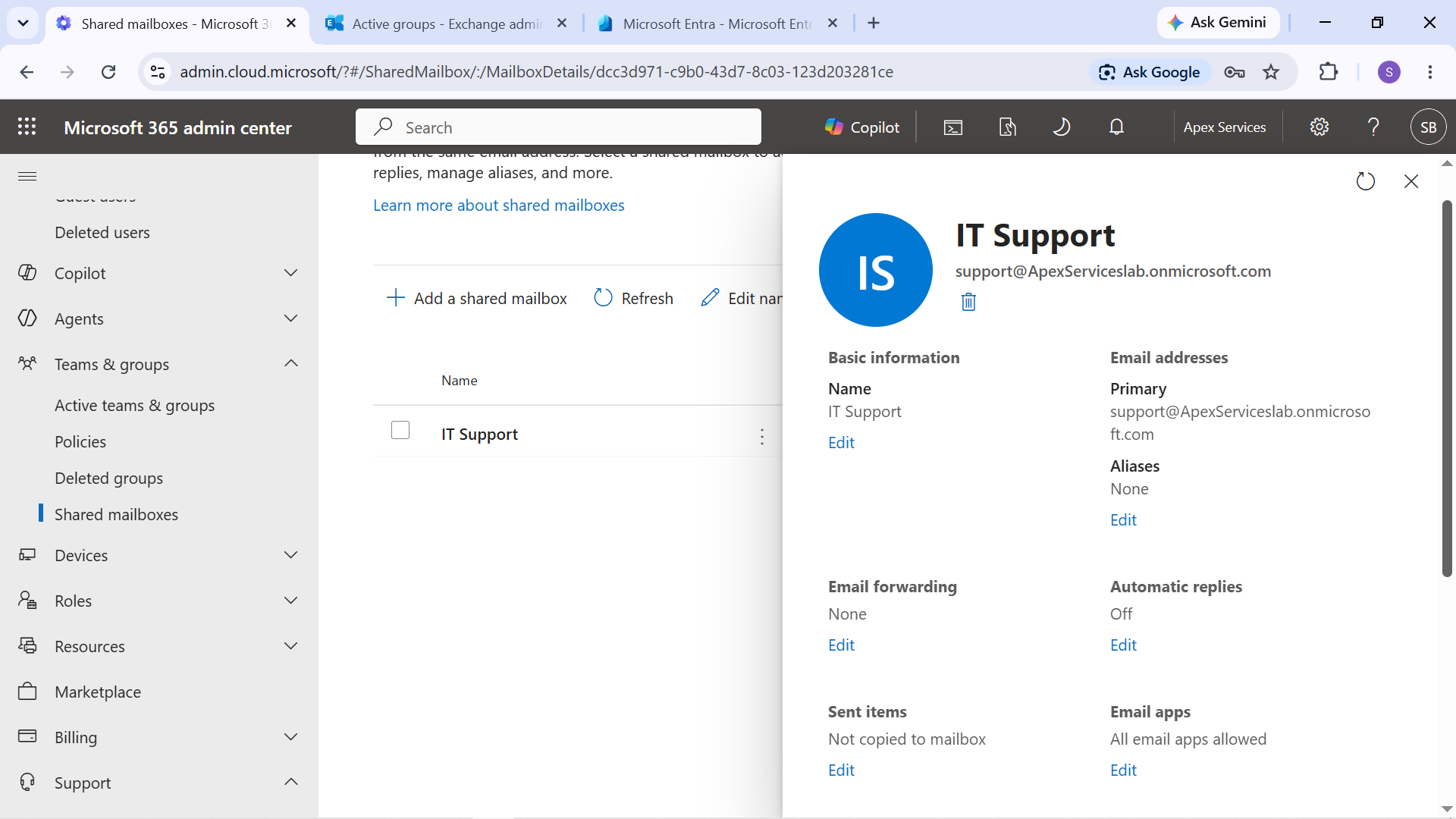
Evidence: IT Support shared mailbox configuration.
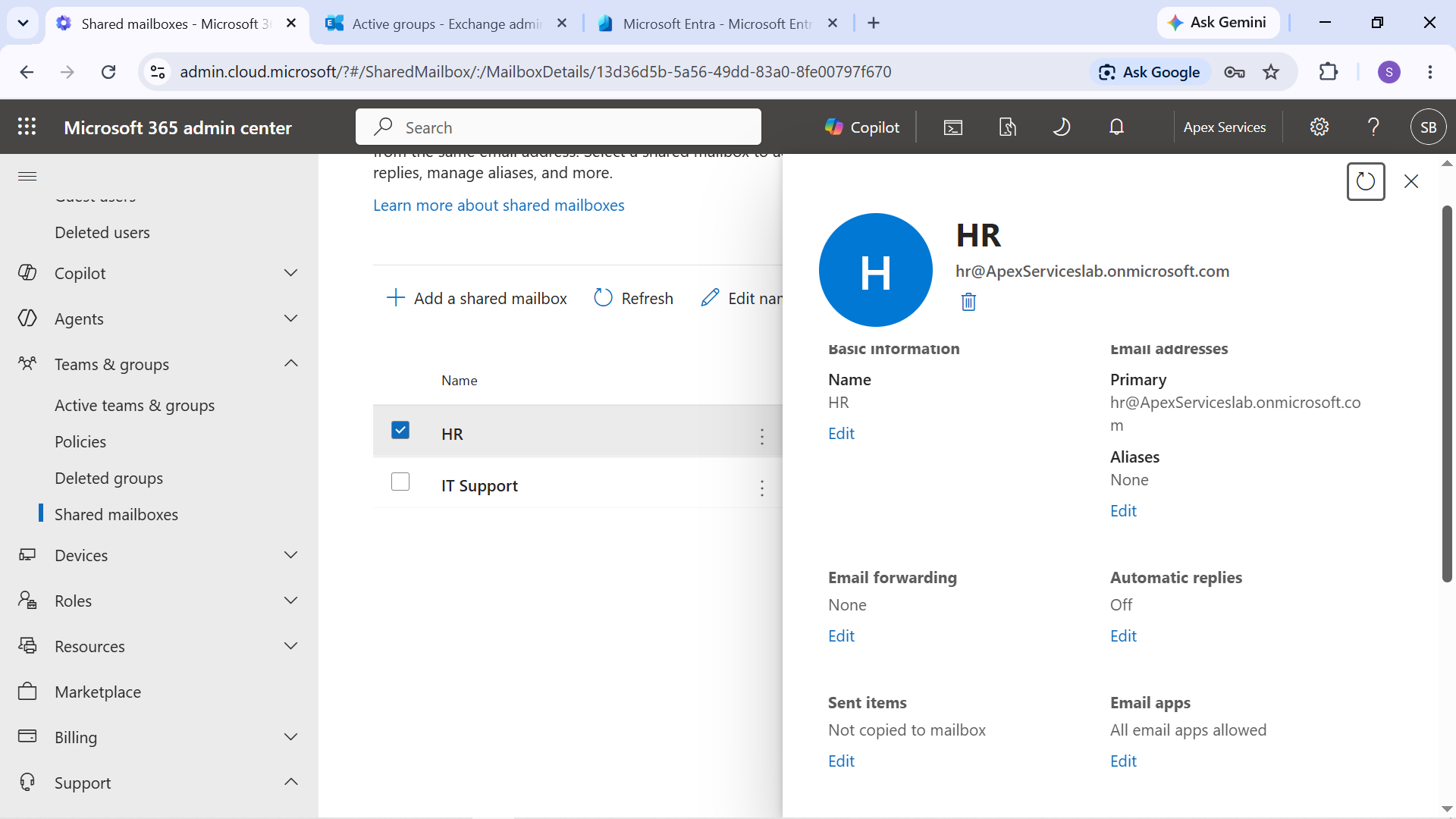
Evidence: HR shared mailbox configuration.
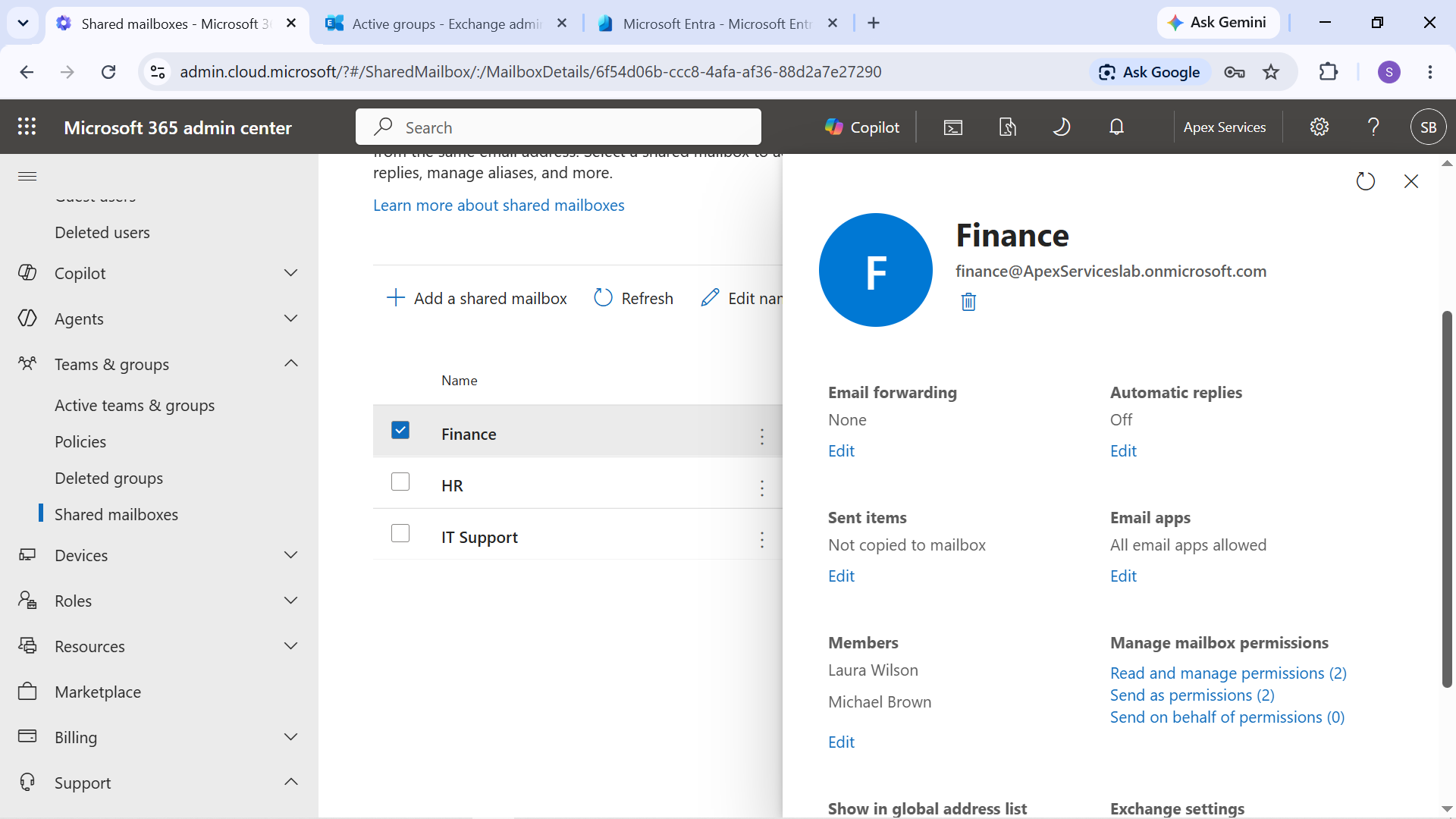
Evidence: Finance shared mailbox configuration.
The HR shared mailbox was later used for a controlled access troubleshooting scenario. Sarah Johnson's Full Access permission was temporarily removed, the resulting access failure was investigated, and the permission was restored and verified.
Room Resource Mailboxes
Two room resource mailboxes were configured to represent physical meeting spaces within Apex Services.
Conference Room 1
- Type: Room
- Capacity: 10
- Location: Main Office
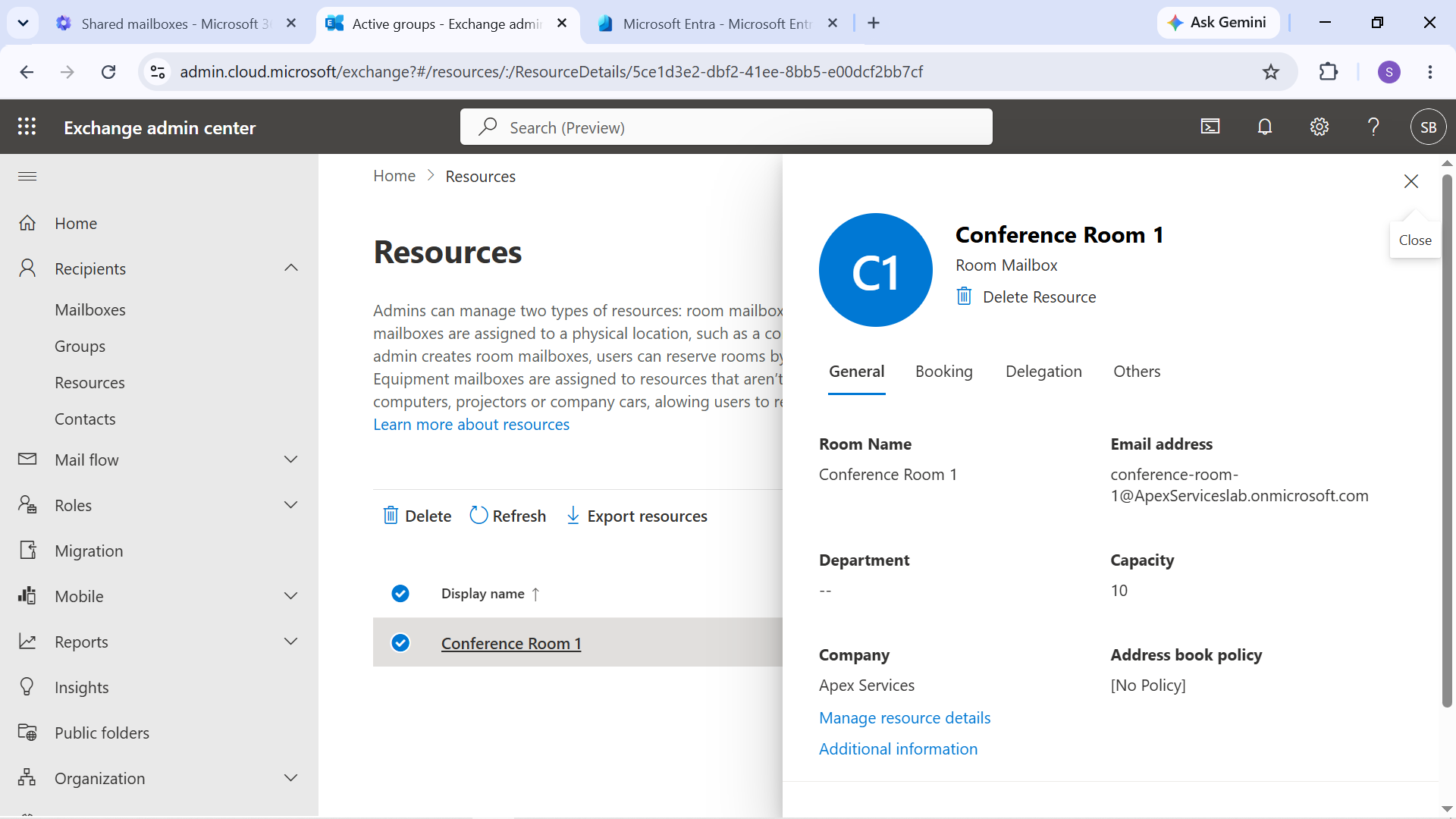
Evidence: Conference Room 1 resource mailbox configuration.
Training Room
- Type: Room
- Capacity: 20
- Location: Main Office
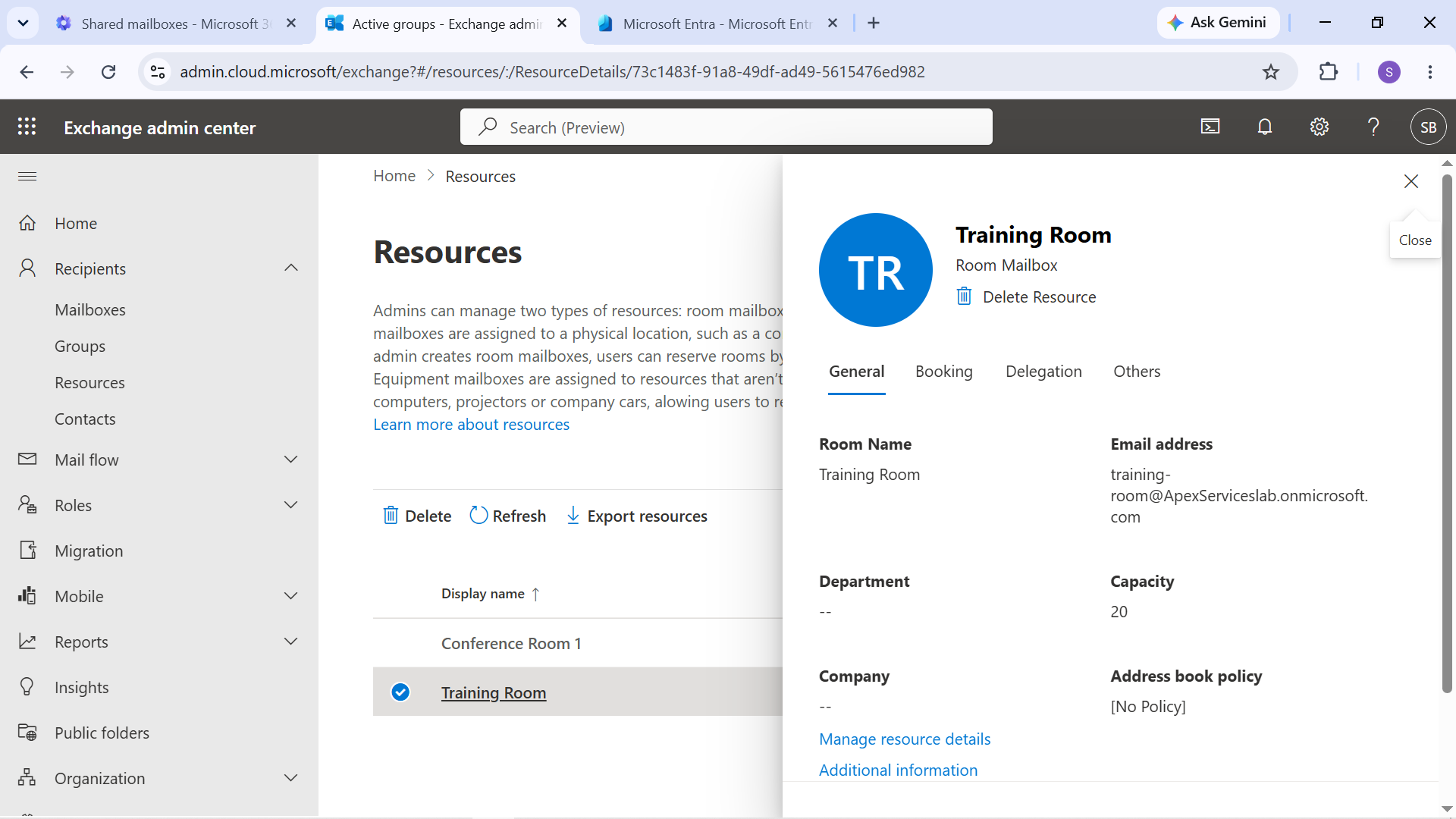
Evidence: Training Room resource mailbox configuration.
Conference Room 1 was subsequently used in an actual booking test to verify that the resource could be selected and booked through the calendar system.
Mailbox Permissions
Mailbox permissions were configured according to the support requirements of each shared resource.
For example, the HR shared mailbox provided both Sarah Johnson and Jessica Davis with delegated access, while Send As permissions allowed authorized users to send messages using the shared mailbox identity.
The configuration was later validated through an actual Send As test.
Calendar Delegation
Calendar delegation was configured between:
- David Wilson — General Manager
- Jennifer Thomas — Operations Manager
Jennifer was configured as a delegate with calendar-management access.
The delegation was subsequently verified through an actual calendar test.
Mailbox Conversion
Mailbox conversion was also demonstrated as part of the employee lifecycle workflow.
Laura Wilson's user mailbox was converted to a shared mailbox as a controlled offboarding preparation step.
The mailbox was preserved while the user's account remained available in the lab for the subsequent offboarding scenario.
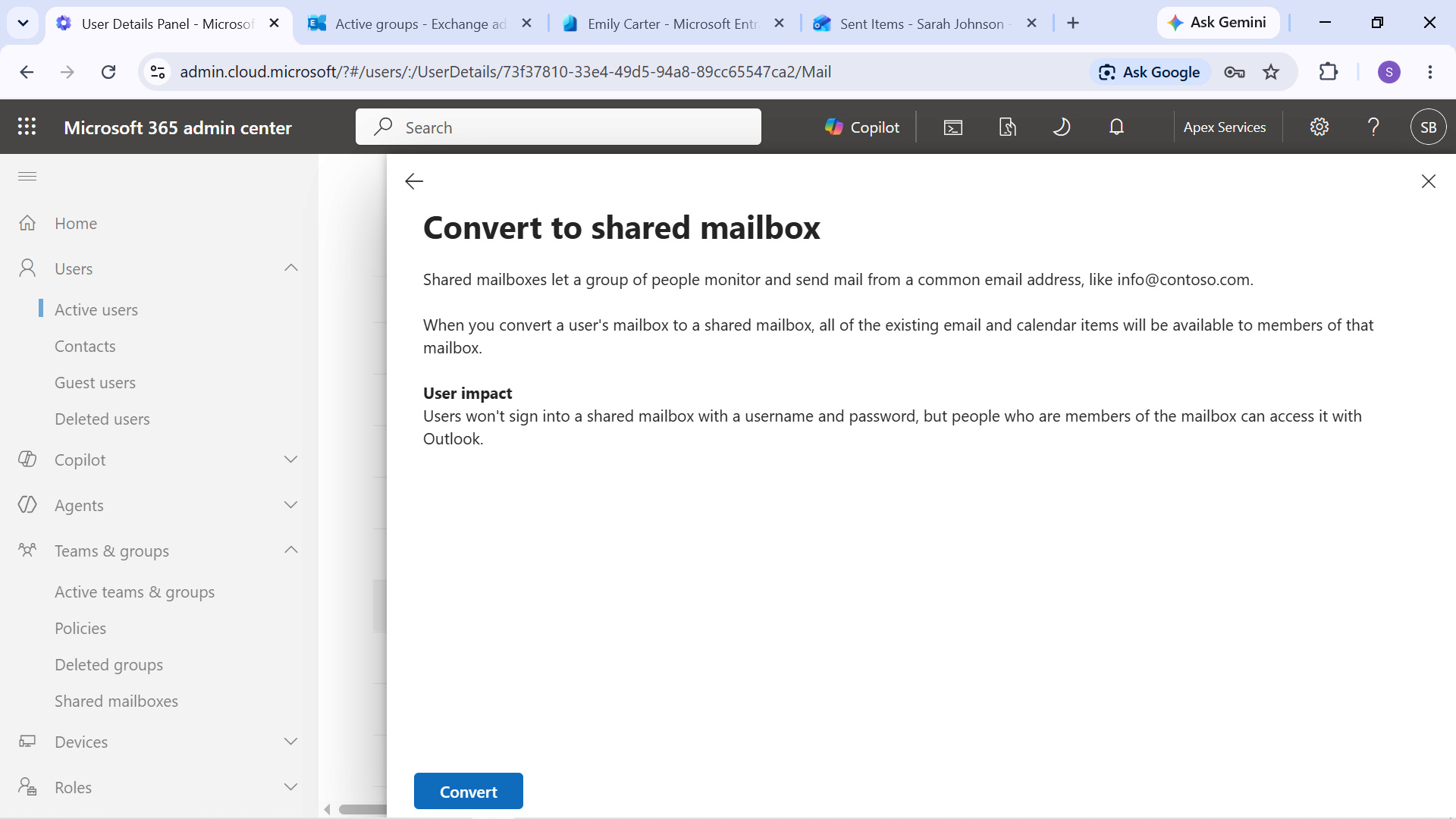
Evidence: Mailbox conversion option for Laura Wilson.
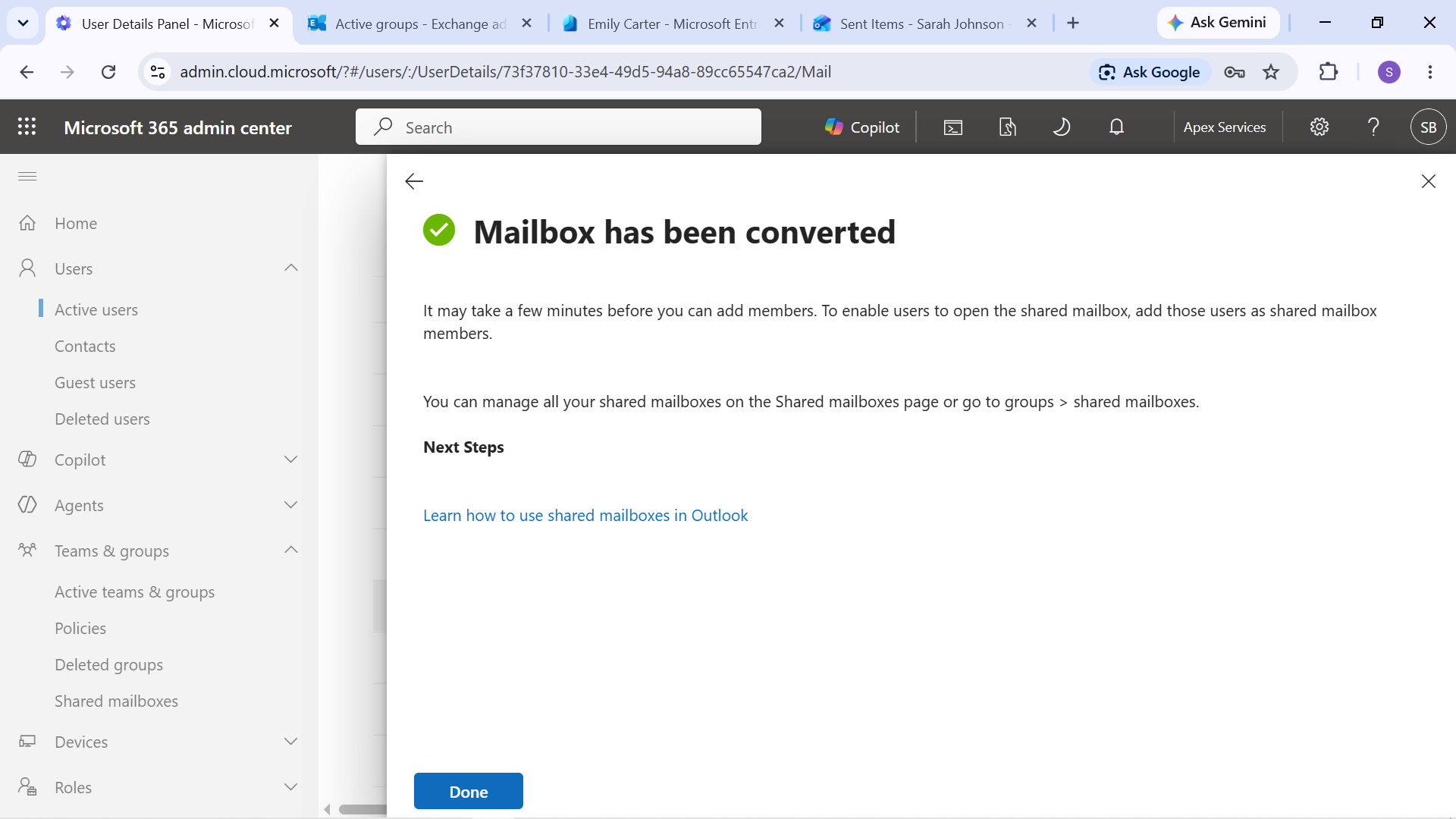
Evidence: Laura Wilson's mailbox after conversion to a shared mailbox.
Resource and Mailbox Testing
The configured mailboxes and resources were tested through actual user-facing operations, including:
- Shared mailbox access
- Send As
- Calendar delegation
- Resource booking
- Mailbox conversion
- Email delivery
The support scenarios later used these configurations to demonstrate controlled troubleshooting rather than relying only on configuration screenshots.
Administration Approach
The mailbox and resource configuration followed the same support-oriented process used throughout the project:
Configure → Test → Introduce Controlled Failure → Diagnose → Restore → Verify
Where a controlled failure was not required, the configured service was simply tested from the appropriate user or client perspective.