OneDrive
OneDrive was used in the lab to demonstrate user file storage, sharing, and access verification within Microsoft 365.
The testing focused on a practical support scenario: creating a working document resource, sharing it with another authorized user, and verifying the resulting access.
IT Support Lab Folder
Emily Carter's OneDrive was used for the lab.
An IT Support Lab folder was created to organize project-related support material.
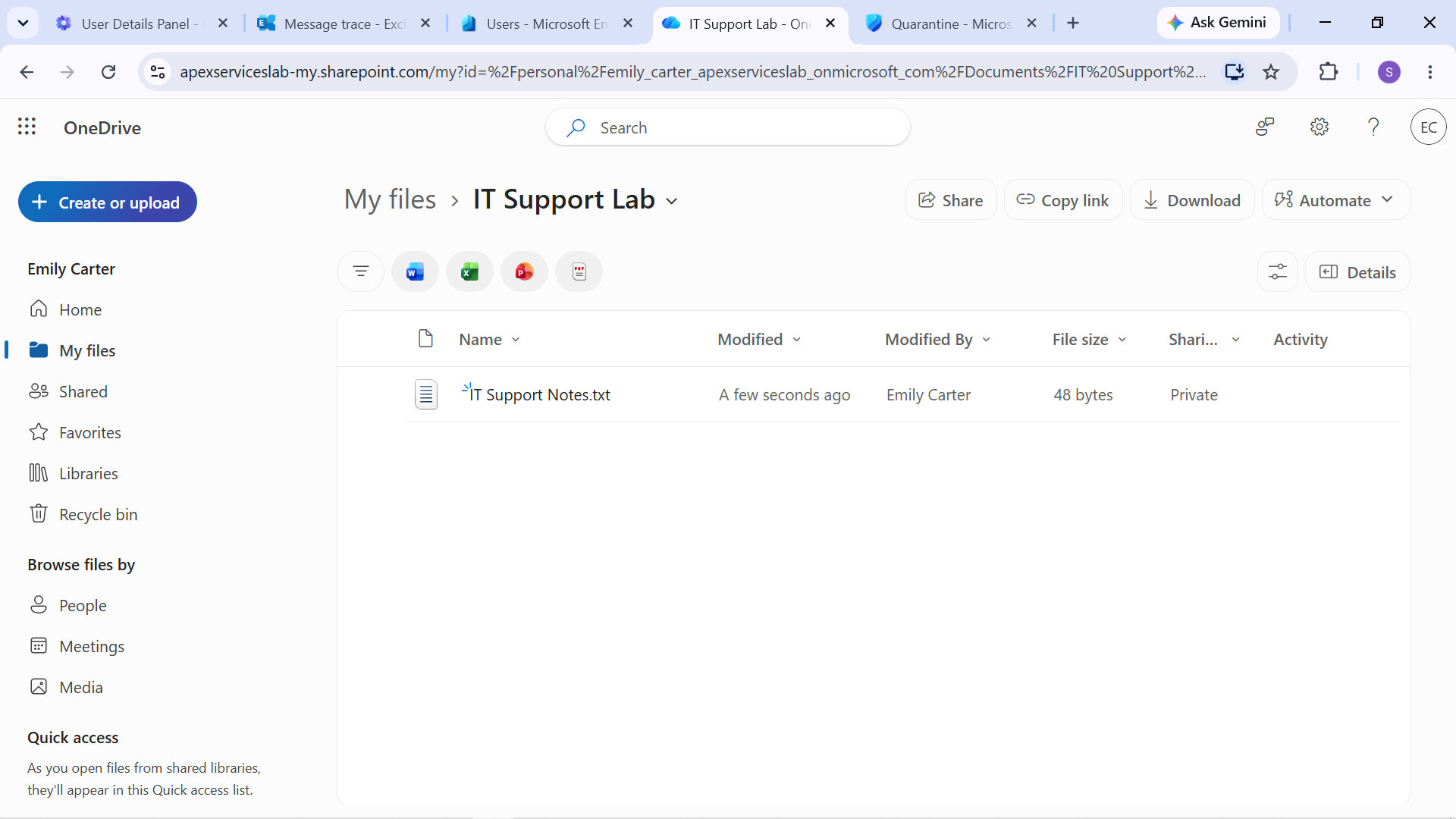
Evidence: IT Support Lab folder created in Emily Carter's OneDrive.
File Sharing
An IT Support Notes document was created within the lab folder and shared with Alex Morgan.
The sharing permission was configured as:
Can edit
The resulting sharing configuration was then verified.
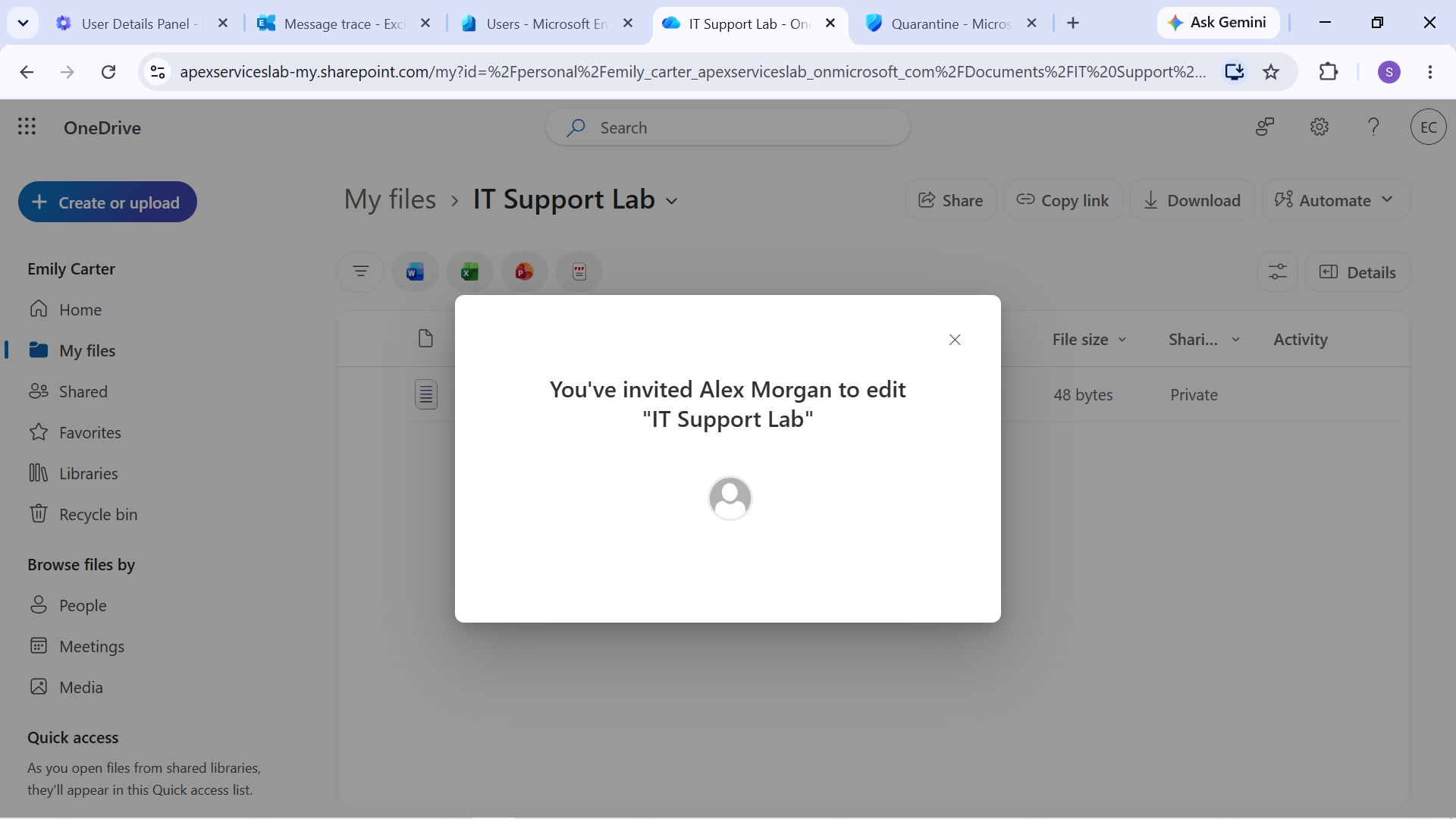
Evidence: OneDrive file-sharing test demonstrating the configured access.
Support Perspective
The OneDrive exercise demonstrated common user-support tasks involving:
- Locating a user's OneDrive content
- Creating and organizing files
- Sharing a file with another user
- Assigning appropriate sharing permissions
- Verifying that the configured sharing access works
The focus was on understanding the user-facing result of a Microsoft 365 sharing configuration rather than simply creating the resource.
Verification Workflow
The OneDrive test followed:
Create → Share → Assign Permission → Verify Access
This provided practical experience with basic OneDrive administration and user file-sharing support within the Microsoft 365 environment.